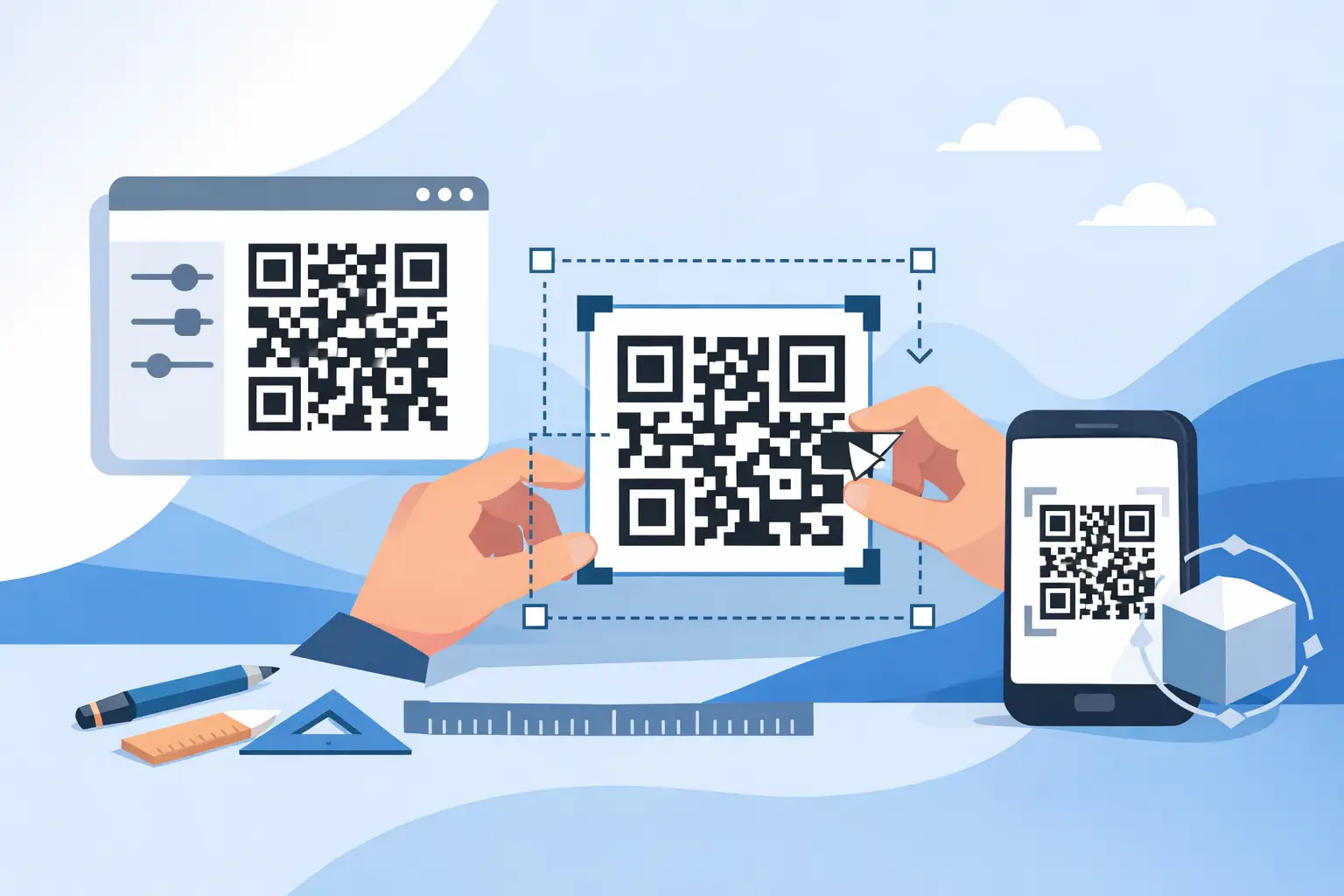
Guia para Tamanhos Personalizados do Gerador de Códigos QR
Eureka Seven
QR Code Generator Custom Size Guide
A QR code that looks fine on your screen can fail the second it lands on a business card, poster, label, or product box. That is why using a QR code generator custom size option matters. The right size makes the code easy to scan, easy to place, and much more useful in real marketing and everyday use.
For most people, the goal is simple: create a QR code that fits the space you have without making it hard to scan. That sounds easy, but size affects more than layout. It changes readability, print performance, and how well the code works across phones, distances, and surfaces.
Why qr code generator custom size matters
Why qr code generator custom size matters
A standard QR code is not always the right QR code. If you are adding one to a shipping insert, social graphic, storefront sign, flyer, or table tent, the available space changes. So does the distance from which someone will scan it.
A small code can work well on packaging or a business card if the content is simple and the print quality is sharp. A larger code makes more sense on signs, windows, trade show displays, or posters where people scan from farther away. Custom sizing helps you match the code to the actual use case instead of forcing every project into the same dimensions.
That matters because QR codes are practical tools, not decoration. If the size is wrong, people hesitate, the scan fails, and the link never gets opened.
The main sizing rule to follow
The main sizing rule to follow
The simplest rule is this: the farther away someone scans, the larger the QR code should be.
A code on a business card might only need to be around 0.8 to 1 inch wide if the print is clean and the URL or destination data is not too dense. A code on a poster viewed from a few feet away may need to be 2 to 4 inches or more. For large signs, window displays, or event graphics, you may need to go much bigger.
There is no perfect universal size because scanning depends on several factors at once. Distance matters, but so do code complexity, image resolution, contrast, and the material it is printed on. A custom size tool gives you room to adjust instead of guessing.
What affects scan quality besides size
What affects scan quality besides size
Size is important, but it is only one part of a usable QR code.
Data density
A QR code that points to a short URL is easier to keep clean and scannable at smaller sizes. A code with more data packed into it has more modules, which means the pattern gets tighter. When that happens, shrinking the code too much can make it difficult for phone cameras to read.
If you want a smaller printed code, keeping the destination simple helps.
File format and resolution
For digital use, a PNG can be perfectly fine if the resolution is high enough for where it will appear. For print, vector formats are usually the safer choice because they scale without losing sharpness. If you enlarge a low-resolution image too much, the edges blur and scan performance drops.
That is one of the biggest reasons users look for a qr code generator custom size feature in the first place. They do not just need a code. They need a code that fits the output format.
Contrast
Black on white still works best. You can use color, but contrast needs to stay strong. Light gray on pastel blue may look polished on screen and fail in print. Custom sizing will not fix poor contrast.
Quiet zone
A QR code needs blank space around it. That margin helps scanners detect the code correctly. If the design crowds the edges with text, borders, or artwork, scan quality suffers even if the code itself is technically large enough.
Choosing the right custom size for common uses
Choosing the right custom size for common uses
The best size depends on where the QR code will live.
Business cards and packaging
Small-format print needs restraint. If the code is too large, it takes over the layout. If it is too small, it becomes unreliable. For business cards, product tags, labels, and small box panels, a compact custom size usually works best when paired with a short destination and clean printing.
This is where precision matters. Even a slight adjustment can make the difference between a code that fits naturally and one that feels cramped.
Flyers, brochures, and menus
These usually give you more room. People also scan them from close range, so you do not need an oversized code. A medium custom size often gives the best balance between visibility and layout control.
Restaurant menus, service handouts, and event flyers are good examples. The code should be obvious enough to spot quickly but not so large that it competes with the main message.
Posters, signs, and storefront displays
For larger materials, the code needs to match the viewing distance. A poster in a hallway is different from a window sign facing a sidewalk. If people are scanning while walking past, larger is usually safer.
This is also where testing matters most. A QR code that looks big enough on your design file may still be too small in the real setting.
Social graphics and screens
Digital placement has its own rules. A code used in an Instagram post, presentation slide, or event screen must stay sharp across device sizes and screen resolutions. Here, custom size is less about inches and more about pixel dimensions and clarity.
If the code will appear on a screen that people scan from a distance, treat it more like signage than social media.
How to use a qr code generator custom size tool well
How to use a qr code generator custom size tool well
The most useful approach is to start with the final destination in mind. Before you generate anything, ask where the code will appear, how large the available space is, and how far away the average scan will happen.
Then choose dimensions that fit that context instead of picking an arbitrary square size. If you are designing for print, make sure the export stays sharp enough for the final physical dimensions. If you are designing for digital, check how it looks on both desktop and mobile.
It also helps to test the code before you finalize it. Print a sample if it is for packaging or signage. Open a mockup on a phone if it is for digital use. Scan it with more than one device if possible. This step catches issues that design previews miss.
A simple tool is usually the best fit here. Most users do not need campaign software or advanced workflow features. They need a fast way to generate a clean code at the size that matches the job. That is the value of a focused utility.
Common mistakes to avoid
Common mistakes to avoid
One common mistake is making the QR code smaller just to preserve the design. That can backfire fast, especially in print. If the code matters, it needs enough room to work.
Another mistake is exporting once and reusing the same file for every format. A code that works on a postcard may not work on a banner. Custom sizing exists for a reason.
Some users also add too much styling too early. Rounded modules, heavy color changes, and logo overlays can work, but each change reduces the margin for error. If the code also needs to be small, keep the design simple.
Finally, do not skip real-world testing. The code may scan perfectly from your laptop screen and fail on matte packaging, textured stock, or a reflective sign.
When bigger is not always better
When bigger is not always better
It is easy to assume a larger QR code is always the safer choice. Sometimes it is. But oversized codes can create layout problems, especially in smaller marketing materials where space is limited.
A code that dominates the design may distract from the actual call to action. It can also feel awkward on packaging or menus where every inch matters. The better goal is not maximum size. It is appropriate size.
That is where a practical tool helps. A service like QRColor.com makes more sense for users who want to generate a QR code quickly, choose dimensions based on where it will be used, and move on without extra setup.
A better way to think about QR code size
A better way to think about QR code size
Instead of asking, what size should my QR code be, ask, what does this code need to do where it will be seen? That shifts the decision from guesswork to function.
A QR code is only useful when people can scan it without effort. Custom size gives you control over that outcome. If you match the size to the surface, distance, and file quality from the start, you end up with a code that fits the design and does the job the first time.
The easiest win is simple: make the code for the place it will actually live, not the place you first designed it.