Como compartilhar links offline com códigos QR
Eureka Seven
How to Share Links Offline With QR Codes
A customer sees your flyer, product label, or business card for a few seconds. Asking them to type a long web address later creates friction. Learning how to share links offline means giving people a fast way to move from a physical item to the exact page, profile, menu, form, or video you want them to see.
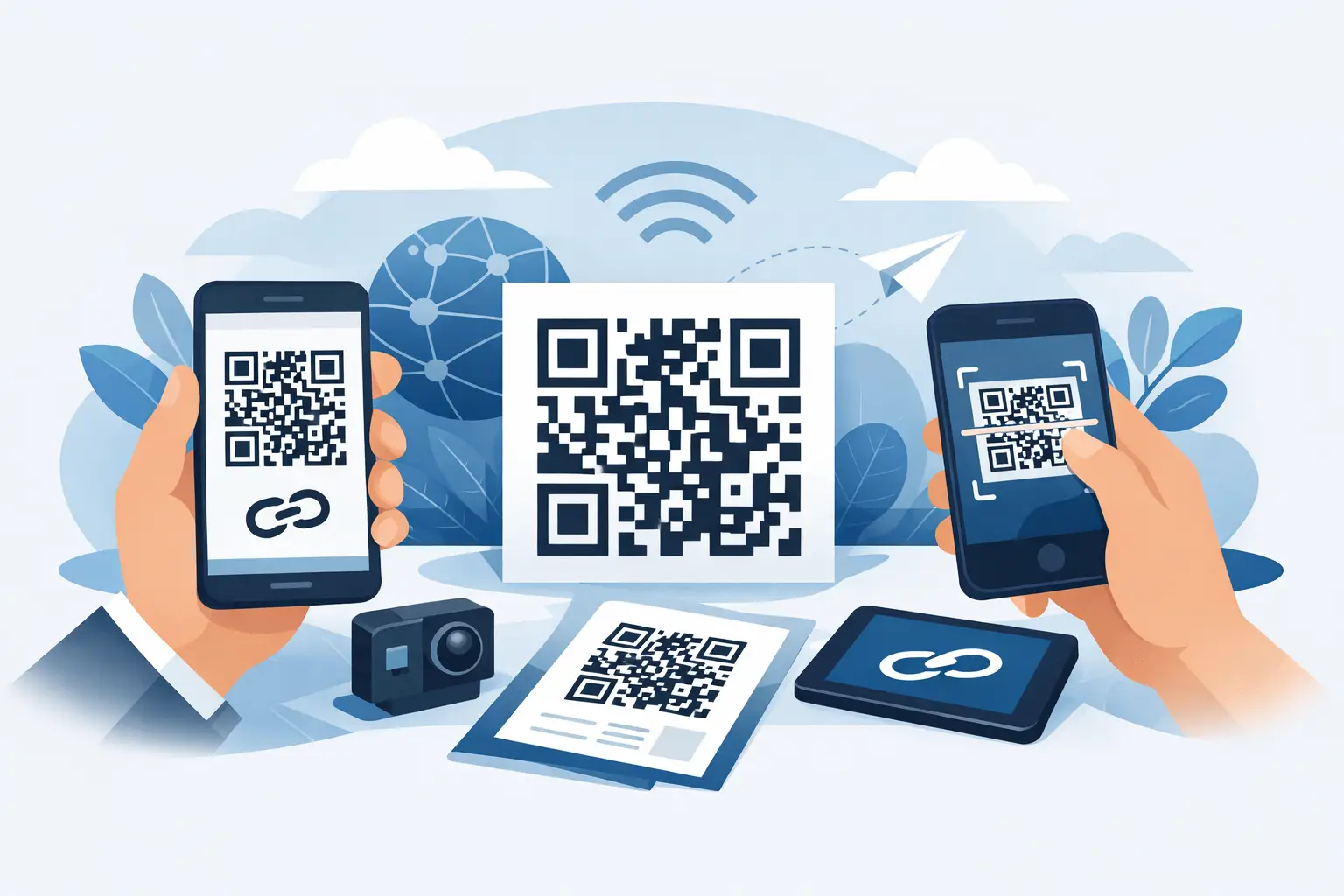
A QR code is usually the simplest answer. It turns a digital destination into a scannable image that works on printed materials, screens, packaging, and signs. Most phone cameras can scan a QR code without requiring a separate app, so the person viewing it can open your link in seconds.
How to Share Links Offline Without Adding Friction
How to Share Links Offline Without Adding Friction
Start with one clear destination. A QR code can point to almost any online location, but the best result comes from matching the link to the moment. A code on a restaurant table tent should open the menu or ordering page. A code on a real estate sign should open the listing. A code on a creator's postcard might open a portfolio, social profile, or mailing list signup.
Avoid sending people to a generic homepage when a more specific page exists. The less searching a visitor has to do after scanning, the more useful the code becomes. If your goal is reviews, use the review page. If your goal is appointments, send people directly to booking. If you are promoting one product, link to that product rather than a full catalog.
Once you have the right destination, generate a QR code from the link and add it to the item people will see offline. QRColor.com can create a scannable code quickly for websites, social profiles, and other digital destinations. Download the image in a format that works for your design, then place it where people can notice and scan it comfortably.
The code itself should support the message, not replace it. Include a short instruction nearby, such as “Scan to view the menu,” “Scan for event details,” or “Scan to follow us.” A visible reason to scan makes a major difference. People are less likely to scan an unexplained square, especially in a public setting.
Choose the Right Offline Placement
Choose the Right Offline Placement
The same QR code can work in many places, but placement affects whether people actually use it. Think about where the item will be viewed, how far away the viewer will stand, and whether they will have time to scan.
Business cards are useful for sharing a portfolio, contact page, service menu, or professional profile. Keep the code away from the card edge and give it enough empty space around it. A crowded back side makes scanning harder and can make the card feel less focused.
Flyers, posters, and storefront signs work well for promotions, events, local services, and limited-time offers. People may be walking past, so use a larger code and a direct call to action. If the sign is read from several feet away, a small code will not be practical. Make the code large enough to scan from the distance where people are likely to stop.
Product packaging can connect buyers to setup instructions, product care details, recipes, warranty registration, tutorial videos, or reorder pages. Here, the destination should add value after purchase. A generic social media link may be less helpful than a page that answers the question a buyer is most likely to have.
Table tents, receipts, counter displays, and window decals are useful when customers are already engaged with your business. These placements are ideal for menus, loyalty programs, feedback forms, tips, online ordering, and review requests. Because people are close to the code, it does not need to be as large as a roadside or window sign. It still needs clear contrast and room around it.
Print ads and direct mail can also carry QR codes, but the offer must be easy to understand without extra context. Tell readers what they will get by scanning: a discount, a sample, directions, a quote request, or registration. The message on the page should make the next step feel worthwhile.
Make Every QR Code Easy to Scan
Make Every QR Code Easy to Scan
A QR code that looks good but fails in real conditions is not useful. Before printing a large batch, scan it with more than one phone and in the environment where it will appear. Test a printed version, not only the file on your computer screen.
Use a dark code on a light background whenever possible. Black on white is the most reliable option. Custom colors can fit your branding, but low contrast creates risk, especially in dim light or on glossy materials. Avoid placing the code over a photo, pattern, or textured background.
Leave clear space around all four sides of the code. This empty border helps cameras recognize it. Do not squeeze text, logos, borders, or design elements directly against the squares. If you add a logo in the center, keep it modest and test the final version carefully.
Size matters. For a business card or product label, a code around one inch square is often a reasonable starting point. Larger formats need larger codes. A poster in a shop window may need a code several inches wide, depending on the expected scanning distance. When in doubt, print a test copy, step back, and try scanning from where your audience will stand.
Also consider the surface. A code printed on a curved bottle, shiny package, folded brochure, or fabric banner can be harder to scan. Keep it on the flattest, clearest area available. Do not place it over a crease, near a perforation, or where glare will cover it.
Prepare the Destination for Mobile Visitors
Prepare the Destination for Mobile Visitors
Sharing a link offline only works if the page is useful once the phone opens it. Most scans happen on mobile devices, often while the person is standing, shopping, waiting, or moving between places. The page should load quickly and make the next action obvious.
Put the most relevant information near the top. If the QR code promotes an event, show the date, location, and registration option right away. If it promotes a service, show what you offer and how to contact you. If it leads to a social profile, make sure the profile is current and clearly represents your business.
Long forms and cluttered landing pages can waste the attention you earned with the scan. Keep the action proportionate to the context. A person scanning a booth sign may be willing to save a page or join a list. They may not be ready to complete a ten-minute questionnaire.
There is also a practical choice between using a direct final link and using a link you can update later. A direct link is simple and has fewer moving parts. It is a good choice for stable destinations, such as an evergreen contact page. An editable redirect can be useful for printed materials that will stay in circulation while the campaign or destination changes. The trade-off is that you need to manage that redirect reliably over time.
Use Clear Calls to Action, Not Just a Code
Use Clear Calls to Action, Not Just a Code
The strongest offline QR code campaigns answer three questions before the scan: what is this, what will I get, and why should I do it now?
“Scan for more” is vague. “Scan to see this week’s specials” gives a real reason. “Scan to book your free estimate” is even more direct. Keep the wording short, but make the benefit specific.
If there is an offer, state it plainly. A café can use “Scan for 10% off your next order.” A contractor can use “Scan for a fast project estimate.” A musician can use “Scan to hear the new release.” The call to action should match the physical setting and the audience’s likely interest.
For some audiences, adding a short, readable web address below the QR code is helpful as a backup. This is especially useful on signs viewed at a distance or in places with poor lighting. Do not use it as a substitute for a scannable code, though. The point is to remove typing whenever possible.
Common Mistakes to Avoid When Sharing Links Offline
Common Mistakes to Avoid When Sharing Links Offline
The most common mistake is using one code for too many unrelated purposes. A code on a product package should not lead to a general page that forces customers to hunt for instructions, support, social media, and promotions. Give each placement a purpose.
Another mistake is printing before testing. A tiny issue in contrast, cropping, or destination URL can turn hundreds of printed pieces into a missed opportunity. Scan the final design on different phones, from different angles, and under normal lighting.
Finally, do not treat the QR code as decoration. It is a functional path between an offline moment and an online action. Place it deliberately, explain its value, and send people somewhere that respects their time.
A good QR code does not need a complicated campaign behind it. Put the right link in the right physical place, give people a clear reason to scan, and make the next screen worth opening.