Como escolher um gerador de QR Code com logotipo

Eureka Seven

How to Choose a QR Code Generator With Logo

A plain QR code works. A branded one gets recognized faster.

That is the main reason people look for a QR code generator with logo. If you are putting a code on packaging, a flyer, a menu, a sign, or a social post, you usually want more than a black-and-white square. You want something that still scans well but also feels like it belongs to your business.

The catch is simple: adding a logo can improve brand recognition, but it can also make the code harder to scan if you push the design too far. The best result is not the fanciest code. It is the one people trust, notice, and scan on the first try.

What a QR code generator with logo should actually do

What a QR code generator with logo should actually do

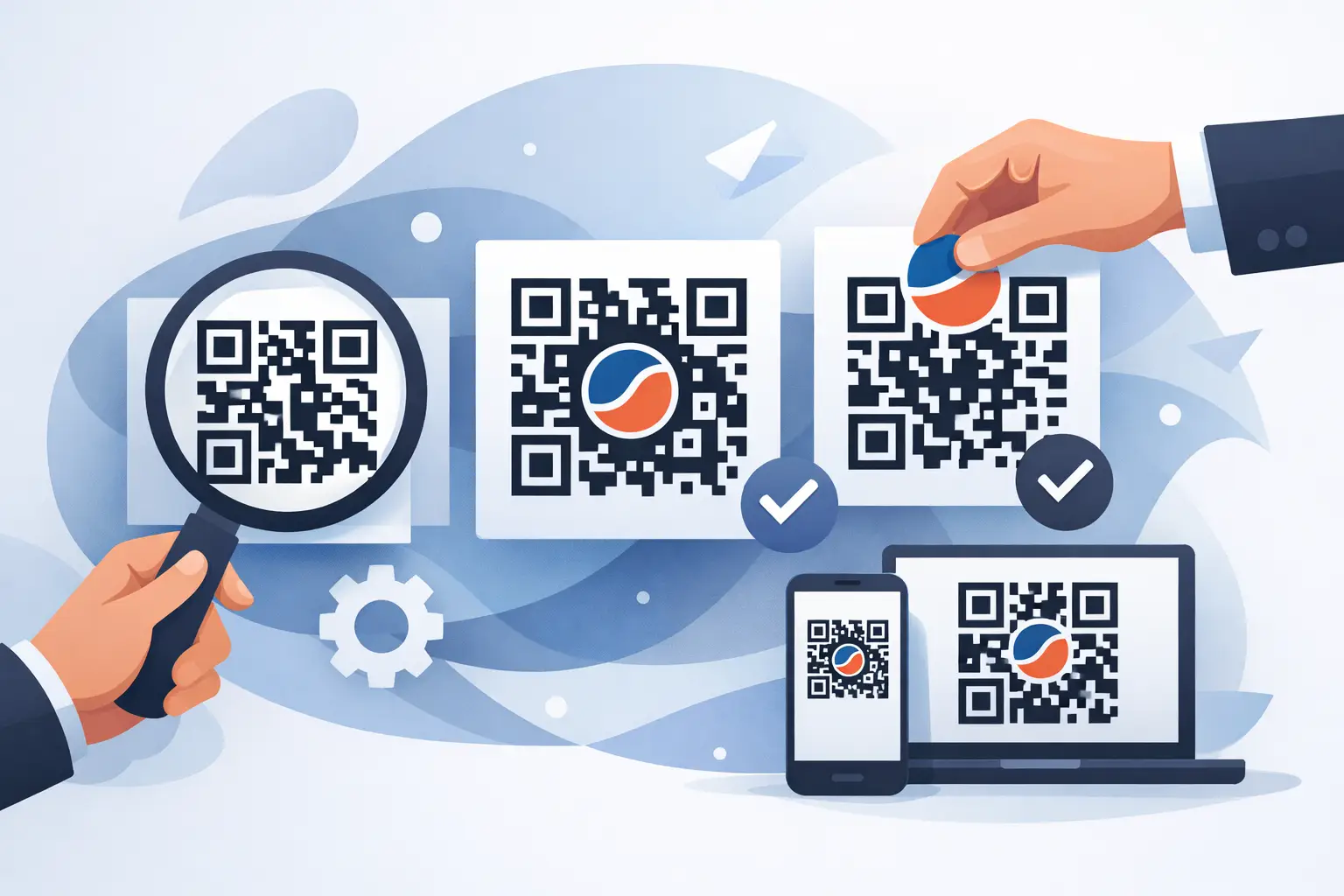
At a basic level, the tool should let you turn a link into a QR code and place a logo in the center without breaking usability. That sounds simple, but the details matter.

A good generator should give you control over the destination, the image style, and the download format. It should also make the process fast enough that you can create something useful in a few minutes instead of treating it like a design project.

For most users, the core job is straightforward. You enter a website URL, social media profile, or other digital destination, add your branding, download the code, and use it in print or digital materials. If the tool gets in the way, it is solving the wrong problem.

Why add a logo at all?

Why add a logo at all?

A logo changes how people read the code before they ever scan it. On a crowded poster or package, a branded QR code can look intentional instead of generic. That matters for small businesses and creators who want every touchpoint to reinforce their identity.

It can also increase trust. If someone sees your brand mark inside the code, they have more context about where the scan will take them. That does not guarantee more scans, but it often reduces hesitation.

There is also a practical side. If you use multiple QR codes across menus, table tents, business cards, product labels, and event signs, branded design helps keep them visually consistent.

Still, there is a limit. If your main goal is maximum scan reliability in poor lighting, from a distance, or on low-quality print, a simpler code may perform better than a heavily customized one.

How to judge scan reliability

How to judge scan reliability

This is where many people make the wrong choice. They pick based on style first and test later.

A QR code with a logo needs enough contrast between the code and the background. Dark code on a light background is still the safest option. Reversing that can work, but it is less forgiving, especially in print.

Size matters too. If the logo takes up too much space in the center, scanners may struggle. QR codes include error correction, which is what allows some of the pattern to be covered, but that does not mean you should push it to the edge. A modest logo usually works better than a large one.

The quiet zone is another common issue. That is the empty space around the code. If text, borders, or design elements sit too close to the edges, some phones will have trouble recognizing it.

If you are comparing tools, do not just ask whether they let you add a logo. Ask whether the finished code still scans quickly on different phones, at different sizes, and in real conditions.

Features worth looking for in a qr code generator with logo

Features worth looking for in a qr code generator with logo

Not every user needs advanced settings, but a few capabilities make a big difference.

Logo upload is the obvious one. You should be able to add your own image cleanly, without awkward cropping or poor resolution. Color customization also matters, but it should be easy to use. If a tool gives you endless controls but no guardrails, it is easy to create a code that looks better on-screen than it does in the real world.

Download format is important if you plan to print. PNG is fine for many digital uses, but SVG or other scalable formats are often better for professional printing because they stay sharp at different sizes.

You should also look at how quickly you can generate and export the code. For many small businesses, speed is part of quality. A tool that takes ten steps to do one simple job is not helping.

If you need to create codes often for websites, landing pages, or social channels, convenience matters more than feature overload. That is where a focused tool is usually more useful than a large platform built around broader campaign management.

Design choices that help instead of hurt

Design choices that help instead of hurt

The safest design approach is usually the most effective one. Use your brand colors, but keep contrast high. Add your logo, but keep it proportionate. Customize the look, but do not make the code so stylized that it becomes decorative first and functional second.

Rounded modules, gradients, and custom eyes can look good when handled carefully. They can also reduce scan reliability if combined all at once. It depends on where the code will appear.

For example, if the code is going on product packaging viewed up close, you may have more flexibility. If it is going on a window sign meant to be scanned from a sidewalk, clean structure matters more than visual detail.

The same is true for print quality. A design that scans perfectly on a retina display may fail on a low-cost paper flyer or a label with glare. Always test the actual output, not just the preview.

Best use cases for branded QR codes

Best use cases for branded QR codes

A branded QR code makes sense when recognition and presentation are part of the job. That includes retail packaging, restaurant menus, brochures, trade show materials, storefront signage, and creator promo cards.

It also works well for social media promotion. If you are directing people to an Instagram profile, portfolio, booking page, or product launch, a code with your logo feels more intentional than a generic square pasted into the layout.

For internal or purely functional uses, branding may not matter as much. If you are labeling inventory, sharing a Wi-Fi login in a back office, or using temporary event signage, speed and reliability may matter more than appearance.

That is the trade-off to keep in mind. A logo is helpful when the code is part of your public-facing brand. It is less essential when the code is mainly a utility.

Common mistakes to avoid

Common mistakes to avoid

The biggest mistake is making the logo too large. The second is choosing low-contrast colors because they match the brand palette better. Brand alignment matters, but not more than scan performance.

Another problem is downloading the code too small for print use. If you stretch a low-resolution image onto a poster or package, quality drops fast. Start with the right export format and size for the job.

People also forget to test across devices. One phone scanning the code at your desk does not prove much. Try newer and older phones, test in bright and dim settings, and print a sample if the code is going into the real world.

Finally, avoid placing the QR code where scanning is awkward. A good code can still underperform if it is stuck on a curved bottle, placed behind reflective glass, or printed too close to folds and edges.

What most small businesses actually need

What most small businesses actually need

Most small businesses do not need an enterprise QR platform. They need a fast way to create a clean, branded code that points to the right destination and works when customers scan it.

That usually means simple controls, logo support, color options that stay readable, and export formats that fit both digital and print use. If the tool is clear and quick, it is more likely to get used regularly.

That is also why a focused utility often makes more sense than a feature-heavy system. If your goal is to turn a link into a scannable branded asset today, the best tool is the one that does that job without extra friction. QRColor fits that practical use case well.

When you choose a QR code generator, think less about how many settings it offers and more about whether the final code looks like your brand and scans without effort. If both are true, you have what you need - and that is usually the whole point.

How to Choose a QR Code Generator With Logo

Eureka Seven

A plain QR code works. A branded one gets recognized faster.

That is the main reason people look for a QR code generator with logo. If you are putting a code on packaging, a flyer, a menu, a sign, or a social post, you usually want more than a black-and-white square. You want something that still scans well but also feels like it belongs to your business.

The catch is simple: adding a logo can improve brand recognition, but it can also make the code harder to scan if you push the design too far. The best result is not the fanciest code. It is the one people trust, notice, and scan on the first try.

What a QR code generator with logo should actually do

What a QR code generator with logo should actually do

At a basic level, the tool should let you turn a link into a QR code and place a logo in the center without breaking usability. That sounds simple, but the details matter.

A good generator should give you control over the destination, the image style, and the download format. It should also make the process fast enough that you can create something useful in a few minutes instead of treating it like a design project.

For most users, the core job is straightforward. You enter a website URL, social media profile, or other digital destination, add your branding, download the code, and use it in print or digital materials. If the tool gets in the way, it is solving the wrong problem.

Why add a logo at all?

Why add a logo at all?

A logo changes how people read the code before they ever scan it. On a crowded poster or package, a branded QR code can look intentional instead of generic. That matters for small businesses and creators who want every touchpoint to reinforce their identity.

It can also increase trust. If someone sees your brand mark inside the code, they have more context about where the scan will take them. That does not guarantee more scans, but it often reduces hesitation.

There is also a practical side. If you use multiple QR codes across menus, table tents, business cards, product labels, and event signs, branded design helps keep them visually consistent.

Still, there is a limit. If your main goal is maximum scan reliability in poor lighting, from a distance, or on low-quality print, a simpler code may perform better than a heavily customized one.

How to judge scan reliability

How to judge scan reliability

This is where many people make the wrong choice. They pick based on style first and test later.

A QR code with a logo needs enough contrast between the code and the background. Dark code on a light background is still the safest option. Reversing that can work, but it is less forgiving, especially in print.

Size matters too. If the logo takes up too much space in the center, scanners may struggle. QR codes include error correction, which is what allows some of the pattern to be covered, but that does not mean you should push it to the edge. A modest logo usually works better than a large one.

The quiet zone is another common issue. That is the empty space around the code. If text, borders, or design elements sit too close to the edges, some phones will have trouble recognizing it.

If you are comparing tools, do not just ask whether they let you add a logo. Ask whether the finished code still scans quickly on different phones, at different sizes, and in real conditions.

Features worth looking for in a qr code generator with logo

Features worth looking for in a qr code generator with logo

Not every user needs advanced settings, but a few capabilities make a big difference.

Logo upload is the obvious one. You should be able to add your own image cleanly, without awkward cropping or poor resolution. Color customization also matters, but it should be easy to use. If a tool gives you endless controls but no guardrails, it is easy to create a code that looks better on-screen than it does in the real world.

Download format is important if you plan to print. PNG is fine for many digital uses, but SVG or other scalable formats are often better for professional printing because they stay sharp at different sizes.

You should also look at how quickly you can generate and export the code. For many small businesses, speed is part of quality. A tool that takes ten steps to do one simple job is not helping.

If you need to create codes often for websites, landing pages, or social channels, convenience matters more than feature overload. That is where a focused tool is usually more useful than a large platform built around broader campaign management.

Design choices that help instead of hurt

Design choices that help instead of hurt

The safest design approach is usually the most effective one. Use your brand colors, but keep contrast high. Add your logo, but keep it proportionate. Customize the look, but do not make the code so stylized that it becomes decorative first and functional second.

Rounded modules, gradients, and custom eyes can look good when handled carefully. They can also reduce scan reliability if combined all at once. It depends on where the code will appear.

For example, if the code is going on product packaging viewed up close, you may have more flexibility. If it is going on a window sign meant to be scanned from a sidewalk, clean structure matters more than visual detail.

The same is true for print quality. A design that scans perfectly on a retina display may fail on a low-cost paper flyer or a label with glare. Always test the actual output, not just the preview.

Best use cases for branded QR codes

Best use cases for branded QR codes

A branded QR code makes sense when recognition and presentation are part of the job. That includes retail packaging, restaurant menus, brochures, trade show materials, storefront signage, and creator promo cards.

It also works well for social media promotion. If you are directing people to an Instagram profile, portfolio, booking page, or product launch, a code with your logo feels more intentional than a generic square pasted into the layout.

For internal or purely functional uses, branding may not matter as much. If you are labeling inventory, sharing a Wi-Fi login in a back office, or using temporary event signage, speed and reliability may matter more than appearance.

That is the trade-off to keep in mind. A logo is helpful when the code is part of your public-facing brand. It is less essential when the code is mainly a utility.

Common mistakes to avoid

Common mistakes to avoid

The biggest mistake is making the logo too large. The second is choosing low-contrast colors because they match the brand palette better. Brand alignment matters, but not more than scan performance.

Another problem is downloading the code too small for print use. If you stretch a low-resolution image onto a poster or package, quality drops fast. Start with the right export format and size for the job.

People also forget to test across devices. One phone scanning the code at your desk does not prove much. Try newer and older phones, test in bright and dim settings, and print a sample if the code is going into the real world.

Finally, avoid placing the QR code where scanning is awkward. A good code can still underperform if it is stuck on a curved bottle, placed behind reflective glass, or printed too close to folds and edges.

What most small businesses actually need

What most small businesses actually need

Most small businesses do not need an enterprise QR platform. They need a fast way to create a clean, branded code that points to the right destination and works when customers scan it.

That usually means simple controls, logo support, color options that stay readable, and export formats that fit both digital and print use. If the tool is clear and quick, it is more likely to get used regularly.

That is also why a focused utility often makes more sense than a feature-heavy system. If your goal is to turn a link into a scannable branded asset today, the best tool is the one that does that job without extra friction. QRColor fits that practical use case well.

When you choose a QR code generator, think less about how many settings it offers and more about whether the final code looks like your brand and scans without effort. If both are true, you have what you need - and that is usually the whole point.