Hoe gebruik je een QR-code voor sociale media

Eureka Seven

How to Use a Social Media QR Code

A flyer gets one second of attention. A product package gets maybe three. If someone has to type your handle, search your name, and guess which account is real, you lose them. A social media qr code cuts out that extra work and sends people straight to the profile, post, or page you want them to see.

That is the real value. It is not about making marketing look modern. It is about reducing friction between interest and action. For a small business, creator, or local brand, that difference matters on menus, signs, business cards, packaging, event materials, and counter displays.

What a social media QR code actually does

What a social media QR code actually does

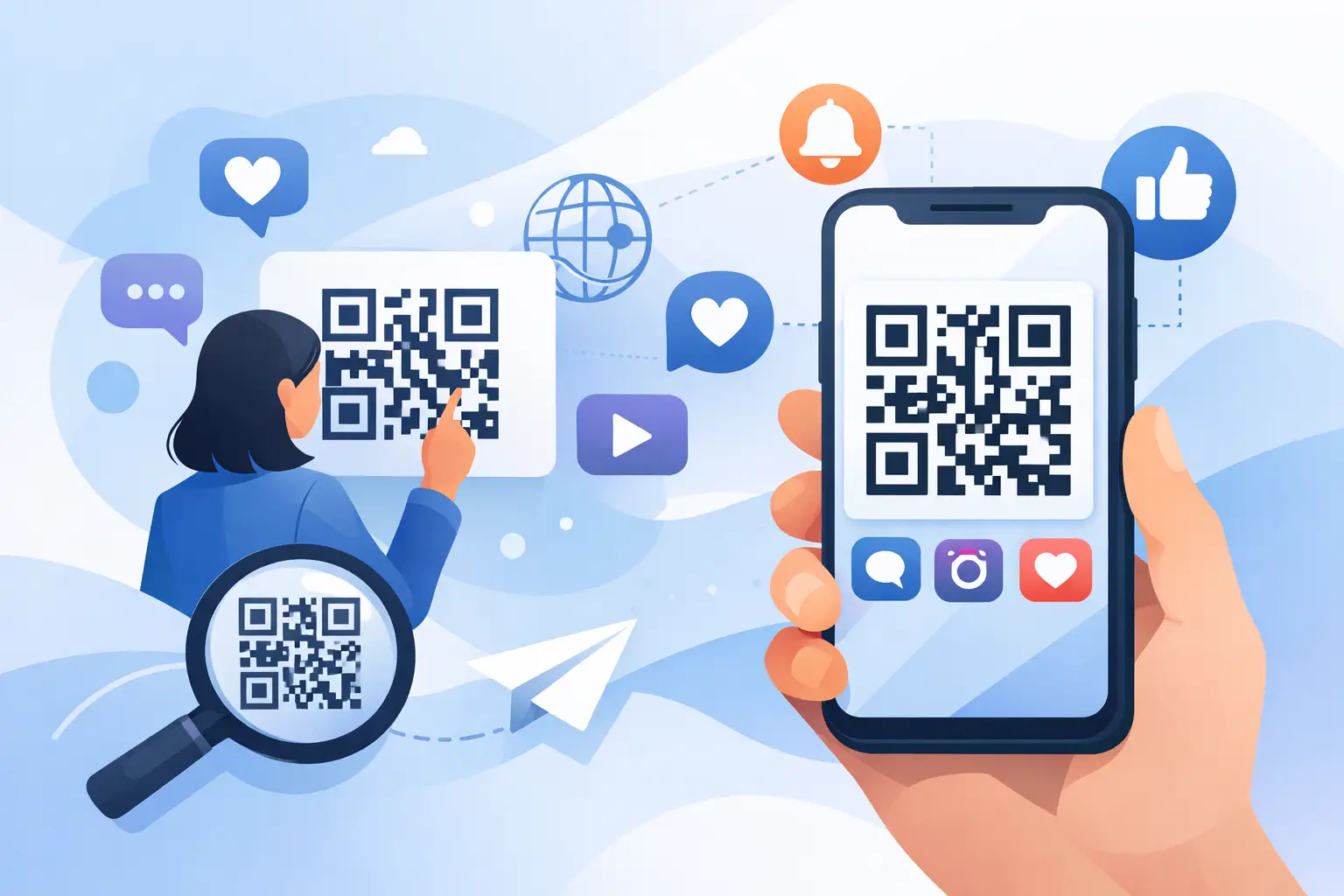
A social media QR code is a scannable code that opens a social media destination on a phone. That destination might be your Instagram profile, TikTok page, Facebook business page, LinkedIn profile, YouTube channel, or a single page that helps people choose between multiple platforms.

The simple version is one QR code for one link. Someone scans it and lands directly on your chosen profile. That works well when one platform matters most, like a restaurant pushing Instagram or a consultant promoting LinkedIn.

The broader version is one QR code that points to a page with several social accounts. That makes more sense when your audience may prefer different platforms. A customer might follow you on Instagram, while a potential partner may want LinkedIn instead. One code can support both, as long as the destination is clear and easy to use.

Why social media QR codes work

Why social media QR codes work

Most offline marketing fails at the handoff. People notice a poster, label, booth sign, or product insert, but they do not want to stop and type anything. A QR code turns that moment into a quick action.

It also helps with accuracy. Social handles are not always consistent across platforms, and business names are often similar. If someone searches manually, they may land on the wrong account or give up. A direct scan removes the guesswork.

There is also a timing advantage. When interest is fresh, response rates are better. If someone scans while standing in your store or looking at your packaging, you have their attention right then. Asking them to "check us out later" is much weaker than giving them a direct path now.

That said, a QR code only helps if the destination is worth visiting. If your profile is inactive, confusing, or missing basic details, the code solves the wrong problem. The scan gets people there. Your content and profile setup still have to do the rest.

Where to use a social media QR code

Where to use a social media QR code

The best placements are the ones where people already have a reason to learn more about you. Product packaging is a strong example because the customer already bought or handled the item. A QR code there can turn a one-time purchase into a follow, review, or repeat visit.

Printed materials are another obvious fit. Business cards, postcards, menus, event signage, and brochures all benefit from a shortcut to your social profile. If the material has limited space, a QR code often works better than listing several usernames.

In-store use is especially practical for local businesses. A code near the register, on a table tent, or at the entrance can encourage customers to follow you for promotions, updates, or social proof. It is a simple way to connect foot traffic with your online presence.

For events, the use case is even clearer. People are moving quickly, and attention is split. A social media QR code on a booth display or handout lets interested visitors save your profile instantly instead of trying to remember your name later.

Not every placement is a good one, though. If people are too far away to scan, moving too quickly, or unable to use their phones comfortably, the code becomes decoration. A billboard on a busy road is the classic bad example. Convenience depends on context.

Choosing the right destination

Choosing the right destination

Before generating the code, decide what you want the scan to do. This sounds basic, but it is where many people get it wrong.

If your main goal is audience growth, send people to the platform where you post most consistently. If your goal is credibility, send them to the account that best reflects your business. If your goal is conversion, a social profile may not even be the best destination. In some cases, a website, booking page, or product page will perform better.

When multiple channels matter, linking to a simple social landing page can be the better choice. It gives users options without making the printed material crowded. The trade-off is one extra tap. For some audiences, that is fine. For others, especially in fast-moving settings, direct-to-profile is better.

A good rule is this: if you know the next best action, use a direct link. If you are unsure which platform your audience prefers, use a clean page with choices.

How to make a social media QR code people will actually scan

How to make a social media QR code people will actually scan

The code itself is only part of the result. Presentation matters.

Start with a clear call to action near the code. "Follow us on Instagram" works better than showing a QR code with no explanation. "Scan for recipes," "Scan for updates," or "Scan to watch the demo" is even better because it tells people what they get.

Size matters too. If the code is too small, scanning becomes frustrating. If it is printed on curved packaging or low-quality material, the camera may struggle. Keep enough contrast between the code and background so it stays readable.

You should also test the code in real conditions, not just on your screen. Print it at the actual size. Try scanning it from a normal distance, under normal lighting, with different phones. A code that technically works is not always a code that works well.

Design is worth mentioning, but it should stay practical. Branded colors and visual customization can help the code fit your materials, but readability comes first. If the style makes scanning harder, it is not an upgrade.

Common mistakes to avoid

Common mistakes to avoid

One common mistake is linking to a weak social profile. If your bio is incomplete, your branding is inconsistent, or your most recent post is from eight months ago, the QR code may create attention without building trust.

Another mistake is using a code without context. People need a reason to scan. A simple prompt often makes the difference between a code that gets ignored and one that gets used.

Some businesses also try to use one code everywhere for every purpose. That can work, but not always. A code on packaging may need a different destination than a code at a trade show. One audience may want social proof. Another may want customer support or product updates.

There is also the issue of overload. If your landing page sends people to six platforms, two newsletters, a website, and a store, it stops being helpful. Keep the path focused.

When a social media QR code makes the most sense

When a social media QR code makes the most sense

A social media QR code works best when the follow or profile visit is a logical next step. That is why it performs well for creators, local businesses, retail packaging, hospitality, and event marketing. In those cases, people often want a lightweight connection before they are ready for a purchase or inquiry.

It is less useful when your main goal is immediate conversion and social media is just a side channel. If you need people to book, buy, call, or fill out a form, skipping the social layer may be smarter.

This is where a practical tool matters. You should be able to generate a clean code quickly, use it where it fits, and move on. That is the appeal of a focused utility like QRColor.com. It solves the access problem without adding extra setup or complexity.

A social media QR code is not a marketing strategy by itself. It is a shortcut. Used well, it makes it easier for interested people to find you at the exact moment they are ready to take the next step. Keep the destination clear, keep the scan easy, and give people a reason to care.

How to Use a Social Media QR Code

Eureka Seven

A flyer gets one second of attention. A product package gets maybe three. If someone has to type your handle, search your name, and guess which account is real, you lose them. A social media qr code cuts out that extra work and sends people straight to the profile, post, or page you want them to see.

That is the real value. It is not about making marketing look modern. It is about reducing friction between interest and action. For a small business, creator, or local brand, that difference matters on menus, signs, business cards, packaging, event materials, and counter displays.

What a social media QR code actually does

What a social media QR code actually does

A social media QR code is a scannable code that opens a social media destination on a phone. That destination might be your Instagram profile, TikTok page, Facebook business page, LinkedIn profile, YouTube channel, or a single page that helps people choose between multiple platforms.

The simple version is one QR code for one link. Someone scans it and lands directly on your chosen profile. That works well when one platform matters most, like a restaurant pushing Instagram or a consultant promoting LinkedIn.

The broader version is one QR code that points to a page with several social accounts. That makes more sense when your audience may prefer different platforms. A customer might follow you on Instagram, while a potential partner may want LinkedIn instead. One code can support both, as long as the destination is clear and easy to use.

Why social media QR codes work

Why social media QR codes work

Most offline marketing fails at the handoff. People notice a poster, label, booth sign, or product insert, but they do not want to stop and type anything. A QR code turns that moment into a quick action.

It also helps with accuracy. Social handles are not always consistent across platforms, and business names are often similar. If someone searches manually, they may land on the wrong account or give up. A direct scan removes the guesswork.

There is also a timing advantage. When interest is fresh, response rates are better. If someone scans while standing in your store or looking at your packaging, you have their attention right then. Asking them to "check us out later" is much weaker than giving them a direct path now.

That said, a QR code only helps if the destination is worth visiting. If your profile is inactive, confusing, or missing basic details, the code solves the wrong problem. The scan gets people there. Your content and profile setup still have to do the rest.

Where to use a social media QR code

Where to use a social media QR code

The best placements are the ones where people already have a reason to learn more about you. Product packaging is a strong example because the customer already bought or handled the item. A QR code there can turn a one-time purchase into a follow, review, or repeat visit.

Printed materials are another obvious fit. Business cards, postcards, menus, event signage, and brochures all benefit from a shortcut to your social profile. If the material has limited space, a QR code often works better than listing several usernames.

In-store use is especially practical for local businesses. A code near the register, on a table tent, or at the entrance can encourage customers to follow you for promotions, updates, or social proof. It is a simple way to connect foot traffic with your online presence.

For events, the use case is even clearer. People are moving quickly, and attention is split. A social media QR code on a booth display or handout lets interested visitors save your profile instantly instead of trying to remember your name later.

Not every placement is a good one, though. If people are too far away to scan, moving too quickly, or unable to use their phones comfortably, the code becomes decoration. A billboard on a busy road is the classic bad example. Convenience depends on context.

Choosing the right destination

Choosing the right destination

Before generating the code, decide what you want the scan to do. This sounds basic, but it is where many people get it wrong.

If your main goal is audience growth, send people to the platform where you post most consistently. If your goal is credibility, send them to the account that best reflects your business. If your goal is conversion, a social profile may not even be the best destination. In some cases, a website, booking page, or product page will perform better.

When multiple channels matter, linking to a simple social landing page can be the better choice. It gives users options without making the printed material crowded. The trade-off is one extra tap. For some audiences, that is fine. For others, especially in fast-moving settings, direct-to-profile is better.

A good rule is this: if you know the next best action, use a direct link. If you are unsure which platform your audience prefers, use a clean page with choices.

How to make a social media QR code people will actually scan

How to make a social media QR code people will actually scan

The code itself is only part of the result. Presentation matters.

Start with a clear call to action near the code. "Follow us on Instagram" works better than showing a QR code with no explanation. "Scan for recipes," "Scan for updates," or "Scan to watch the demo" is even better because it tells people what they get.

Size matters too. If the code is too small, scanning becomes frustrating. If it is printed on curved packaging or low-quality material, the camera may struggle. Keep enough contrast between the code and background so it stays readable.

You should also test the code in real conditions, not just on your screen. Print it at the actual size. Try scanning it from a normal distance, under normal lighting, with different phones. A code that technically works is not always a code that works well.

Design is worth mentioning, but it should stay practical. Branded colors and visual customization can help the code fit your materials, but readability comes first. If the style makes scanning harder, it is not an upgrade.

Common mistakes to avoid

Common mistakes to avoid

One common mistake is linking to a weak social profile. If your bio is incomplete, your branding is inconsistent, or your most recent post is from eight months ago, the QR code may create attention without building trust.

Another mistake is using a code without context. People need a reason to scan. A simple prompt often makes the difference between a code that gets ignored and one that gets used.

Some businesses also try to use one code everywhere for every purpose. That can work, but not always. A code on packaging may need a different destination than a code at a trade show. One audience may want social proof. Another may want customer support or product updates.

There is also the issue of overload. If your landing page sends people to six platforms, two newsletters, a website, and a store, it stops being helpful. Keep the path focused.

When a social media QR code makes the most sense

When a social media QR code makes the most sense

A social media QR code works best when the follow or profile visit is a logical next step. That is why it performs well for creators, local businesses, retail packaging, hospitality, and event marketing. In those cases, people often want a lightweight connection before they are ready for a purchase or inquiry.

It is less useful when your main goal is immediate conversion and social media is just a side channel. If you need people to book, buy, call, or fill out a form, skipping the social layer may be smarter.

This is where a practical tool matters. You should be able to generate a clean code quickly, use it where it fits, and move on. That is the appeal of a focused utility like QRColor.com. It solves the access problem without adding extra setup or complexity.

A social media QR code is not a marketing strategy by itself. It is a shortcut. Used well, it makes it easier for interested people to find you at the exact moment they are ready to take the next step. Keep the destination clear, keep the scan easy, and give people a reason to care.