Hoe je een QR-code effectief kunt gebruiken voor evenementen

Eureka Seven

How to Use a QR Code for Events Effectively

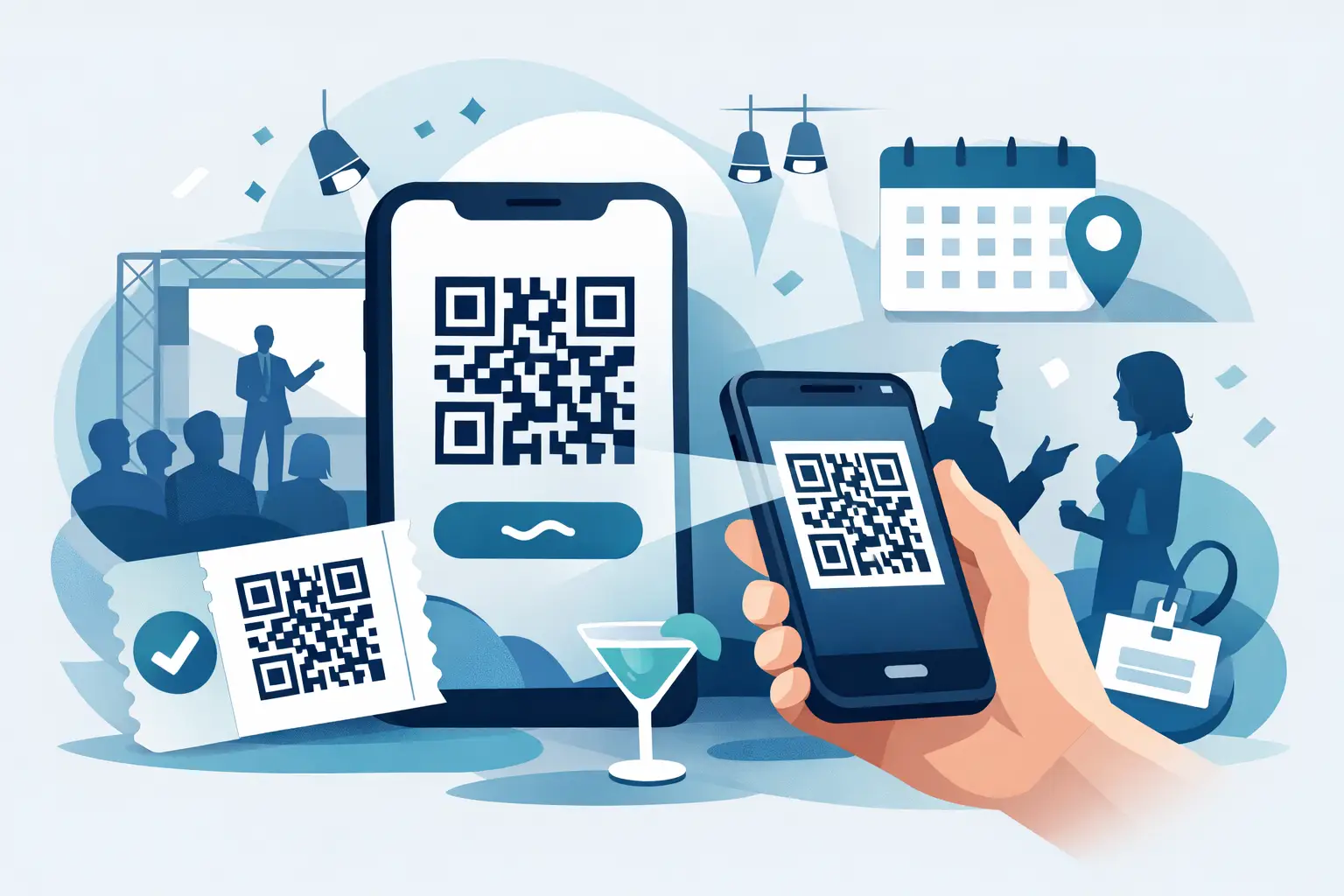
A printed agenda is easy to lose. A long web address is easy to mistype. A QR code for events gives guests a quick way to reach the information they need with the phone already in their hand. One scan can open registration, directions, a speaker schedule, a menu, a giveaway form, or a follow-up page.

For small business events, markets, workshops, launches, conferences, and private gatherings, that matters. You can put a QR code where people are already looking - on invitations, signs, badges, table tents, slides, flyers, and display screens - then send them directly to the next useful action.

Start With One Clear Destination

Start With One Clear Destination

The most effective event QR codes have a single job. Before creating one, decide what you want the guest to do after scanning it. If the answer is unclear, the code will not make the experience better.

For example, an event promotion may need a code that opens a registration page. At the event itself, a different code may open the current agenda or vendor map. After the event, a code can take attendees to a feedback form, a presentation recap, or a social profile.

Trying to use one code for every purpose can create confusion. A code on a poster that says “Scan for event details” should lead to event details, not a general homepage where visitors have to search. Keep the destination as close as possible to the promise on the sign.

If you need to share several resources, create one simple mobile-friendly page that organizes them. It might include the schedule, speaker bios, parking details, Wi-Fi instructions, and a feedback form. Then the QR code can lead to that one page without forcing guests to scan multiple signs.

Useful Ways to Use a QR Code for Events

Useful Ways to Use a QR Code for Events

A QR code works best when it removes a small point of friction. These are common uses that solve real problems for organizers and attendees:

  • Registration and tickets: Send people to an RSVP page, ticket page, waitlist, or check-in instructions.
  • Event schedules: Share a live agenda that can be updated if a session time, room, or speaker changes.
  • Maps and directions: Help guests find the venue, parking area, entrance, booth, or meeting room.
  • Lead collection: Let visitors submit their contact information, request a quote, enter a giveaway, or book a follow-up call.
  • Menus and product information: Give customers quick access to a food menu, service list, catalog, or product demonstration.
  • Social and community follow-up: Direct attendees to an Instagram profile, online group, newsletter sign-up, or post-event content.

The right option depends on the event. A restaurant pop-up may get more value from a code linked to a menu and online ordering page. A business workshop may need codes for registration, workbook downloads, and feedback. A trade show exhibitor may focus on product information and lead capture.

Build the Page Before You Build the Code

Build the Page Before You Build the Code

A QR code only gets someone to a destination. It cannot fix a slow, confusing, or poorly designed page.

Open the link on your own phone before generating the code. Can someone understand what the page is for in a few seconds? Is the key action visible without excessive scrolling? Does the form ask only for the information you truly need? Event guests often scan while standing in line, walking through a venue, or talking with someone. They will not spend five minutes figuring out what to do next.

Keep event pages short and specific. Include the event name, date, location, and a clear action such as “Register,” “View the schedule,” or “Get directions.” If the page includes a form, use large fields and avoid requiring account creation unless it is necessary.

Also consider timing. A code for registration can lead to a page with ticket details before the event. On the day of the event, that same page may be less useful than a page with arrival instructions. If the destination needs to change later, make sure you have a plan to update the link or use separate codes for each stage.

Create a Code People Can Scan

Create a Code People Can Scan

Once the destination is ready, generate the QR code and download a high-quality image file. QRColor can create a scannable code from the event URL without requiring technical setup.

The code should be large enough for its placement. A small QR code may work on a name badge or postcard when people can hold it close. A code on a window, banner, or presentation slide needs to be much larger because people will scan it from farther away.

Color and design can support your event branding, but scan reliability comes first. Use strong contrast between the code and its background. Dark code elements on a light background are the safest choice. Avoid placing a code over a busy photo, textured pattern, or colors that are too similar.

Leave clear empty space around the code. This border helps phone cameras recognize it. Do not stretch, crop, or cover the code with logos or decorative elements unless you test the final version thoroughly. A branded code that fails to scan is worse than a plain code that works every time.

Give Guests a Reason to Scan

Give Guests a Reason to Scan

A QR code by itself does not explain why it is there. Add a short call to action directly beside it. “Scan to see today’s schedule” is more useful than “Scan here.” “Scan to enter the giveaway” is clearer than a code on its own.

The wording should match the benefit. At a booth, “Scan for product pricing” may attract serious buyers. At a community event, “Scan for the vendor map” helps guests get oriented. At the exit, “Scan to share feedback” makes the next step obvious.

Avoid vague or exaggerated language. People are more likely to scan when they know exactly what they will receive and when the request feels reasonable. If a code opens a form, say so. If it opens a menu, say that instead.

Put Codes Where the Decision Happens

Put Codes Where the Decision Happens

Placement affects results as much as design. Think about the moment a guest needs the information.

Put a registration code on promotional flyers, email graphics, postcards, and social posts. Place a directions code on reminder materials sent shortly before the event. Use a schedule code at the entrance, near seating, and on printed programs. A vendor or sponsor can place a lead form code on the counter where visitors pause to ask questions.

Do not rely on a single sign. If guests have to walk back across a room to scan it, many will not bother. Repeat the code at logical touchpoints, but avoid covering every surface with competing QR codes. Too many options can slow people down.

For larger events, label each code clearly. A registration code, a Wi-Fi code, a feedback code, and a photo gallery code should not look interchangeable. Use distinct instructions so attendees know which one fits their immediate need.

Test the Final Printed Version

Test the Final Printed Version

Testing on a computer screen is not enough. Print the code at its intended size and test it with more than one phone. Scan it under the lighting conditions where it will be used, especially if the event is outdoors, in a dim venue, or behind reflective glass.

Check the full experience, not just whether the camera recognizes the code. Confirm that the page loads, the text is readable, the buttons work, and the form can be completed on a phone. If the event uses a weak Wi-Fi connection, make the landing page as lightweight as possible. Guests may be using cellular data, and a large file or complicated page can create unnecessary delays.

Keep a short readable URL near important codes when space allows. It gives guests a backup option if their camera has trouble scanning or they prefer to type the address later.

Use Event QR Codes With Good Judgment

Use Event QR Codes With Good Judgment

QR codes are useful, but they are not always the best answer. A guest should not need to scan a code just to find basic information that could fit clearly on a sign, such as an event start time or restroom direction. Use the code for information that is detailed, changeable, personal, or easier to access digitally.

Accessibility matters too. Provide a non-QR option for essential information, especially for check-in instructions, schedules, and emergency details. A printed summary, staff assistance, or visible web address helps guests who do not scan codes or do not have a smartphone available.

When you use a QR code for an event with a clear purpose, a clear instruction, and a mobile-ready destination, it feels less like a marketing add-on and more like a helpful sign. That is the standard worth aiming for: give people one easy scan that saves them time right when they need it.

How to Use a QR Code for Events Effectively

Eureka Seven

A printed agenda is easy to lose. A long web address is easy to mistype. A QR code for events gives guests a quick way to reach the information they need with the phone already in their hand. One scan can open registration, directions, a speaker schedule, a menu, a giveaway form, or a follow-up page.

For small business events, markets, workshops, launches, conferences, and private gatherings, that matters. You can put a QR code where people are already looking - on invitations, signs, badges, table tents, slides, flyers, and display screens - then send them directly to the next useful action.

Start With One Clear Destination

Start With One Clear Destination

The most effective event QR codes have a single job. Before creating one, decide what you want the guest to do after scanning it. If the answer is unclear, the code will not make the experience better.

For example, an event promotion may need a code that opens a registration page. At the event itself, a different code may open the current agenda or vendor map. After the event, a code can take attendees to a feedback form, a presentation recap, or a social profile.

Trying to use one code for every purpose can create confusion. A code on a poster that says “Scan for event details” should lead to event details, not a general homepage where visitors have to search. Keep the destination as close as possible to the promise on the sign.

If you need to share several resources, create one simple mobile-friendly page that organizes them. It might include the schedule, speaker bios, parking details, Wi-Fi instructions, and a feedback form. Then the QR code can lead to that one page without forcing guests to scan multiple signs.

Useful Ways to Use a QR Code for Events

Useful Ways to Use a QR Code for Events

A QR code works best when it removes a small point of friction. These are common uses that solve real problems for organizers and attendees:

  • Registration and tickets: Send people to an RSVP page, ticket page, waitlist, or check-in instructions.
  • Event schedules: Share a live agenda that can be updated if a session time, room, or speaker changes.
  • Maps and directions: Help guests find the venue, parking area, entrance, booth, or meeting room.
  • Lead collection: Let visitors submit their contact information, request a quote, enter a giveaway, or book a follow-up call.
  • Menus and product information: Give customers quick access to a food menu, service list, catalog, or product demonstration.
  • Social and community follow-up: Direct attendees to an Instagram profile, online group, newsletter sign-up, or post-event content.

The right option depends on the event. A restaurant pop-up may get more value from a code linked to a menu and online ordering page. A business workshop may need codes for registration, workbook downloads, and feedback. A trade show exhibitor may focus on product information and lead capture.

Build the Page Before You Build the Code

Build the Page Before You Build the Code

A QR code only gets someone to a destination. It cannot fix a slow, confusing, or poorly designed page.

Open the link on your own phone before generating the code. Can someone understand what the page is for in a few seconds? Is the key action visible without excessive scrolling? Does the form ask only for the information you truly need? Event guests often scan while standing in line, walking through a venue, or talking with someone. They will not spend five minutes figuring out what to do next.

Keep event pages short and specific. Include the event name, date, location, and a clear action such as “Register,” “View the schedule,” or “Get directions.” If the page includes a form, use large fields and avoid requiring account creation unless it is necessary.

Also consider timing. A code for registration can lead to a page with ticket details before the event. On the day of the event, that same page may be less useful than a page with arrival instructions. If the destination needs to change later, make sure you have a plan to update the link or use separate codes for each stage.

Create a Code People Can Scan

Create a Code People Can Scan

Once the destination is ready, generate the QR code and download a high-quality image file. QRColor can create a scannable code from the event URL without requiring technical setup.

The code should be large enough for its placement. A small QR code may work on a name badge or postcard when people can hold it close. A code on a window, banner, or presentation slide needs to be much larger because people will scan it from farther away.

Color and design can support your event branding, but scan reliability comes first. Use strong contrast between the code and its background. Dark code elements on a light background are the safest choice. Avoid placing a code over a busy photo, textured pattern, or colors that are too similar.

Leave clear empty space around the code. This border helps phone cameras recognize it. Do not stretch, crop, or cover the code with logos or decorative elements unless you test the final version thoroughly. A branded code that fails to scan is worse than a plain code that works every time.

Give Guests a Reason to Scan

Give Guests a Reason to Scan

A QR code by itself does not explain why it is there. Add a short call to action directly beside it. “Scan to see today’s schedule” is more useful than “Scan here.” “Scan to enter the giveaway” is clearer than a code on its own.

The wording should match the benefit. At a booth, “Scan for product pricing” may attract serious buyers. At a community event, “Scan for the vendor map” helps guests get oriented. At the exit, “Scan to share feedback” makes the next step obvious.

Avoid vague or exaggerated language. People are more likely to scan when they know exactly what they will receive and when the request feels reasonable. If a code opens a form, say so. If it opens a menu, say that instead.

Put Codes Where the Decision Happens

Put Codes Where the Decision Happens

Placement affects results as much as design. Think about the moment a guest needs the information.

Put a registration code on promotional flyers, email graphics, postcards, and social posts. Place a directions code on reminder materials sent shortly before the event. Use a schedule code at the entrance, near seating, and on printed programs. A vendor or sponsor can place a lead form code on the counter where visitors pause to ask questions.

Do not rely on a single sign. If guests have to walk back across a room to scan it, many will not bother. Repeat the code at logical touchpoints, but avoid covering every surface with competing QR codes. Too many options can slow people down.

For larger events, label each code clearly. A registration code, a Wi-Fi code, a feedback code, and a photo gallery code should not look interchangeable. Use distinct instructions so attendees know which one fits their immediate need.

Test the Final Printed Version

Test the Final Printed Version

Testing on a computer screen is not enough. Print the code at its intended size and test it with more than one phone. Scan it under the lighting conditions where it will be used, especially if the event is outdoors, in a dim venue, or behind reflective glass.

Check the full experience, not just whether the camera recognizes the code. Confirm that the page loads, the text is readable, the buttons work, and the form can be completed on a phone. If the event uses a weak Wi-Fi connection, make the landing page as lightweight as possible. Guests may be using cellular data, and a large file or complicated page can create unnecessary delays.

Keep a short readable URL near important codes when space allows. It gives guests a backup option if their camera has trouble scanning or they prefer to type the address later.

Use Event QR Codes With Good Judgment

Use Event QR Codes With Good Judgment

QR codes are useful, but they are not always the best answer. A guest should not need to scan a code just to find basic information that could fit clearly on a sign, such as an event start time or restroom direction. Use the code for information that is detailed, changeable, personal, or easier to access digitally.

Accessibility matters too. Provide a non-QR option for essential information, especially for check-in instructions, schedules, and emergency details. A printed summary, staff assistance, or visible web address helps guests who do not scan codes or do not have a smartphone available.

When you use a QR code for an event with a clear purpose, a clear instruction, and a mobile-ready destination, it feels less like a marketing add-on and more like a helpful sign. That is the standard worth aiming for: give people one easy scan that saves them time right when they need it.