Voorbeeld QR voor Visitekaartje: Wat te vermelden

Eureka Seven

Business Card QR Example: What to Link

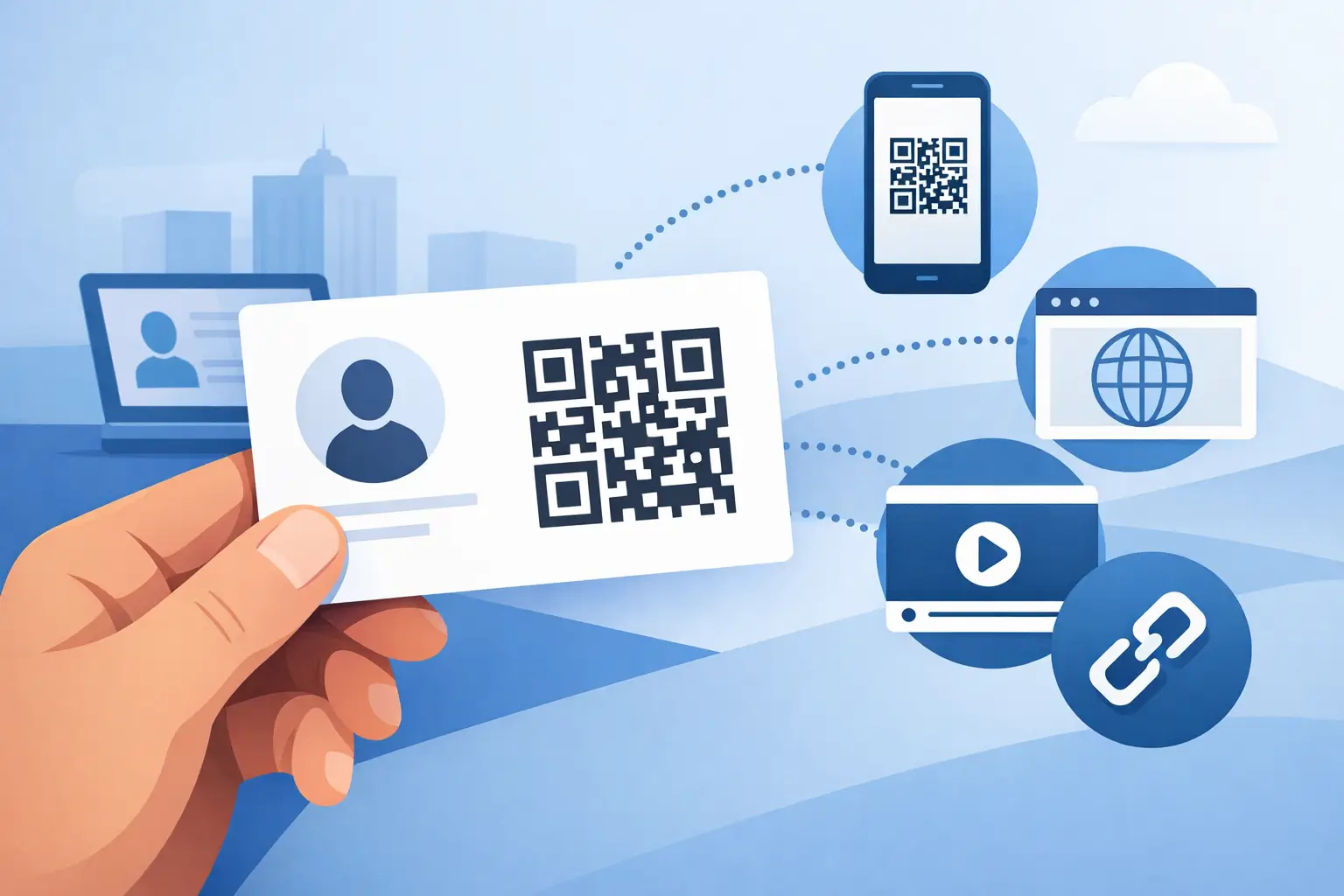
A good business card QR example does not send someone to a generic homepage and hope they find the right page. It gives a new contact one clear next step: save your details, view your work, book a meeting, or start a conversation. The card earns attention in person. The QR code makes acting on that attention easy.

For a small business owner, freelancer, or creator, that can turn a card from a piece of paper into a practical connection point. The key is choosing a destination that matches the reason you handed out the card.

What a business card QR code should do

What a business card QR code should do

A QR code on a business card should reduce friction. Someone scans it because they want more information, not because they want to navigate a complicated website.

Think about the interaction. You meet a potential customer at an event, finish a project meeting, or introduce yourself at a local business. What would be most useful for that person to see in the next 10 seconds?

For a service business, it may be a booking page. For a real estate agent, it may be current listings and contact details. For a designer, it may be a portfolio. For a restaurant owner, it may be an online menu or ordering page.

A QR code can point to almost any online destination, but one destination is usually better than several competing ones. If your card asks people to scan for a specific purpose, the page should fulfill that promise immediately.

6 business card QR examples that work

6 business card QR examples that work

1. A consultant links to a scheduling page

A business consultant hands out cards after networking events and client presentations. The QR code leads directly to a page where people can choose a 15- or 30-minute introductory call.

The text beside the code can be simple: “Scan to book a quick call.” This works because the person already knows who the consultant is. They do not need a long sales page before taking the next step.

This approach is best when your main goal is generating meetings. Make sure the booking page works well on a phone and does not require unnecessary account creation.

2. A contractor links to project photos and reviews

A home remodeling contractor uses a business card QR code that opens a mobile-friendly portfolio page. It includes before-and-after project photos, a short list of services, customer reviews, and a request-estimate button.

This is a strong option for visual services. A card can only show so much, while a scan can show proof of the quality of your work.

Avoid sending people to a page with every service, every team bio, and every blog post. A focused portfolio page will usually do more than a full website menu.

3. A creator links to a social profile

A photographer, musician, fitness coach, or local creator may want a QR code that opens their most active social media profile. This makes sense when that profile is where they regularly post work, answer messages, and build trust.

The call to action should say exactly what people will get: “Scan for new photo work” or “Scan to follow workout tips.” A vague label such as “Scan me” gives people no reason to use the code.

Social profiles are useful, but they are not always the best destination. If your priority is collecting leads or selling a service, a dedicated page you control may work better.

4. A salon links to online booking

A stylist or salon owner can place a QR code on each team member’s card and link it to that person’s booking page. A customer who likes the service can schedule their next appointment before they forget.

This is especially useful for businesses that rely on repeat visits. The code can also lead to a page with appointment policies, location details, and service pricing, as long as booking remains easy to find.

Keep the card copy direct: “Scan to book your next appointment.” The message and destination should match exactly.

5. A real estate agent links to a contact page with listings

A real estate card often needs to support more than one type of contact. A buyer may want listings, while a seller may want a home valuation. Instead of choosing one audience, the agent can use a simple mobile landing page with two clear buttons: “Browse homes” and “Request a home value.”

This is one of the few cases where a small choice page is helpful. Both actions are relevant, and the visitor can quickly select the one that applies to them.

Do not turn it into a directory of ten links. If every option looks equally important, visitors may leave without choosing anything.

6. A local shop links to a loyalty or review page

A coffee shop, boutique, auto shop, or restaurant can use business cards for regular customers, vendors, and local partners. The QR code might lead to a loyalty signup page, a review page, or a current menu.

The right choice depends on when the card is shared. If employees hand it to customers after a purchase, a review or loyalty page is practical. If the card is used to introduce the business at a community event, a menu, location, and hours page may be more useful.

Choose one primary action

Choose one primary action

Before you generate the code, finish this sentence: “When someone scans my card, I want them to ______.”

If the answer is “contact me,” a digital contact card or contact page is a good fit. If the answer is “see my work,” use a portfolio. If it is “get a quote,” send them to a short request form. If it is “buy,” use a product collection or ordering page that works on mobile.

The biggest mistake is using the QR code as a catch-all. A business card already has your name, phone number, email address, and website. The QR code should add convenience, not repeat information without a purpose.

Make the destination easy to use on a phone

Make the destination easy to use on a phone

Nearly every scan happens on a phone, so test the full experience there. Open the page with cellular data, not only your office Wi-Fi. Check whether the page loads quickly, whether buttons are easy to tap, and whether the main action is visible without excessive scrolling.

Keep forms short. A person who just met you is unlikely to complete a long questionnaire. Name, email, phone number, and a brief message may be enough for an initial inquiry.

If you use a digital contact card, confirm that it displays cleanly on both iPhone and Android devices. If you link to social media, make sure the profile is current and clearly represents your business.

Design and print the QR code correctly

Design and print the QR code correctly

Your QR code needs enough contrast to scan reliably. Dark code on a light background is the safest choice. A black QR code on white is plain, but it works well and prints consistently.

Color can work if the contrast remains strong. Avoid pale colors, busy background photos, shiny finishes over the code, or patterns that interfere with its square modules. A code that looks subtle but fails to scan is not helping your brand.

Place it on the back of the card when possible, with enough blank space around it. Do not crowd it against text, borders, or other graphics. For most standard business cards, a QR code around 0.8 to 1 inch wide is a practical starting point, though smaller codes can work when the encoded link is short and the print is sharp.

Always test a printed proof. Scan it from several phone models, in normal indoor lighting, and from a realistic hand-held distance. Test before ordering a large batch.

Add a clear call to action

Add a clear call to action

A QR code is more likely to be scanned when people know what happens next. One short line is enough.

Use wording that reflects the destination: “View recent projects,” “Save my contact details,” “Book a consultation,” “Get a free estimate,” or “See the menu.” The best call to action answers the question a new contact has before they ask it.

QRColor can generate a QR code for the page you choose, whether that is a website, social profile, booking page, or online menu. Generate the code only after you have checked the destination and decided what action matters most.

A simple setup process

A simple setup process

Start with the page you want people to visit. Remove anything that could confuse a first-time visitor, then copy the final URL. Generate the QR code, place it in your card design with a short call to action, and print a test card before committing to a full run.

If your offer changes often, such as seasonal services, event registrations, or listings, think carefully before printing a fixed link. A stable page that you can update later is usually safer than a page tied to one short-term promotion.

Your business card does not need to explain everything you do. It only needs to make the next useful action obvious. Give the QR code a clear job, test it in print, and let every scan lead somewhere worth the person’s time.

Business Card QR Example: What to Link

Eureka Seven

A good business card QR example does not send someone to a generic homepage and hope they find the right page. It gives a new contact one clear next step: save your details, view your work, book a meeting, or start a conversation. The card earns attention in person. The QR code makes acting on that attention easy.

For a small business owner, freelancer, or creator, that can turn a card from a piece of paper into a practical connection point. The key is choosing a destination that matches the reason you handed out the card.

What a business card QR code should do

What a business card QR code should do

A QR code on a business card should reduce friction. Someone scans it because they want more information, not because they want to navigate a complicated website.

Think about the interaction. You meet a potential customer at an event, finish a project meeting, or introduce yourself at a local business. What would be most useful for that person to see in the next 10 seconds?

For a service business, it may be a booking page. For a real estate agent, it may be current listings and contact details. For a designer, it may be a portfolio. For a restaurant owner, it may be an online menu or ordering page.

A QR code can point to almost any online destination, but one destination is usually better than several competing ones. If your card asks people to scan for a specific purpose, the page should fulfill that promise immediately.

6 business card QR examples that work

6 business card QR examples that work

1. A consultant links to a scheduling page

A business consultant hands out cards after networking events and client presentations. The QR code leads directly to a page where people can choose a 15- or 30-minute introductory call.

The text beside the code can be simple: “Scan to book a quick call.” This works because the person already knows who the consultant is. They do not need a long sales page before taking the next step.

This approach is best when your main goal is generating meetings. Make sure the booking page works well on a phone and does not require unnecessary account creation.

2. A contractor links to project photos and reviews

A home remodeling contractor uses a business card QR code that opens a mobile-friendly portfolio page. It includes before-and-after project photos, a short list of services, customer reviews, and a request-estimate button.

This is a strong option for visual services. A card can only show so much, while a scan can show proof of the quality of your work.

Avoid sending people to a page with every service, every team bio, and every blog post. A focused portfolio page will usually do more than a full website menu.

3. A creator links to a social profile

A photographer, musician, fitness coach, or local creator may want a QR code that opens their most active social media profile. This makes sense when that profile is where they regularly post work, answer messages, and build trust.

The call to action should say exactly what people will get: “Scan for new photo work” or “Scan to follow workout tips.” A vague label such as “Scan me” gives people no reason to use the code.

Social profiles are useful, but they are not always the best destination. If your priority is collecting leads or selling a service, a dedicated page you control may work better.

4. A salon links to online booking

A stylist or salon owner can place a QR code on each team member’s card and link it to that person’s booking page. A customer who likes the service can schedule their next appointment before they forget.

This is especially useful for businesses that rely on repeat visits. The code can also lead to a page with appointment policies, location details, and service pricing, as long as booking remains easy to find.

Keep the card copy direct: “Scan to book your next appointment.” The message and destination should match exactly.

5. A real estate agent links to a contact page with listings

A real estate card often needs to support more than one type of contact. A buyer may want listings, while a seller may want a home valuation. Instead of choosing one audience, the agent can use a simple mobile landing page with two clear buttons: “Browse homes” and “Request a home value.”

This is one of the few cases where a small choice page is helpful. Both actions are relevant, and the visitor can quickly select the one that applies to them.

Do not turn it into a directory of ten links. If every option looks equally important, visitors may leave without choosing anything.

6. A local shop links to a loyalty or review page

A coffee shop, boutique, auto shop, or restaurant can use business cards for regular customers, vendors, and local partners. The QR code might lead to a loyalty signup page, a review page, or a current menu.

The right choice depends on when the card is shared. If employees hand it to customers after a purchase, a review or loyalty page is practical. If the card is used to introduce the business at a community event, a menu, location, and hours page may be more useful.

Choose one primary action

Choose one primary action

Before you generate the code, finish this sentence: “When someone scans my card, I want them to ______.”

If the answer is “contact me,” a digital contact card or contact page is a good fit. If the answer is “see my work,” use a portfolio. If it is “get a quote,” send them to a short request form. If it is “buy,” use a product collection or ordering page that works on mobile.

The biggest mistake is using the QR code as a catch-all. A business card already has your name, phone number, email address, and website. The QR code should add convenience, not repeat information without a purpose.

Make the destination easy to use on a phone

Make the destination easy to use on a phone

Nearly every scan happens on a phone, so test the full experience there. Open the page with cellular data, not only your office Wi-Fi. Check whether the page loads quickly, whether buttons are easy to tap, and whether the main action is visible without excessive scrolling.

Keep forms short. A person who just met you is unlikely to complete a long questionnaire. Name, email, phone number, and a brief message may be enough for an initial inquiry.

If you use a digital contact card, confirm that it displays cleanly on both iPhone and Android devices. If you link to social media, make sure the profile is current and clearly represents your business.

Design and print the QR code correctly

Design and print the QR code correctly

Your QR code needs enough contrast to scan reliably. Dark code on a light background is the safest choice. A black QR code on white is plain, but it works well and prints consistently.

Color can work if the contrast remains strong. Avoid pale colors, busy background photos, shiny finishes over the code, or patterns that interfere with its square modules. A code that looks subtle but fails to scan is not helping your brand.

Place it on the back of the card when possible, with enough blank space around it. Do not crowd it against text, borders, or other graphics. For most standard business cards, a QR code around 0.8 to 1 inch wide is a practical starting point, though smaller codes can work when the encoded link is short and the print is sharp.

Always test a printed proof. Scan it from several phone models, in normal indoor lighting, and from a realistic hand-held distance. Test before ordering a large batch.

Add a clear call to action

Add a clear call to action

A QR code is more likely to be scanned when people know what happens next. One short line is enough.

Use wording that reflects the destination: “View recent projects,” “Save my contact details,” “Book a consultation,” “Get a free estimate,” or “See the menu.” The best call to action answers the question a new contact has before they ask it.

QRColor can generate a QR code for the page you choose, whether that is a website, social profile, booking page, or online menu. Generate the code only after you have checked the destination and decided what action matters most.

A simple setup process

A simple setup process

Start with the page you want people to visit. Remove anything that could confuse a first-time visitor, then copy the final URL. Generate the QR code, place it in your card design with a short call to action, and print a test card before committing to a full run.

If your offer changes often, such as seasonal services, event registrations, or listings, think carefully before printing a fixed link. A stable page that you can update later is usually safer than a page tied to one short-term promotion.

Your business card does not need to explain everything you do. It only needs to make the next useful action obvious. Give the QR code a clear job, test it in print, and let every scan lead somewhere worth the person’s time.