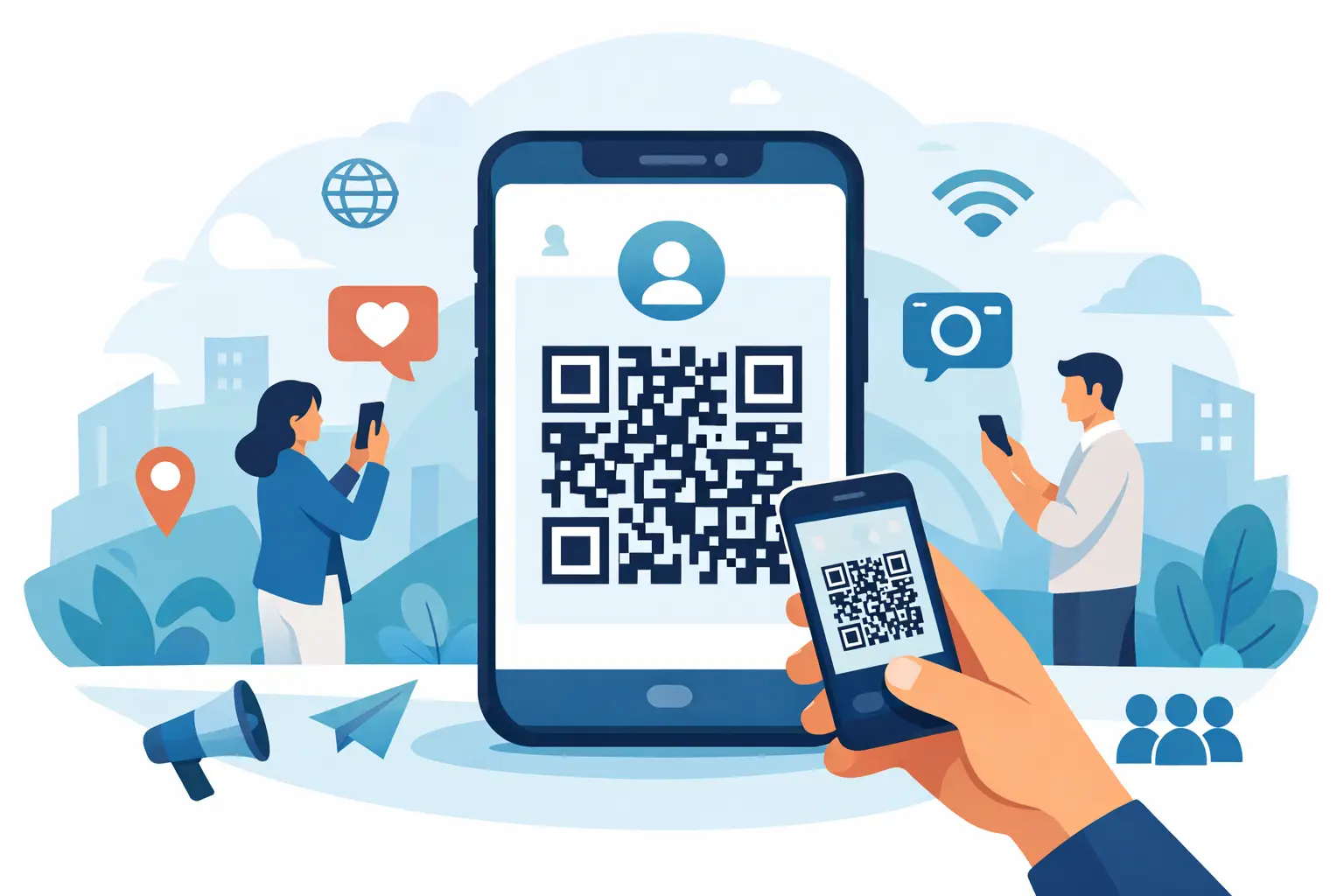
Social Profile QR Guide for Better Offline Reach
Eureka Seven
Social Profile QR Guide for Better Offline Reach
A social profile QR guide should start with one simple question: what do you want a person to do after they scan? Follow your business on Instagram, view your LinkedIn profile, watch your latest TikTok, or message your team? A QR code removes the need for people to search for your handle, type a long address, or remember where they saw you.
That matters when attention is short. A customer standing at a counter, reading a flyer, or opening a package may be interested for only a few seconds. Give them a clear next step, and your social profile becomes much easier to reach.
Why Use a QR Code for a Social Profile?
Why Use a QR Code for a Social Profile?
Social profiles are built for ongoing connection. A website visitor may come once to check a service or make a purchase. A social follower can see new products, promotions, behind-the-scenes content, and updates over time.
A QR code helps move people from a physical item or in-person moment to that ongoing connection. It works well on business cards, menus, product packaging, event signage, direct mail, window displays, presentation slides, and printed handouts.
The value is not the square itself. The value is reducing friction. Instead of saying, “Find us on Instagram,” you can show a code with a direct instruction such as “Scan to see today’s work” or “Scan to follow for weekly offers.” People know what to expect before they use their phone.
QR codes are also useful when your social handle is hard to spell, uses punctuation, or differs from your business name. A direct scan avoids mistaken searches and sends people to the correct account.
Social Profile QR Guide: Choose One Clear Destination
Social Profile QR Guide: Choose One Clear Destination
The first decision is where your QR code should go. In most cases, a code should lead to one destination rather than asking the scanner to make another choice immediately.
If you want to grow an Instagram audience, link directly to your Instagram profile. If you use LinkedIn to generate consulting leads or recruit employees, send people to the company page or relevant personal profile. If your best content lives on TikTok, direct the code there.
A single profile works best when the placement has a focused goal. For example, a salon can place an Instagram QR code beside photos of recent work. A real estate agent can use a LinkedIn QR code on a professional brochure. A restaurant can use a TikTok QR code near a counter display featuring short food videos.
There are times when one social platform is too limiting. If you want people to choose between several profiles, a website, booking page, or store, use a simple mobile-friendly page that lists those choices. This is useful for a business card or general event banner where the audience may have different needs.
The trade-off is simple: more choices give people flexibility, but they also add one more step. Use a direct profile link when your call to action is specific. Use a central page when several destinations are genuinely useful.
Match the Profile to the Context
The same business may need different QR codes in different places. A code on a hiring flyer can point to LinkedIn. A code on product packaging can point to Instagram for product ideas and customer photos. A code at a live event can point to TikTok for quick video updates.
Do not assume the platform with the most followers is always the right destination. Think about what the scanner wants at that moment. A person looking at a portfolio card may want proof of your work. A customer at a store display may want a discount, tutorial, or product inspiration.
How to Create a Social Profile QR Code
How to Create a Social Profile QR Code
Creating the code is straightforward, but a few checks prevent problems later. Start by opening the exact profile you want to share. Copy its full public address from a browser or the platform’s share option. Avoid manually typing the address when possible, since one missed character can send users to the wrong place.
Paste that address into a QR code generator such as QRColor.com. Generate the code, then download an image file that fits how you will use it. A PNG is practical for most digital designs and basic printing. For large signage or professional print projects, use a scalable format if your design workflow supports it.
Before you publish anything, scan the QR code with more than one phone. Confirm that it opens the intended profile without asking people to log in unnecessarily. Check that the profile is public, your account name is correct, and your profile photo and bio make it clear that visitors have arrived at the right place.
This last check is easy to overlook. A QR code can work perfectly while the profile behind it is outdated, private, or missing a useful description. The code earns the scan. Your profile needs to earn the follow.
Give People a Reason to Scan
A QR code without context often gets ignored. Add a short call to action near it that describes the benefit. “Scan for new arrivals” is stronger than “Instagram.” “Scan to view customer projects” is more useful than “Follow us.”
Keep the message honest and specific. If the code opens a general profile, do not promise an instant coupon. If it leads to a video channel, say so. Clear expectations make a scan feel worthwhile.
Put the Code Where a Phone Can Scan It
Put the Code Where a Phone Can Scan It
Placement can make or break a social QR campaign. A code may look good in a design and still be inconvenient to use. People need enough space to hold up a phone, focus their camera, and scan without blocking a line or stopping traffic.
For printed materials, keep the code away from folds, curved edges, glossy glare, and busy backgrounds. On a small business card, a modest but clear code can work. On a storefront window or trade show sign, make the code large enough to scan from the distance where people will naturally stand.
Consider the setting. A QR code on a table tent can ask diners to scan while they wait. A code on a shipping insert can invite customers to follow for product tips. A code at a checkout counter should be visible without requiring someone to lean over equipment or move through a crowded area.
Avoid placing a code where people are already using their phone for something else, such as a payment terminal, unless the message is directly tied to that step. Timing matters as much as visibility.
Design for Reliability, Not Decoration
Design for Reliability, Not Decoration
A social QR code can match your brand, but scanning reliability comes first. Keep strong contrast between the code and its background. Dark code elements on a light, solid background are the safest choice. Leave a clean border around the code so camera apps can recognize it quickly.
Be careful with overly light colors, gradients, patterns, and tiny codes. They may look polished on screen but fail under dim lights, glare, or low-quality printing. If you add a logo or change colors, test the final version after it has been exported and printed.
Do not stretch, crop, or distort the code in a design program. Preserve its square shape. If you need a smaller footprint, simplify nearby content instead of shrinking the code until it becomes difficult to scan.
For print, test the actual material. Paper texture, ink coverage, laminate, and lighting can all affect results. A quick scan from a phone is a better test than judging the design on a desktop monitor.
Track What Works and Refresh What Does Not
Track What Works and Refresh What Does Not
A direct social profile link is simple, but it may not show exactly how many visitors arrived from a particular printed item. If measurement is a priority, consider using a trackable intermediate page or a different tracked destination for each campaign. This adds setup, but it can help you compare a trade show sign with a package insert or business card.
You can also watch for practical signals: follower growth after an event, comments mentioning a printed promotion, or an increase in direct messages following a campaign. These signals are less precise, but they can still tell you whether the placement and offer are doing their job.
Refresh QR codes when the destination changes. If you rebrand, change your handle, close an account, or shift attention to another platform, replace codes in active materials. A dead destination wastes a good opportunity and can make your business look neglected.
Common Problems to Avoid
Common Problems to Avoid
The most common mistake is linking to the wrong profile or a profile that is not public. Scan every code before printing, and have another person test it too. They may catch a login screen or incorrect account that you missed because your phone is already signed in.
Another problem is using one generic QR code everywhere. A general code is fine for broad awareness, but it is less effective when a placement has a clear purpose. A portfolio card, event display, and product insert may each deserve a different destination and message.
Finally, do not treat the QR code as a substitute for a complete profile. Use a recognizable photo or logo, a clear bio, current contact details, and recent content. A person who scans should understand what you offer within a few seconds.
A well-placed social QR code gives interested people an easy next move. Keep the destination clear, make the code easy to scan, and give every placement a reason to exist. The best code is the one that leads to a profile worth visiting.