QR Software That Makes Sharing Links Simple

Eureka Seven

QR Software That Makes Sharing Links Simple

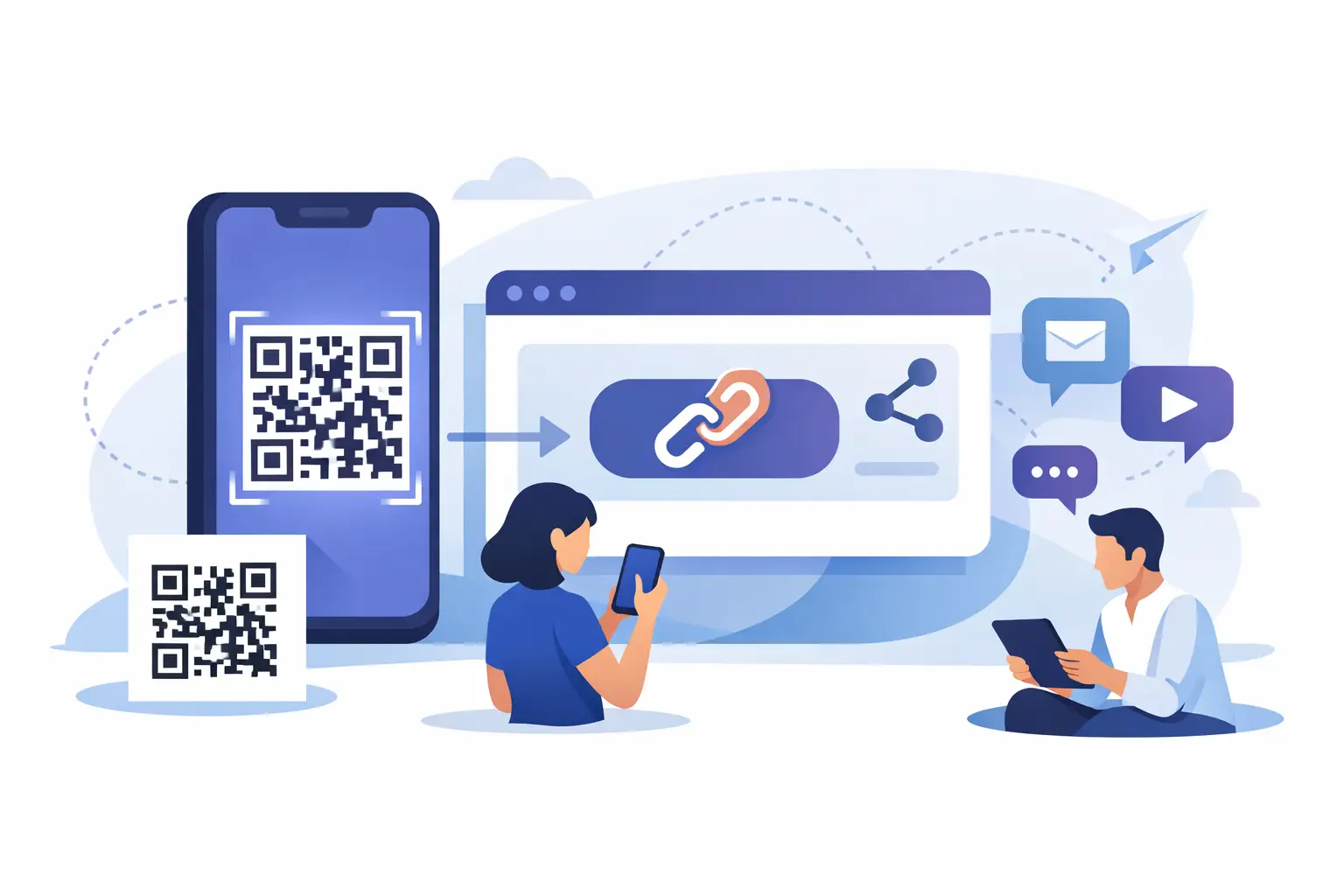
A customer standing at your counter should not have to type a long web address into their phone. The right QR software turns that moment into one quick scan, sending people to your website, menu, social profile, signup form, or latest promotion without extra steps.

For small businesses, creators, and marketers, that is the real value. A QR code is not a campaign by itself. It is a practical bridge between something people can see in the real world and the online destination you want them to visit.

What QR Software Does

What QR Software Does

QR software creates a scannable code from information you provide. Most often, that information is a URL. Someone opens their phone camera, points it at the code, and gets a prompt to visit the link.

The process is simple, but the use cases are broad. A restaurant can place a code on a table tent that opens its menu. A contractor can add one to a yard sign that leads to a quote request page. A creator can put one on a business card, poster, or event handout to make it easier for people to find a social account.

The best tools keep the job focused: enter a destination, create a code, download it, and place it where people will see it. You should not need a long setup process to share a link.

Where a QR Code Helps Most

Where a QR Code Helps Most

A QR code works best when it removes friction from a specific action. Before creating one, decide what you want the person scanning it to do next. Sending every scan to a general homepage is sometimes useful, but a direct destination usually performs better.

For example, a retail store may use a code on product packaging to share care instructions or product registration. A local service business might use one on invoices to request reviews. A real estate agent can add one to a property flyer that opens a listing page with photos and contact details.

Common uses include:

  • Websites and landing pages
  • Instagram, TikTok, LinkedIn, and other social profiles
  • Digital menus, price lists, and service pages
  • Event registrations and appointment forms
  • Review pages, contact pages, and portfolio links
  • Printed promotions, product labels, signs, and business cards

The closer the destination is to the message around the code, the better. A sign that says “See this week’s specials” should open the specials page, not make the customer search for it.

How to Choose QR Software

How to Choose QR Software

Not every project needs a large marketing platform. For a straightforward website or social link, simple QR software is often the better choice because it gets the code into your hands quickly.

Start with reliability. The generated code should scan clearly with standard phone cameras and direct users to the exact address you entered. A code that looks good but fails to scan is not useful, especially after you have printed it on hundreds of flyers or labels.

Next, look at download options. A PNG file is useful for many digital designs and everyday printing. For large signs, banners, or professional design work, a vector format can be helpful because it stays sharp when enlarged. The right format depends on where the code will appear.

Ease of use matters too. If you only need to turn a URL into a QR code, the tool should not require technical knowledge, account setup, or complex configuration before you can finish. QRColor is designed around that direct workflow: create a code for an online destination and put it to work.

Static and editable codes

One decision can affect how you use the code later: whether its destination can be changed after creation. A standard static QR code contains the final URL. It is a good fit when the destination is permanent, such as your main website or a stable social profile.

Editable or dynamic options can be useful when the destination will change, such as a rotating campaign page or seasonal menu. The trade-off is added complexity and, depending on the service, ongoing account or subscription requirements.

For a permanent link, static is often the simplest choice. For a printed campaign you expect to update often, flexibility may be worth it. Choose based on the life of the code, not on features you may never use.

Create a Code That People Can Actually Scan

Create a Code That People Can Actually Scan

The code itself may be small, but placement and design make a big difference. The goal is simple: a person should notice it, understand why they should scan it, and be able to scan it without effort.

Use a clear call to action beside the code. “View our menu,” “Book an appointment,” or “Follow for updates” tells people what they will get. A code with no explanation can be easy to ignore, even if it is placed where customers will see it.

Give it enough space. QR codes need a clean border around them so a camera can read the pattern correctly. Avoid crowding the edges with text, graphics, or a colored background that reduces contrast.

Size also matters. A code on a business card can be smaller than one on a window sign. If someone will scan from several feet away, the code needs to be large enough to scan at that distance. When in doubt, print a test version at the intended size and use a phone to scan it before ordering final materials.

Contrast is more useful than decoration. Dark code elements on a light background are the safest choice. Custom colors can match your brand, but very light colors, busy patterns, and low contrast can make scanning less dependable. A good-looking code only helps if it works.

Test Before You Publish

Test Before You Publish

Testing takes less than a minute and can prevent an expensive mistake. Scan the code with more than one phone if possible. Check that it opens quickly, reaches the correct page, and works on both Wi-Fi and cellular service.

Also test the destination itself. If the QR code opens a page that is slow, hard to read on a phone, or no longer current, the customer experience breaks after the scan. The code is only the entry point. The page on the other side still needs to make sense for a mobile visitor.

This is especially important for time-sensitive promotions. Verify dates, inventory details, event information, and form availability before printing or posting the code. A current code leading to outdated content creates confusion instead of convenience.

Avoid Common QR Code Mistakes

Avoid Common QR Code Mistakes

The most common mistake is using a QR code when a simple clickable link would work better. On an email, text message, or social media post viewed on a phone, people can already tap a link. A QR code is more useful when the link appears on something non-clickable, such as a poster, package, receipt, screen, or printed ad.

Another mistake is asking for too much too soon. If someone scans a code from a storefront sign, sending them to a long form may be less effective than sending them to a simple page with hours, services, and a clear contact option. Match the next step to the context.

Finally, do not assume every placement needs the same code. A code on a business card might lead to your contact page, while one on a product insert leads to setup instructions. Separate codes make the experience more relevant for the person scanning.

Put Useful Links Within Reach

Put Useful Links Within Reach

QR software is most effective when it solves one clear problem: helping a person reach the right online destination without typing or searching. Keep the destination specific, make the code easy to scan, and give people a reason to use it.

A well-placed QR code does not need to be complicated. It just needs to make the next step easier.

QR Software That Makes Sharing Links Simple

Eureka Seven

A customer standing at your counter should not have to type a long web address into their phone. The right QR software turns that moment into one quick scan, sending people to your website, menu, social profile, signup form, or latest promotion without extra steps.

For small businesses, creators, and marketers, that is the real value. A QR code is not a campaign by itself. It is a practical bridge between something people can see in the real world and the online destination you want them to visit.

What QR Software Does

What QR Software Does

QR software creates a scannable code from information you provide. Most often, that information is a URL. Someone opens their phone camera, points it at the code, and gets a prompt to visit the link.

The process is simple, but the use cases are broad. A restaurant can place a code on a table tent that opens its menu. A contractor can add one to a yard sign that leads to a quote request page. A creator can put one on a business card, poster, or event handout to make it easier for people to find a social account.

The best tools keep the job focused: enter a destination, create a code, download it, and place it where people will see it. You should not need a long setup process to share a link.

Where a QR Code Helps Most

Where a QR Code Helps Most

A QR code works best when it removes friction from a specific action. Before creating one, decide what you want the person scanning it to do next. Sending every scan to a general homepage is sometimes useful, but a direct destination usually performs better.

For example, a retail store may use a code on product packaging to share care instructions or product registration. A local service business might use one on invoices to request reviews. A real estate agent can add one to a property flyer that opens a listing page with photos and contact details.

Common uses include:

  • Websites and landing pages
  • Instagram, TikTok, LinkedIn, and other social profiles
  • Digital menus, price lists, and service pages
  • Event registrations and appointment forms
  • Review pages, contact pages, and portfolio links
  • Printed promotions, product labels, signs, and business cards

The closer the destination is to the message around the code, the better. A sign that says “See this week’s specials” should open the specials page, not make the customer search for it.

How to Choose QR Software

How to Choose QR Software

Not every project needs a large marketing platform. For a straightforward website or social link, simple QR software is often the better choice because it gets the code into your hands quickly.

Start with reliability. The generated code should scan clearly with standard phone cameras and direct users to the exact address you entered. A code that looks good but fails to scan is not useful, especially after you have printed it on hundreds of flyers or labels.

Next, look at download options. A PNG file is useful for many digital designs and everyday printing. For large signs, banners, or professional design work, a vector format can be helpful because it stays sharp when enlarged. The right format depends on where the code will appear.

Ease of use matters too. If you only need to turn a URL into a QR code, the tool should not require technical knowledge, account setup, or complex configuration before you can finish. QRColor is designed around that direct workflow: create a code for an online destination and put it to work.

Static and editable codes

One decision can affect how you use the code later: whether its destination can be changed after creation. A standard static QR code contains the final URL. It is a good fit when the destination is permanent, such as your main website or a stable social profile.

Editable or dynamic options can be useful when the destination will change, such as a rotating campaign page or seasonal menu. The trade-off is added complexity and, depending on the service, ongoing account or subscription requirements.

For a permanent link, static is often the simplest choice. For a printed campaign you expect to update often, flexibility may be worth it. Choose based on the life of the code, not on features you may never use.

Create a Code That People Can Actually Scan

Create a Code That People Can Actually Scan

The code itself may be small, but placement and design make a big difference. The goal is simple: a person should notice it, understand why they should scan it, and be able to scan it without effort.

Use a clear call to action beside the code. “View our menu,” “Book an appointment,” or “Follow for updates” tells people what they will get. A code with no explanation can be easy to ignore, even if it is placed where customers will see it.

Give it enough space. QR codes need a clean border around them so a camera can read the pattern correctly. Avoid crowding the edges with text, graphics, or a colored background that reduces contrast.

Size also matters. A code on a business card can be smaller than one on a window sign. If someone will scan from several feet away, the code needs to be large enough to scan at that distance. When in doubt, print a test version at the intended size and use a phone to scan it before ordering final materials.

Contrast is more useful than decoration. Dark code elements on a light background are the safest choice. Custom colors can match your brand, but very light colors, busy patterns, and low contrast can make scanning less dependable. A good-looking code only helps if it works.

Test Before You Publish

Test Before You Publish

Testing takes less than a minute and can prevent an expensive mistake. Scan the code with more than one phone if possible. Check that it opens quickly, reaches the correct page, and works on both Wi-Fi and cellular service.

Also test the destination itself. If the QR code opens a page that is slow, hard to read on a phone, or no longer current, the customer experience breaks after the scan. The code is only the entry point. The page on the other side still needs to make sense for a mobile visitor.

This is especially important for time-sensitive promotions. Verify dates, inventory details, event information, and form availability before printing or posting the code. A current code leading to outdated content creates confusion instead of convenience.

Avoid Common QR Code Mistakes

Avoid Common QR Code Mistakes

The most common mistake is using a QR code when a simple clickable link would work better. On an email, text message, or social media post viewed on a phone, people can already tap a link. A QR code is more useful when the link appears on something non-clickable, such as a poster, package, receipt, screen, or printed ad.

Another mistake is asking for too much too soon. If someone scans a code from a storefront sign, sending them to a long form may be less effective than sending them to a simple page with hours, services, and a clear contact option. Match the next step to the context.

Finally, do not assume every placement needs the same code. A code on a business card might lead to your contact page, while one on a product insert leads to setup instructions. Separate codes make the experience more relevant for the person scanning.

Put Useful Links Within Reach

Put Useful Links Within Reach

QR software is most effective when it solves one clear problem: helping a person reach the right online destination without typing or searching. Keep the destination specific, make the code easy to scan, and give people a reason to use it.

A well-placed QR code does not need to be complicated. It just needs to make the next step easier.