A QR Generator Makes Links Easier to Reach
Eureka Seven
A QR Generator Makes Links Easier to Reach
A QR generator turns a long web address into something a customer can open with one phone scan. That small change matters when someone is standing in a store, reading a flyer, looking at product packaging, or seeing your business name on a sign. Instead of asking them to type a URL later, you give them a direct path to the information you want them to see.
For small businesses, creators, and anyone sharing an online destination, QR codes remove a common point of friction: typing. A scan can send people to your website, social media profile, menu, booking page, video, event details, or contact information in seconds.
What a QR Generator Does
What a QR Generator Does
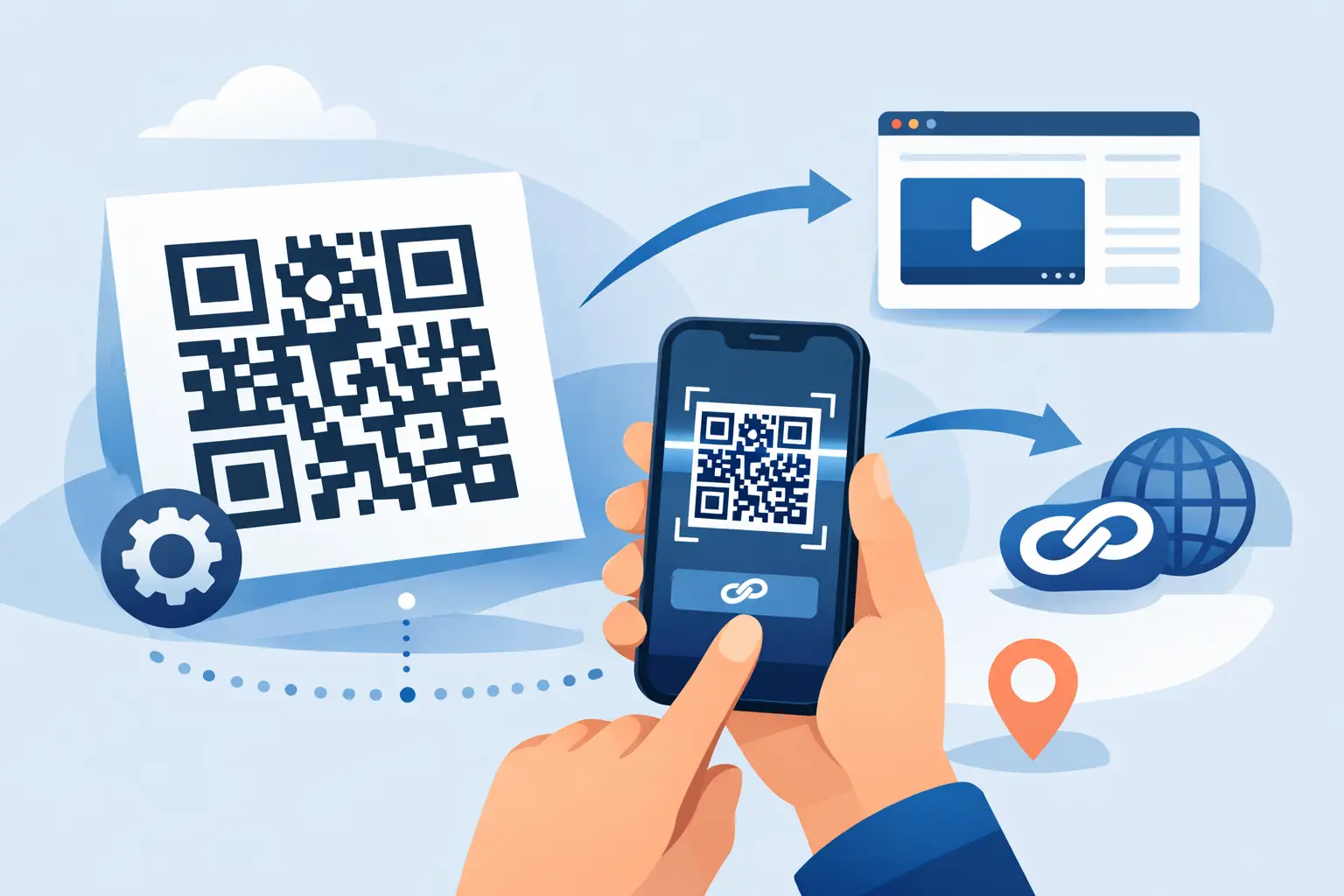
A QR generator creates a scannable square code from a destination, usually a URL. A smartphone camera reads the pattern and shows the user a prompt to open the linked page. Most modern phones can scan a QR code directly through the camera app, so your audience does not need special equipment or a separate app.
The practical value is simple. QR codes connect physical materials with digital content. A postcard can lead to an offer page. A table tent can lead to a restaurant menu. A business card can lead to a portfolio. A product label can lead to setup instructions or a reorder page.
The code itself is not the goal. The goal is to make the next step easier for the person looking at it.
Start With the Right Destination
Start With the Right Destination
Before creating a QR code, decide what you want a scan to accomplish. The strongest codes have one clear purpose. If someone scans a code on a window sign, they should land somewhere relevant to the business they are looking at. If they scan one in a social post or on a printed handout, the page should match the message around it.
A homepage can work when you want broad awareness, but it is not always the best choice. A customer who scans a code next to a specific product may be better served by that product page. Someone scanning an event flyer should reach event information, not have to search through a general site.
Think about where the code will appear and what the person will likely want at that moment. A few common uses include:
- A website URL for brochures, posters, mailers, or business cards
- A social media profile for creator promotions, packaging, or display signs
- A digital menu for restaurants, cafes, and food trucks
- A booking, order, or inquiry page for service businesses
- A video, guide, or product instructions for customers after purchase
Keeping the destination focused helps turn scans into useful actions. A QR code that leads to the wrong page is still easy to scan, but it does not help the customer.
How to Create a QR Code That Works
How to Create a QR Code That Works
Creating a code is quick, but a few basic checks prevent avoidable problems. Start by copying the complete URL you want to share. Open it in a browser first to make sure it loads correctly on a phone. Then paste it into the QR generator and create the code.
Once the code is generated, download an image format that suits how you plan to use it. A PNG is often useful for websites, social posts, and standard print projects. For larger printed materials, such as banners or signs, a vector format may preserve sharp edges at any size if your generator provides one.
Test the finished code with more than one phone before you publish or print it. Scan it from a normal viewing distance, then check that it opens the correct page quickly. This matters even more after placing the code into a design, where resizing, colors, filters, or compression can affect readability.
QRColor.com is built for this straightforward workflow: enter a destination, generate a code, and use it where people need an easier way to reach your online content.
Make the Code Easy to Scan
Make the Code Easy to Scan
A QR code is only useful if people can scan it without effort. Design choices can either support that goal or get in the way.
Size is the first consideration. A tiny code may look neat on a business card, but it can be difficult to scan. Give it enough room for a phone camera to recognize it. The farther away a person will be standing, the larger the code should be. A code on a countertop can be smaller than one on a storefront poster.
Contrast matters too. Dark code elements on a light background are generally the safest option. If you use color, keep a clear difference between the code and its background. Pale colors, busy patterns, reflections, and low-contrast designs can make scanning unreliable.
Leave open space around the code. That blank border helps phone cameras identify the pattern. Avoid crowding it with text, images, or design elements. If you add a logo or customized color, test the final version carefully. Branding can be useful, but scan reliability comes first.
Print quality also affects performance. A code may scan perfectly from a screen but fail after being printed on glossy material, textured paper, or a surface that bends. Always scan a real printed sample before ordering a large run.
Give People a Reason to Scan
Give People a Reason to Scan
A QR code should not sit on a page without context. People are more likely to scan when they know what they will get. A short instruction next to the code provides that clarity.
“View the menu,” “Book an appointment,” “See available colors,” or “Follow us for updates” gives the user a reason to act. The wording does not need to be clever. It needs to be specific.
This is especially useful when the code leads to something beyond a basic website. If it opens a coupon, say so. If it displays installation instructions, say so. If it helps a customer reorder, make that benefit clear. The best call to action reflects the real value of the destination.
Placement matters as much as wording. Put the code where a person has time and space to use it. A QR code on a receipt, package insert, waiting room sign, or table display can work well because the customer is already present and engaged. A code placed too low on a poster, too close to a fold, or in a fast-moving environment may get less attention.
Match the QR Code to the Use Case
Match the QR Code to the Use Case
The same code design does not fit every situation. For a business card, prioritize a direct contact page, professional profile, or portfolio. For a restaurant, prioritize the current menu and make sure it works well on mobile. For retail packaging, consider product details, care instructions, recipes, tutorials, or a reorder page.
Creators can use QR codes to direct viewers to a channel, newsletter signup, media kit, or latest work. Local service providers can place them on yard signs, invoices, appointment cards, and vehicle graphics to guide potential customers to quote requests or scheduling pages.
There is a trade-off between sending people to one general hub and sending them to a specific page. A general hub gives users choices, which can be useful for a business card or social promotion. A specific landing page makes action simpler, which is usually better for a single product, campaign, event, or service.
Avoid Common QR Code Mistakes
Avoid Common QR Code Mistakes
The most common mistake is linking to a page that is not mobile-friendly. Since most scans happen on phones, the destination should load fast, display clearly on a smaller screen, and make the intended action easy to complete.
Another problem is using a QR code as decoration rather than a tool. If there is no clear reason to scan, many people will ignore it. A short call to action and a relevant destination solve this.
It is also easy to overlook URL changes. If the page you linked to is moved, deleted, or renamed, the printed code can lead to an error. Check the destination before new print runs, especially for seasonal promotions, event pages, and limited-time offers.
Finally, do not assume a code works because it looks correct. Test it on different devices, under typical lighting, and after it has been printed or added to the final design. A one-minute test can prevent hundreds of unusable flyers, labels, or cards.
Put the Next Step Within Reach
Put the Next Step Within Reach
A good QR code gives people a simple way to continue the interaction on their own phone. It can turn a quick glance at a sign into a website visit, a product purchase into a helpful support experience, or a printed card into a new social follower. Create it for a clear purpose, place it where it is useful, and make every scan worth the effort.