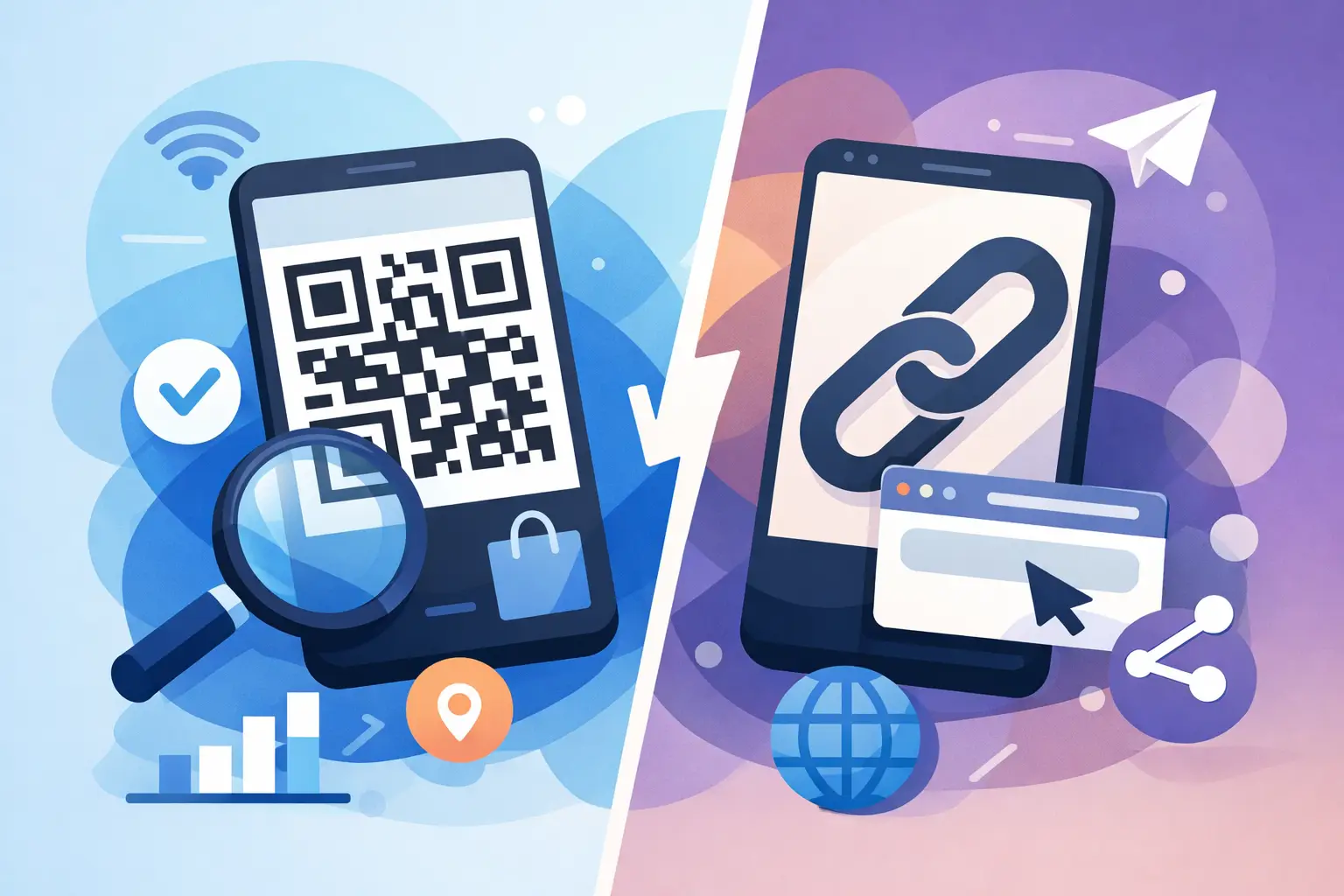
QR Code vs Short Link: Which Should You Use?
Eureka Seven
QR Code vs Short Link: Which Should You Use?
A flyer has one job: get someone from the paper in their hand to the page you want them to see. A long URL is hard to type. A short link is easier, but it still asks the person to open a browser and enter it. That is where the qr code vs short link decision becomes practical, not technical.
Both tools point people to the same kind of destination - a website, menu, social profile, signup form, product page, or video. The difference is how people reach it. The right choice depends on where the link appears, what device the person is using, and how much effort you want to remove from the interaction.
QR Code vs Short Link: The Core Difference
QR Code vs Short Link: The Core Difference
A QR code is a scannable image. Someone opens their phone camera, scans the code, and taps the prompt to visit the destination. It is built for moving people from a physical surface to a digital page quickly.
A short link is a shortened web address. Instead of sharing a long, cluttered URL, you use a brief address that is easier to type, copy, say aloud, or fit into a limited space. It is built for readable digital sharing and situations where a person can click or enter the link.
Neither one replaces the other. A QR code is usually stronger when the audience is standing in front of something physical. A short link is usually stronger when the audience is already online or needs a link they can type into a browser.
When a QR Code Works Better
When a QR Code Works Better
QR codes reduce friction when typing would be inconvenient. Think about a restaurant table tent, product packaging, a trade show sign, a real estate flyer, a business card, or a poster in a window. In each case, the person has a phone in hand but may not have a keyboard open.
Scanning is also useful when the destination is long or specific. A link to a booking page with campaign details, a map location, or a particular social profile can be difficult to enter accurately. A QR code avoids missed characters and makes the next step obvious.
A QR code can work well for:
- Printed menus, packaging, labels, and receipts
- Event signs, booths, and presentation slides
- Storefronts, window displays, and vehicle decals
- Business cards and leave-behind marketing materials
- Social profile promotion from print or in-person conversations
The main trade-off is that a QR code needs to be visible and scannable. It cannot be clicked in a printed ad, and it may not be practical when the user is reading on the same phone they would use to scan. Size, contrast, and placement matter. A code that is too small, blurry, or crowded by a busy background can fail at the exact moment it should be useful.
For print, leave clear space around the code and test it with more than one phone before publishing. A simple black-and-white code is often the safest option, though color can work when contrast remains strong. QRColor.com is designed for this kind of fast, practical QR code creation.
When a Short Link Works Better
When a Short Link Works Better
Short links are better when people are already looking at a screen. In an email, text message, social post, chat, digital ad, or document, a clickable short link is direct and familiar. The reader taps once and goes where they need to go.
They are also useful in spoken or handwritten situations. If you mention a URL during a podcast, on a call, or at a meeting, a compact and readable link is easier to communicate than a full address with a long string of characters.
A short link may be the better option for an email signature, an SMS promotion, a social bio, a caption, or a digital presentation shared afterward. It takes up less room and looks cleaner than a full URL.
The trade-off is trust. A short link does not always show the final destination, so some people may hesitate before clicking, especially if the domain is unfamiliar. Branded short links can help, but clarity still matters. Tell people what they will get when they click: “See the menu,” “Book a consultation,” or “Watch the demo.”
Use Both When the Campaign Crosses Offline and Online
Use Both When the Campaign Crosses Offline and Online
Many small businesses do not need to choose one tool for every situation. They need the same destination to work across different places.
For example, a local gym could place a QR code on a front-desk sign that opens a free-trial signup page. In an Instagram post about the same offer, the gym can use a short link in its profile or send it by direct message. The destination stays consistent, while the access method matches the setting.
A maker selling products at a market can put a QR code on packaging for care instructions and include a short link in order confirmation emails. A real estate agent can add a QR code to a yard sign and a short link to digital listings or text messages. This approach gives people a convenient option whether they find the message in person or online.
Consider the User’s Device First
Consider the User’s Device First
The best decision often comes down to one question: what device is the person using when they see your call to action?
If they are looking at a physical item and holding a phone, use a QR code. If they are on a computer, tablet, or phone screen where the URL can be clicked, use a short link. If they are viewing a QR code on their own phone screen, give them a short link too. They cannot easily scan a code with the same device unless they use a screenshot or another workaround.
This is why a poster, brochure, and package can lead with a QR code, while an email or online post should lead with a clickable link. The goal is not to use a QR code because it looks modern. The goal is to make the next action easy.
Tracking and Updating: Check the Setup
Tracking and Updating: Check the Setup
QR codes and short links can both support tracking when they point through a trackable or redirecting URL. That can help you see which placement drives traffic, whether a printed promotion gets scans, and which message produces more visits.
But tracking is not automatic with every code or every short link. A basic QR code may contain a direct URL, which is simple and dependable but may not provide reporting or allow changes later. If you need to update the destination after printing materials, use a setup that supports redirects before you send anything to the printer.
This matters for time-sensitive campaigns. A QR code on 5,000 flyers is not easy to replace. If the linked page changes, a static code with the old URL can become a dead end. For permanent destinations, such as a homepage or main social profile, a direct code may be perfectly fine. For seasonal offers, event registration, or changing inventory, plan for flexibility.
Make the Call to Action Specific
Make the Call to Action Specific
A code or link without context is easy to ignore. People need a reason to scan or click.
“Scan for more” is vague. “Scan to view available apartments” tells the user what happens next. “Get the event schedule,” “See today’s specials,” and “Join the rewards list” are clearer and more useful.
Put the call to action close to the QR code or short link. If space allows, add a brief benefit: “Scan to book in under a minute” or “Visit for the full price list.” The message should be honest and match the page people reach. If someone scans for a menu and lands on a generic homepage, the extra step creates unnecessary friction.
Avoid the Common Mistakes
Avoid the Common Mistakes
A QR code should not be an afterthought added to every piece of marketing. Do not place one where people cannot safely scan it, such as a moving vehicle or a roadside sign with no stopping point. Do not make it so small that cameras struggle to read it. And do not send people to a page that is slow or difficult to use on mobile.
Short links need care too. Avoid cryptic text that gives no clue about the destination. Do not rely on a link that is hard to read in a low-resolution image. If people must type it, avoid confusing characters and keep the address as simple as possible.
Before launching, test the full path. Scan the code from the intended distance. Click the link on a phone and desktop. Check the destination page, the loading speed, and the call to action. Small checks prevent wasted print spend and missed leads.
Choose the Format That Fits the Moment
Choose the Format That Fits the Moment
Use a QR code when you need to connect a physical item to an online destination. Use a short link when people are already online, need to type the address, or can click it immediately. Use both when the same campaign appears in print and on screens.
The useful choice is the one that asks the least from your audience. Make the destination clear, make access easy, and give people a simple reason to take the next step.