QR Code Versus NFC: Which Fits Your Business?

Eureka Seven

QR Code Versus NFC: Which Fits Your Business?

A customer is standing in front of your counter, reading a flyer, or holding your product in a store. You want them to reach your menu, booking page, social profile, or offer in seconds. The QR code versus NFC decision comes down to one practical question: what is the easiest action for your customer in that moment?

Both tools connect a physical item to an online destination. They work well for small businesses, creators, marketers, and anyone sharing a link in the real world. But they do not work the same way, cost the same amount, or fit the same materials.

QR code versus NFC at a glance

QR code versus NFC at a glance

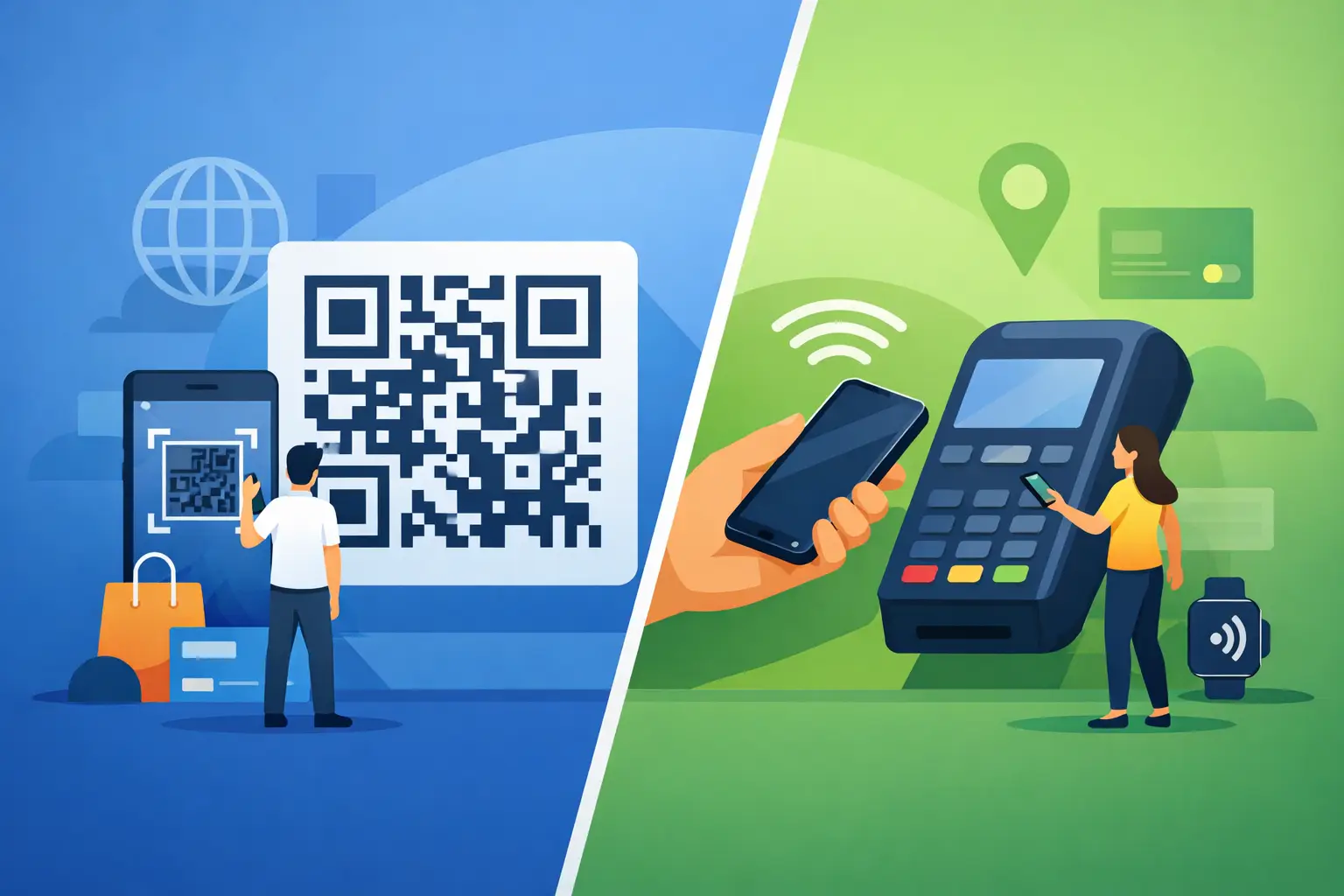
A QR code is a visual square pattern that a phone camera can scan. It can be printed on a business card, poster, package, receipt, label, menu, or screen. The scan opens a digital destination, such as a website, social media profile, video, form, or payment page.

NFC stands for Near Field Communication. It uses a small chip that sends information when a compatible phone is held very close to it. NFC is commonly used for tap-to-pay, access cards, smart business cards, signs, and product displays.

The customer experience is simple in both cases. With a QR code, they open or point their camera at the code. With NFC, they tap or hold their phone near a tag. The best choice depends on where you will use it, how many people need to access it, and how much control you have over the physical item.

Why QR codes work in more places

Why QR codes work in more places

QR codes are built for visibility. A customer can scan one from several feet away, depending on its size and print quality. That makes them useful on window signs, restaurant tables, event banners, packaging, direct mail, and posters. They can also be displayed on a TV, presentation slide, or another phone screen.

The main advantage is that QR codes require no special hardware in the printed material. You create the code, download it, and place it where people will see it. A basic QR code can be printed in black and white, though branded colors and design can help it fit your marketing materials when contrast stays strong.

Most current smartphones can scan QR codes directly through their camera app. People already recognize the action, particularly in restaurants, retail, events, and local service businesses. There is little explanation required beyond a clear call to action, such as “Scan to book” or “Scan for the full menu.”

QR codes are also easy to reproduce at scale. If you are printing 5,000 product labels or handing out flyers at a community event, the cost is largely the cost of printing. There is no chip inside each piece.

Best uses for QR codes

QR codes are a strong fit when the code needs to be visible, low-cost, and easy to distribute. Common uses include:

  • Storefront signs that send customers to hours, directions, or online ordering
  • Business cards that open a portfolio, scheduling page, or contact details
  • Packaging that leads to product instructions, reviews, or reorder pages
  • Tables, menus, and receipts that link to ordering, payment, or feedback forms
  • Posters and event materials that open registration pages or social profiles

For a fast, print-ready option, QRColor can turn a website or online profile into a scannable code without adding a technical project to your day.

Where NFC has the advantage

Where NFC has the advantage

NFC can feel more immediate because there is no visible code to frame with a camera. A customer simply brings their phone close to the tag. That can be useful in controlled, close-range situations, such as a smart business card exchange, a countertop display, or a product demo station.

NFC tags can also be hidden inside a card, sticker, keychain, or display. This supports a cleaner design when you do not want a QR code visible on the surface. For premium materials, hospitality touchpoints, or branded merchandise, that can be a real benefit.

NFC is harder to scan accidentally than a QR code because a phone must be very close to the tag. That is useful when you want a deliberate interaction. For example, a staff member could tap a device to open a setup guide, or a customer could tap a tag to receive a specific product detail while standing at a display.

The trade-off is physical cost and placement. Every NFC-enabled item needs a chip or tag, and the tag needs to be positioned where phones can reach it. A tag placed behind thick metal, inside unsuitable packaging, or too far from the surface may not work reliably.

Cost, compatibility, and maintenance

Cost, compatibility, and maintenance

For most everyday marketing, QR codes are less expensive and easier to maintain. You can put the same code on hundreds or thousands of pieces without buying hardware for each one. If the destination URL stays the same, the printed code continues to work.

NFC tags cost more per item. The expense may be small for a few business cards, product samples, or tabletop displays, but it adds up for a large print run. Tags can also be damaged, removed, or affected by the material around them. A printed QR code can be scratched too, but it remains readable in many cases because of built-in error correction.

Compatibility matters as well. QR scanning is widely available across modern smartphones. NFC is supported by most newer phones, but users may have NFC turned off, may not know where to tap, or may use a device with limited support. This does not make NFC a poor choice. It simply means you should not assume every customer will use it without a backup.

A visible QR code next to an NFC tap point is often the practical answer. The NFC tag offers a quick tap for people who prefer it, while the QR code gives everyone another way to reach the same page. This approach is especially useful for smart business cards, retail displays, and event signage.

Choose based on the customer’s distance

Choose based on the customer’s distance

The physical distance between the customer and your message is one of the clearest ways to decide.

If someone will see your message from across a room, across a counter, or while walking past a sign, use a QR code. NFC cannot be tapped from a distance. A QR code gives people time to notice the message, take out their phone, and scan when ready.

If the interaction happens hand-to-hand or at arm’s length, NFC may be a good addition. Think of a consultant sharing contact information after a meeting or a retail associate showing a customer a product-specific page. The tap feels quick because the device is already close.

For items customers take home, QR codes are usually more useful. A code on a package, instruction card, or receipt remains easy to find and scan later. An NFC tag can work on a durable item, but it is less practical for disposable or low-cost printed materials.

Design details that affect results

Design details that affect results

Technology is only part of the decision. A QR code with no explanation can be ignored, and an NFC tag with no tap instruction can be missed completely.

For QR codes, use enough contrast between the code and its background. Leave clear space around it, avoid making it too small, and test it on several phone models before printing. A code should lead to a mobile-friendly page that loads quickly. Sending someone to a desktop-only homepage creates friction after a successful scan.

For NFC, make the tap location obvious. A small “Tap here” message helps. Test the tag inside the final material, not just before it is installed. The surface, adhesive, case, and nearby metal can change how well it performs.

In either case, give people a reason to act. “Scan for our menu” is better than “Scan me.” “Tap to save my contact” is better than a blank NFC card. The destination should match the promise immediately.

Which option should you choose?

Which option should you choose?

Choose a QR code when you need a low-cost, visible, widely accessible way to share a link on print, packaging, signs, or screens. It is the default choice for most promotional use cases because it is simple to create, easy to distribute, and familiar to customers.

Choose NFC when the interaction is close-range, the material is durable enough to hold a tag, and a tap experience adds value. It is especially useful for reusable business cards, premium displays, and staff-assisted interactions.

Use both when you want convenience without excluding anyone. Put a QR code and an NFC tag on a countertop sign, product display, or smart card, then direct both to the same useful page.

The best connection tool is the one your customer will actually use. Start with the place they will encounter it, make the next action obvious, and test the experience before you print or install anything at scale.

QR Code Versus NFC: Which Fits Your Business?

Eureka Seven

A customer is standing in front of your counter, reading a flyer, or holding your product in a store. You want them to reach your menu, booking page, social profile, or offer in seconds. The QR code versus NFC decision comes down to one practical question: what is the easiest action for your customer in that moment?

Both tools connect a physical item to an online destination. They work well for small businesses, creators, marketers, and anyone sharing a link in the real world. But they do not work the same way, cost the same amount, or fit the same materials.

QR code versus NFC at a glance

QR code versus NFC at a glance

A QR code is a visual square pattern that a phone camera can scan. It can be printed on a business card, poster, package, receipt, label, menu, or screen. The scan opens a digital destination, such as a website, social media profile, video, form, or payment page.

NFC stands for Near Field Communication. It uses a small chip that sends information when a compatible phone is held very close to it. NFC is commonly used for tap-to-pay, access cards, smart business cards, signs, and product displays.

The customer experience is simple in both cases. With a QR code, they open or point their camera at the code. With NFC, they tap or hold their phone near a tag. The best choice depends on where you will use it, how many people need to access it, and how much control you have over the physical item.

Why QR codes work in more places

Why QR codes work in more places

QR codes are built for visibility. A customer can scan one from several feet away, depending on its size and print quality. That makes them useful on window signs, restaurant tables, event banners, packaging, direct mail, and posters. They can also be displayed on a TV, presentation slide, or another phone screen.

The main advantage is that QR codes require no special hardware in the printed material. You create the code, download it, and place it where people will see it. A basic QR code can be printed in black and white, though branded colors and design can help it fit your marketing materials when contrast stays strong.

Most current smartphones can scan QR codes directly through their camera app. People already recognize the action, particularly in restaurants, retail, events, and local service businesses. There is little explanation required beyond a clear call to action, such as “Scan to book” or “Scan for the full menu.”

QR codes are also easy to reproduce at scale. If you are printing 5,000 product labels or handing out flyers at a community event, the cost is largely the cost of printing. There is no chip inside each piece.

Best uses for QR codes

QR codes are a strong fit when the code needs to be visible, low-cost, and easy to distribute. Common uses include:

  • Storefront signs that send customers to hours, directions, or online ordering
  • Business cards that open a portfolio, scheduling page, or contact details
  • Packaging that leads to product instructions, reviews, or reorder pages
  • Tables, menus, and receipts that link to ordering, payment, or feedback forms
  • Posters and event materials that open registration pages or social profiles

For a fast, print-ready option, QRColor can turn a website or online profile into a scannable code without adding a technical project to your day.

Where NFC has the advantage

Where NFC has the advantage

NFC can feel more immediate because there is no visible code to frame with a camera. A customer simply brings their phone close to the tag. That can be useful in controlled, close-range situations, such as a smart business card exchange, a countertop display, or a product demo station.

NFC tags can also be hidden inside a card, sticker, keychain, or display. This supports a cleaner design when you do not want a QR code visible on the surface. For premium materials, hospitality touchpoints, or branded merchandise, that can be a real benefit.

NFC is harder to scan accidentally than a QR code because a phone must be very close to the tag. That is useful when you want a deliberate interaction. For example, a staff member could tap a device to open a setup guide, or a customer could tap a tag to receive a specific product detail while standing at a display.

The trade-off is physical cost and placement. Every NFC-enabled item needs a chip or tag, and the tag needs to be positioned where phones can reach it. A tag placed behind thick metal, inside unsuitable packaging, or too far from the surface may not work reliably.

Cost, compatibility, and maintenance

Cost, compatibility, and maintenance

For most everyday marketing, QR codes are less expensive and easier to maintain. You can put the same code on hundreds or thousands of pieces without buying hardware for each one. If the destination URL stays the same, the printed code continues to work.

NFC tags cost more per item. The expense may be small for a few business cards, product samples, or tabletop displays, but it adds up for a large print run. Tags can also be damaged, removed, or affected by the material around them. A printed QR code can be scratched too, but it remains readable in many cases because of built-in error correction.

Compatibility matters as well. QR scanning is widely available across modern smartphones. NFC is supported by most newer phones, but users may have NFC turned off, may not know where to tap, or may use a device with limited support. This does not make NFC a poor choice. It simply means you should not assume every customer will use it without a backup.

A visible QR code next to an NFC tap point is often the practical answer. The NFC tag offers a quick tap for people who prefer it, while the QR code gives everyone another way to reach the same page. This approach is especially useful for smart business cards, retail displays, and event signage.

Choose based on the customer’s distance

Choose based on the customer’s distance

The physical distance between the customer and your message is one of the clearest ways to decide.

If someone will see your message from across a room, across a counter, or while walking past a sign, use a QR code. NFC cannot be tapped from a distance. A QR code gives people time to notice the message, take out their phone, and scan when ready.

If the interaction happens hand-to-hand or at arm’s length, NFC may be a good addition. Think of a consultant sharing contact information after a meeting or a retail associate showing a customer a product-specific page. The tap feels quick because the device is already close.

For items customers take home, QR codes are usually more useful. A code on a package, instruction card, or receipt remains easy to find and scan later. An NFC tag can work on a durable item, but it is less practical for disposable or low-cost printed materials.

Design details that affect results

Design details that affect results

Technology is only part of the decision. A QR code with no explanation can be ignored, and an NFC tag with no tap instruction can be missed completely.

For QR codes, use enough contrast between the code and its background. Leave clear space around it, avoid making it too small, and test it on several phone models before printing. A code should lead to a mobile-friendly page that loads quickly. Sending someone to a desktop-only homepage creates friction after a successful scan.

For NFC, make the tap location obvious. A small “Tap here” message helps. Test the tag inside the final material, not just before it is installed. The surface, adhesive, case, and nearby metal can change how well it performs.

In either case, give people a reason to act. “Scan for our menu” is better than “Scan me.” “Tap to save my contact” is better than a blank NFC card. The destination should match the promise immediately.

Which option should you choose?

Which option should you choose?

Choose a QR code when you need a low-cost, visible, widely accessible way to share a link on print, packaging, signs, or screens. It is the default choice for most promotional use cases because it is simple to create, easy to distribute, and familiar to customers.

Choose NFC when the interaction is close-range, the material is durable enough to hold a tag, and a tap experience adds value. It is especially useful for reusable business cards, premium displays, and staff-assisted interactions.

Use both when you want convenience without excluding anyone. Put a QR code and an NFC tag on a countertop sign, product display, or smart card, then direct both to the same useful page.

The best connection tool is the one your customer will actually use. Start with the place they will encounter it, make the next action obvious, and test the experience before you print or install anything at scale.