How a QR Code for Promotions Drives Action
Eureka Seven
How a QR Code for Promotions Drives Action
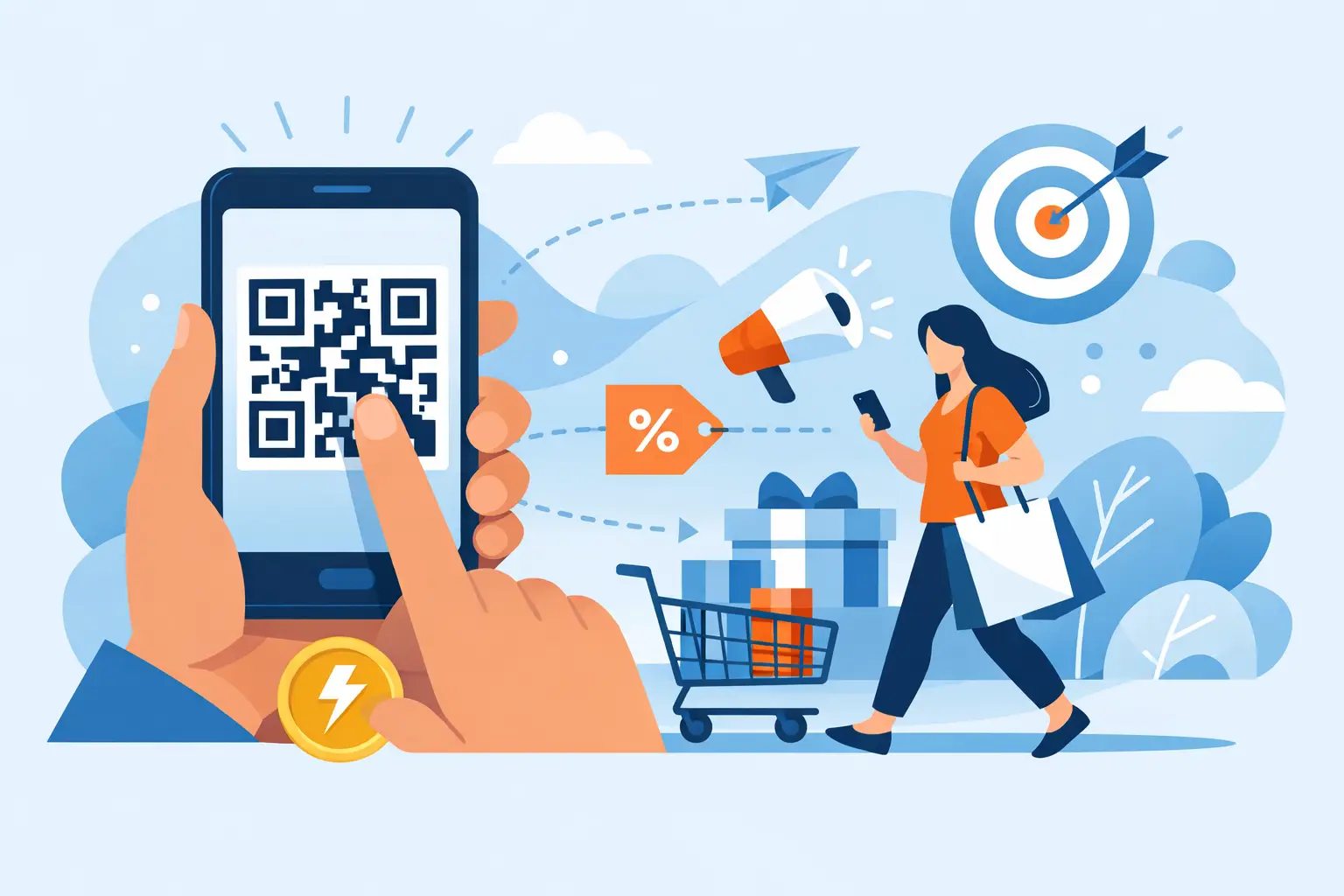
A flyer can get attention, but it cannot open your offer page. A counter sign can show a discount, but it cannot add a customer to your email list. A QR code for promotions closes that gap with one quick scan, giving people a direct path from a physical message to the action you want them to take.
For small businesses, creators, and local marketers, that matters because most promotions fail for a simple reason: there are too many steps. If customers need to type a long URL, search for your business, or remember a code for later, many will move on. A clear QR code makes the next step immediate.
What a QR Code for Promotions Should Do
What a QR Code for Promotions Should Do
The best promotional QR code is not just a black-and-white square placed on a poster. It is a direct route to one specific destination with one useful outcome. That destination could be a limited-time offer, a product page, a restaurant menu, an event registration form, or a social media profile.
The key is matching the scan to the promise. If your sign says “Get 15% off your first order,” the code should open the discount page, not your homepage. If a package says “See how to use it,” the code should lead to a short instructions page or video. Every extra click gives people another reason to stop.
A QR code works especially well when the customer is already interested but needs an easy way to continue. Think of the moment someone is standing near your display, holding your product, waiting at checkout, or reading a handout after an event. The scan turns interest into a measurable action.
Choose One Goal Before You Generate the Code
Choose One Goal Before You Generate the Code
Promotions can support many business goals, but each individual code should have one main job. Trying to send people to a menu, coupon, newsletter form, and social profile from the same scan usually creates confusion.
Start by deciding what success looks like. For a sale, success may be a coupon redemption or completed purchase. For a pop-up event, it may be registrations. For a service business, it may be quote requests. For a creator, it may be new followers or email subscribers.
Once the goal is clear, choose the destination that gets people there with the least effort. A dedicated landing page often performs better than a general website because it repeats the promotion, explains the value, and gives visitors one obvious action to take.
Good destinations for promotional scans
A QR code can send people to almost any online destination, but these are practical choices for common promotions:
- A limited-time discount or sale page
- A booking, ordering, or registration page
- A digital menu, product catalog, or service list
- A giveaway or contest entry form
- A new social media profile or featured post
- A review page after a completed purchase
The right option depends on where and when the scan happens. A customer scanning at a table may want a menu or loyalty offer. Someone scanning a postcard at home may be more willing to fill out a longer form or schedule a consultation.
Put the Code Where It Has a Job to Do
Put the Code Where It Has a Job to Do
A code placed anywhere people can see it is not automatically useful. Location changes how likely people are to scan and what they expect to find.
In-store signage is a strong option for immediate offers. Put a code near a featured product, register display, fitting room, table tent, or window sign. Make the reason to scan obvious with nearby text such as “Scan for today’s offer” or “Scan to see available sizes.”
Printed materials give promotions a longer life. Add codes to flyers, postcards, brochures, business cards, direct mail, event handouts, and receipts. A real estate agent can place one on a property flyer for a photo gallery. A fitness studio can use one on a door hanger for a free class pass. A food truck can use one on a menu board for online ordering.
Packaging is another useful placement because the customer already has your product in hand. Use a code for product tips, refill reminders, accessory recommendations, rewards enrollment, or a future-purchase offer. Do not make the code an afterthought on the bottom of the box. Give it a clear label and enough space to scan easily.
Give People a Reason to Scan Now
Give People a Reason to Scan Now
“Scan me” is an instruction, not a benefit. People are more likely to scan when they understand what they get and why it is worth doing right away.
Use short, specific calls to action. “Scan for 20% off,” “Scan to join the waitlist,” “Scan for the full menu,” and “Scan to enter by Friday” all set expectations. The message should be close enough to the code that people connect the two immediately.
Urgency can help, but only when it is real. A genuine expiration date, limited quantity, or event deadline gives customers a reason to act. Constant fake urgency can make a promotion feel less trustworthy.
The offer itself does not need to be expensive. Early access, a free sample, a bonus resource, a giveaway entry, or useful product information can be enough. The best incentive depends on your audience and the effort you are asking from them. A quick scan for a coupon needs little reward. A request for personal details may need a stronger one.
Make the QR Code Easy to Scan
Make the QR Code Easy to Scan
A QR code for promotions only works if phones can read it quickly. Keep the design functional before making it decorative.
Use strong contrast between the code and its background. Black on white is the safest option, though dark colors on a light background can work well. Avoid placing the code over busy photos, patterns, or low-contrast colors. Do not stretch, crop, or heavily alter the square shape.
Size matters. A small code may work on a business card when viewed up close, but it will fail on a window sign if people are several feet away. As a basic rule, the farther away the expected scan, the larger the code should be. Leave clear empty space around it so phone cameras can recognize the edges.
Test every code before printing. Scan it with more than one phone, from the expected distance, and under normal lighting. Then check the destination on a mobile device. A code may scan perfectly but still lose people if the page loads slowly, requires a desktop layout, or hides the offer below several screens of content.
QRColor.com can help you create a clean, scannable code quickly, but the destination and call to action still determine whether the promotion earns a response.
Track Results Without Overcomplicating the Campaign
Track Results Without Overcomplicating the Campaign
Promotional QR codes are useful because they show whether offline marketing is creating online activity. You do not need a complicated reporting setup to learn from them.
Create separate codes or separate destination pages for different placements when possible. For example, use one for a storefront poster, another for a mailer, and another for an event table. This makes it easier to see which location produced the most visits, sign-ups, or purchases.
Watch more than scan volume. A code with fewer scans may be more valuable if it produces more bookings or higher-value orders. Compare the result to the goal you set at the beginning. If a discount code gets scans but few redemptions, the offer, landing page, or checkout process may need work.
Keep testing one change at a time. Try a clearer call to action, a different offer, a larger printed code, or a better placement. Small changes are easier to evaluate than replacing every part of a campaign at once.
Common Mistakes That Cost Scans
Common Mistakes That Cost Scans
The most common mistake is sending every scanner to a homepage. Homepages are useful for broad browsing, but promotions need focus. Send visitors to the exact page that fulfills the message they saw.
Another problem is making the code too small or hiding it in a crowded design. If people have to lean in, adjust their phone repeatedly, or guess what the scan offers, the promotion has added friction instead of removing it.
Also avoid using a QR code where a direct clickable button would be easier. On an email, social post, or mobile webpage, people can usually tap a link. QR codes are most useful for moving someone from a physical item or one device to another digital destination.
Finally, do not leave old promotions active without checking them. An expired offer, broken page, or event registration that has closed creates a poor customer experience. Update the destination or replace the code before the next campaign begins.
A well-placed QR code is a small part of your promotion, but it can remove the biggest barrier between interest and action. Make the benefit clear, keep the scan easy, and send people somewhere that gives them a good reason to continue.