How a QR Code for Landing Page Drives Visits
Eureka Seven
How a QR Code for Landing Page Drives Visits
A flyer can earn attention for only a few seconds. A storefront sign may get a glance from someone walking by. A QR code for landing page gives that moment somewhere useful to go - without asking people to type a long web address, search for your business, or remember an offer later.
The goal is not simply to add a QR code to printed material. The goal is to connect a real-world interaction to one focused online action. When the page, placement, and call to action work together, a scan can become a booking, purchase, signup, inquiry, or social follow.
What a QR code for a landing page does
What a QR code for a landing page does
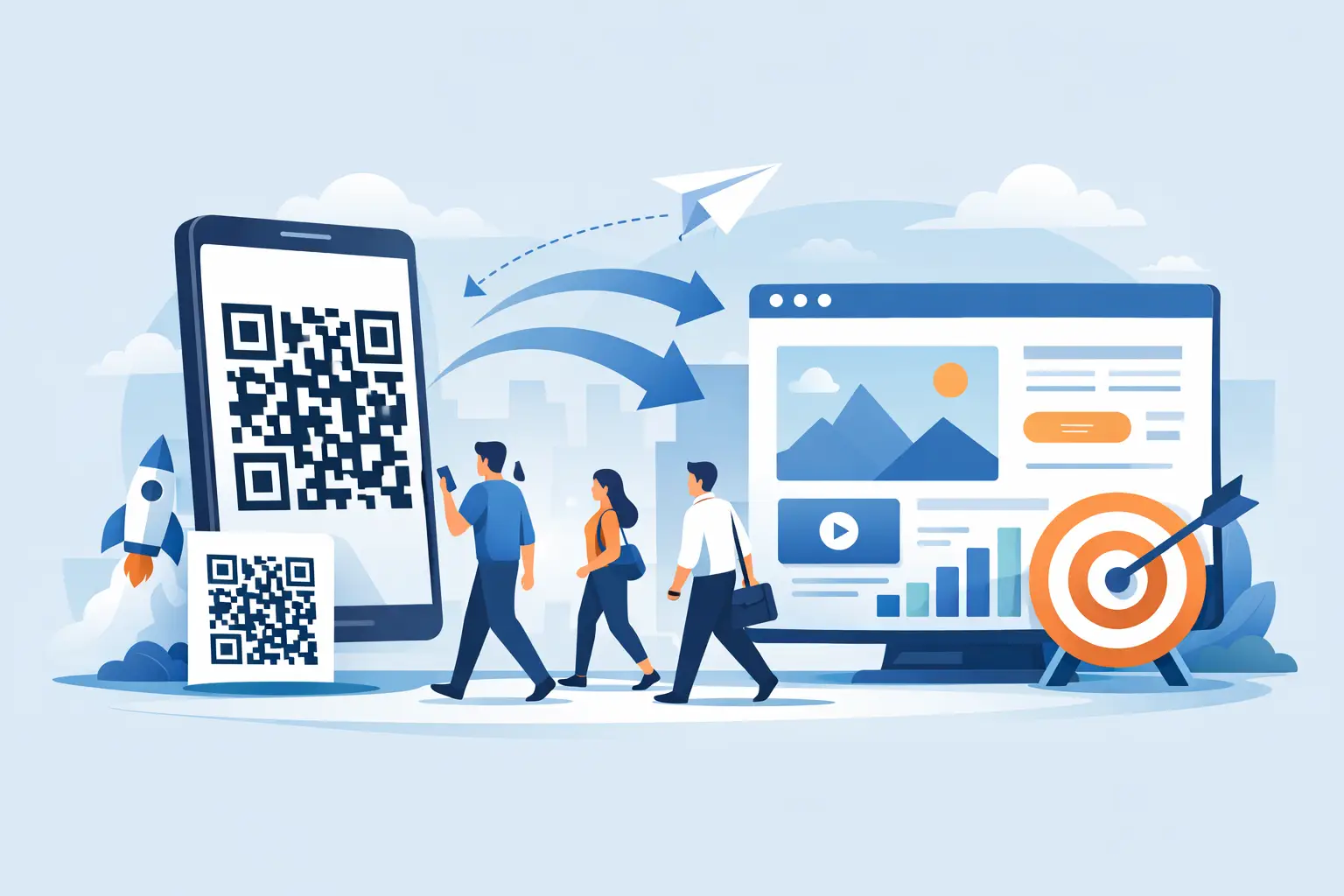
A QR code is a scannable version of a URL. When someone points their phone camera at the code, it opens the destination you choose. A landing page is often a better destination than a general homepage because it gives visitors one clear path forward.
For example, a restaurant can send a scan from a table tent to a page with its current menu and online ordering button. A contractor can put a code on a yard sign that opens a page for quote requests. A creator can use one on event posters to send people directly to registration.
A homepage can work when it is already simple and closely matches the message on the printed item. But if visitors need to hunt for the offer, event details, product, or contact form, use a dedicated landing page instead. Every extra step gives people another reason to leave.
Start with one action, not every option
Start with one action, not every option
The strongest landing pages answer a single question: what should the person do after scanning? That action should match the context where they found the code.
Someone scanning a code on product packaging may want setup instructions, support, a warranty form, or a reorder option. Someone scanning a code at a trade show may want a product demo or a follow-up conversation. A code on a business card may lead to a contact page, portfolio, or appointment scheduler.
Trying to send every audience to the same page can dilute the message. If a salon uses the same QR code on window signage, referral cards, and a seasonal promotion, visitors may land on a page that feels unrelated to what caught their attention. Separate codes and pages take a little more setup, but they make the next step clearer.
Keep the landing page focused. Lead with a headline that confirms what the visitor expected to find, then place the main button or form near the top. If the offer is time-sensitive, include the deadline. If there is a discount, explain the terms plainly.
Build the page for a phone screen
Build the page for a phone screen
Most people scan QR codes from a phone, often while standing, shopping, waiting, or moving through an event. The landing page must make sense quickly on a small screen.
Use a clear headline, short supporting copy, and a visible call-to-action button. Make phone numbers tappable, forms short, and key information easy to spot. Large images can be useful when they show a product or result, but they should not delay access to the action visitors came to take.
Avoid placing the important button after several paragraphs, a large image carousel, or a video that starts automatically. A visitor who scanned a code on a poster is not looking for a long browsing session. They want confirmation, details, and a simple next move.
Page speed matters too. A code can scan perfectly and still lose visitors if the page loads slowly on a mobile connection. Before printing anything, test the page on your own phone using cellular data, not only your office Wi-Fi.
Create a code that people can actually scan
Create a code that people can actually scan
A QR code needs enough contrast and space to work in the real world. Dark code elements on a light background are usually the safest choice. Decorative colors can fit your brand, but low contrast, busy patterns, and image-heavy backgrounds can make scanning less reliable.
Leave a clear blank border around the code. Do not place it too close to text, borders, photos, or other design elements. If you add a logo in the center, keep it modest and test the final version with multiple phones.
Size depends on viewing distance. A code on a countertop card can be relatively small because people are close to it. A code on a window, banner, or wall needs to be larger. If people must stop, zoom in, or awkwardly hold their phone near the sign, the placement is working against the campaign.
A tool such as QRColor can turn your landing page URL into a ready-to-use QR code for print and digital materials. Before distributing it, scan the exported file itself. Test it after adding it to the final flyer, menu, label, or sign, since resizing or compression can affect readability.
Give people a reason to scan
Give people a reason to scan
A QR code alone does not explain its value. Add a short call to action beside it that tells people what they will get. “Scan to view the menu” is better than “Scan here.” “Scan for 15% off your first order” is even more specific when the offer is the reason to act.
The message should be honest. If the code opens a contact form, say so. If it leads to a downloadable guide, say that. People are more likely to scan when the benefit is immediate and the destination feels predictable.
The physical setting also affects the right message. On packaging, “Scan for instructions” is practical. On direct mail, “Scan to claim your offer” can create urgency. At an event, “Scan to get the presentation” helps attendees avoid taking notes or searching later.
Choose placements that match the moment
Choose placements that match the moment
QR codes are most useful where people see a message offline but need an easy route online. That can include signs, product labels, receipts, business cards, table tents, brochures, window decals, mailers, and presentation slides.
Placement is not just about visibility. Think about whether someone has time and space to scan. A code on the side of a moving vehicle may be visible but difficult to use safely. A code inside an elevator may get attention, but the landing page should load fast because the visitor may lose service or arrive at their floor quickly.
For printed ads and posters, keep the code close to the related offer. Do not make users guess which block of text it belongs to. On a menu, place codes where they support a clear task, such as viewing nutrition details, ordering, or joining a loyalty program.
Test before you print at scale
Test before you print at scale
A small test can prevent a costly reprint. Scan the code with different phones and camera apps. Check that it opens the correct page, that the page looks good on mobile, and that the call to action works from start to finish.
Use this quick check before publishing:
- The QR code opens the intended landing page.
- The page explains the offer or purpose immediately.
- The main action works on a phone.
- The code has good contrast and a clear border.
- The printed size fits the expected scanning distance.
Also check the destination after any website update. A QR code can remain on packaging or signage for months, so a changed URL, expired promotion, or removed form can create a dead end long after the material is printed.
Measure what happens after the scan
Measure what happens after the scan
A scan count is useful, but it is only the first signal. The better question is whether visitors complete the action your campaign needs. A code that gets many scans but few form submissions may have a strong placement and a weak landing page. A code with fewer scans but many purchases may be doing exactly what it should.
Use separate landing page URLs or tracking methods for different placements when possible. This helps you compare a counter display with a mailer, an event poster with a product insert, or one location with another. You can then move budget toward the placements and messages that produce meaningful results.
A QR code is a small part of the customer experience, but it can remove a major point of friction. Put it where interest already exists, send people to a page built for that moment, and make the next action obvious. That is what turns a quick scan into a useful visit.