QR Adoption: Why Customers Actually Scan
Eureka Seven
QR Adoption: Why Customers Actually Scan
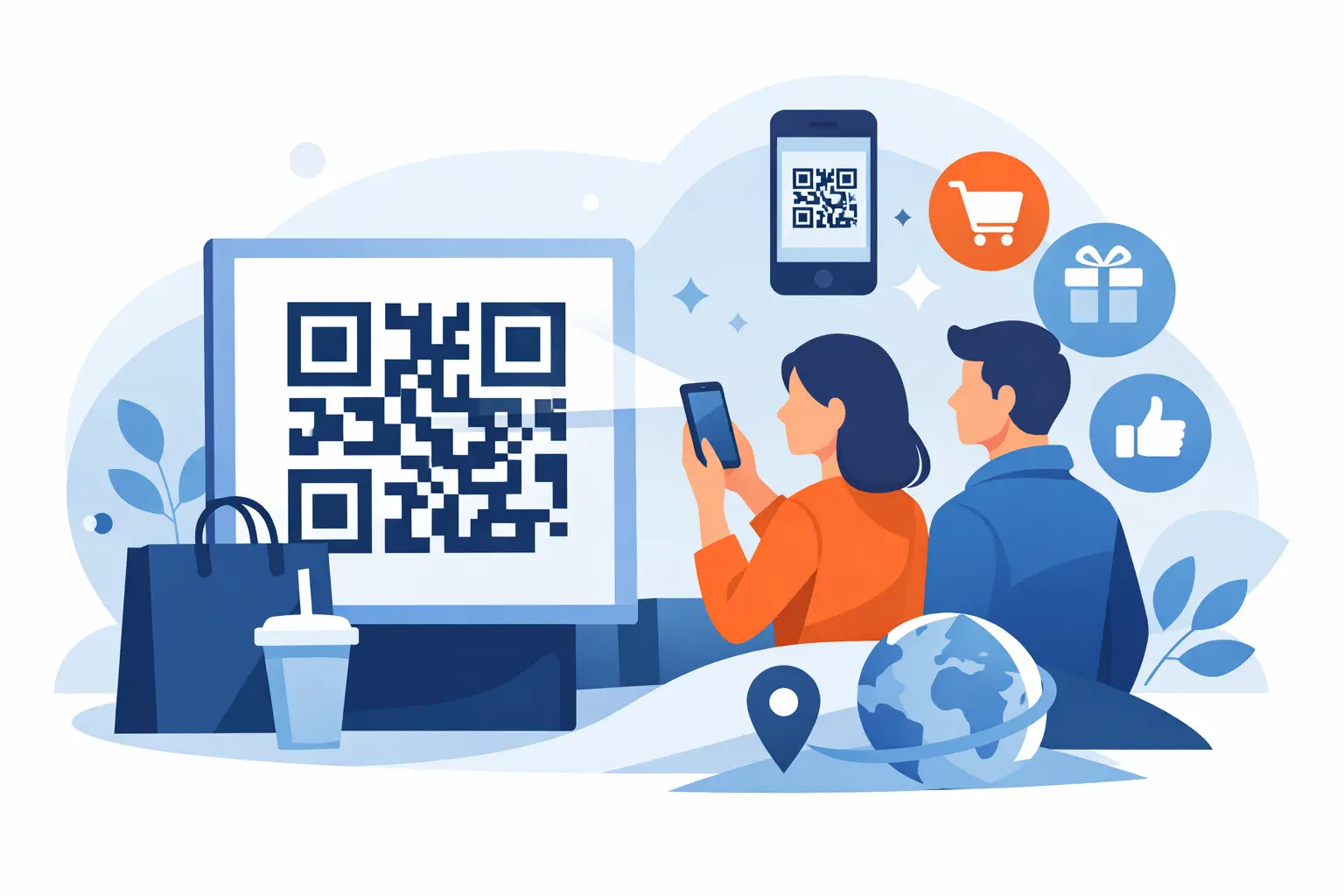
A QR code on a counter, package, flyer, or sign is only useful when it gives people a clear reason to use their phone. QR adoption is not about putting more black-and-white squares into your marketing. It is about making the next step easier for a customer who is already interested.
For small businesses, creators, and marketers, that distinction matters. A well-placed QR code can move someone from a physical item to a menu, product page, booking form, social profile, video, or special offer in seconds. A vague or poorly placed code is easy to ignore.
What QR adoption really means
What QR adoption really means
QR adoption means people are willing to recognize, scan, and use QR codes as a normal way to access information. Most customers already know how to scan one with their phone camera. The bigger question is whether your code earns the scan.
People scan when the benefit is immediate and specific. “Scan to view today’s menu” is clear. “Scan for details” leaves too much unanswered. The customer should know what they will get before they point their camera at the code.
This is why QR codes work especially well when a printed space cannot carry everything a customer needs. A business card has room for a name and phone number, but not a full portfolio. Product packaging may explain the basics, but not show setup instructions or customer reviews. A QR code closes that gap without forcing people to type a long web address.
Why QR codes have become easier to use
Why QR codes have become easier to use
A few years ago, many people needed a separate app to scan a QR code. That created friction. Now, most smartphones can recognize QR codes directly through the camera, making the action familiar for many US consumers.
The shift in behavior also came from repeated exposure. Restaurants used QR codes for menus, retailers used them for payment and product information, and event organizers used them for tickets and registration. Customers learned the pattern: scan the code, get the information, move on.
That familiarity does not mean every audience will respond the same way. A tech-focused event crowd may scan quickly. A local service business with an older customer base may see better results from pairing the QR code with a short, readable URL and a phone number. QR adoption depends on the audience, the setting, and the value behind the code.
Give every code one clear job
Give every code one clear job
The strongest QR codes lead to one useful destination. Trying to send people to a crowded page with too many choices can reduce the value of the scan.
A restaurant can use one code for its current menu. A realtor can use one on a yard sign for property photos and tour details. A creator can use one at an event to direct people to a social profile or newsletter signup. A contractor can place one on a leave-behind card that opens a quote request page.
Think about the customer’s likely question at that moment. If someone is holding a product, they may want instructions, ingredients, sizing information, or a reorder option. If they are looking at a poster, they may want event details or tickets. If they have just received a business card, they may want to save a contact, view services, or see examples of past work.
The destination should answer that question fast. A mobile-friendly page matters because the scan happens on a phone. If the page loads slowly, requires a difficult login, or hides the promised information, people are less likely to follow through.
Use direct calls to action
A QR code without context asks customers to guess. Add a short instruction that tells them exactly what happens next.
Good calls to action are practical: “Scan to book an appointment,” “Scan to watch the tutorial,” “Scan for directions,” or “Scan to see available colors.” The wording should match the destination and the situation.
Avoid claims that are too broad, such as “Scan for more.” More of what? A customer should not have to take a chance to find out. Specific language builds trust and improves the odds that the code will be used.
Placement affects QR adoption
Placement affects QR adoption
A code can be perfectly generated and still fail because it is too small, hard to reach, or shown at the wrong time. Placement is part of the message.
On printed materials, leave clear space around the code so phone cameras can identify it. Do not place it over a busy image, glossy fold, or textured background. Make the code large enough for the expected scanning distance. A QR code on a tabletop tent can be smaller than one on a window sign viewed from the sidewalk.
Also consider what the person is doing when they see it. A code near a store checkout may work well for loyalty enrollment, receipt access, or a review request. A code on packaging can support product setup or replenishment. A code on a vehicle should not ask someone to scan while driving, but it can be useful when parked at a job site or event.
For digital materials, use QR codes where people may be viewing one screen while using another device. A webinar slide, presentation, TV display, or digital ad shown on a desktop can all benefit from a scannable path to a phone.
Design for scanning, not decoration
Design for scanning, not decoration
Color and branding can help a QR code fit your materials, but scannability comes first. High contrast is the safest choice. Dark code elements on a light background are generally easier for cameras to read than low-contrast colors or complicated visual effects.
Do not shrink the code to make room for extra copy. Do not stretch, crop, or distort it. If you add a logo or color treatment, test the final version with several phones before printing hundreds of copies.
QRColor can help create a code quickly, but the generated image is only one part of the process. Test it in the real environment where customers will see it. Check lighting, distance, paper finish, and whether the linked page works well on mobile.
Trust is part of the scan
Trust is part of the scan
Some customers hesitate when they do not know where a QR code leads. That hesitation is reasonable. A code can open any online destination, so businesses need to make the purpose clear.
Use your brand name near the code when appropriate. Explain the benefit in plain language. Keep the destination relevant to the printed item. A code on a product label should not unexpectedly send someone to an unrelated promotion or a long form asking for unnecessary details.
Trust also grows when the scan delivers what was promised. If a sign says “Scan for 10% off,” take the customer directly to the offer. Do not make them search for it, create an account first, or enter a complicated code. The fewer steps between scan and value, the better the experience.
Measure what works, then improve it
Measure what works, then improve it
QR adoption is not a one-time decision. It improves when you learn where people scan and what they do afterward. If one code gets little use, look beyond the code itself. The issue may be weak placement, unclear copy, an unappealing offer, or a destination that does not fit the moment.
Try changing one variable at a time. Put a clearer call to action on the sign. Move the code to a more visible area. Send scanners to a shorter page with one primary action. Offer useful information rather than a generic sales message.
It also helps to compare use cases. A QR code for a restaurant menu may receive steady scans because the need is immediate. A code for a social media profile may work better on business cards, event displays, or product inserts where people have time to explore. There is no single placement or message that fits every business.
The best next step is simple: choose one moment where customers already want information, give them a direct reason to scan, and make the result worth the effort.