Offline to Online Trends That Drive Real Action

Eureka Seven

Offline to Online Trends That Drive Real Action

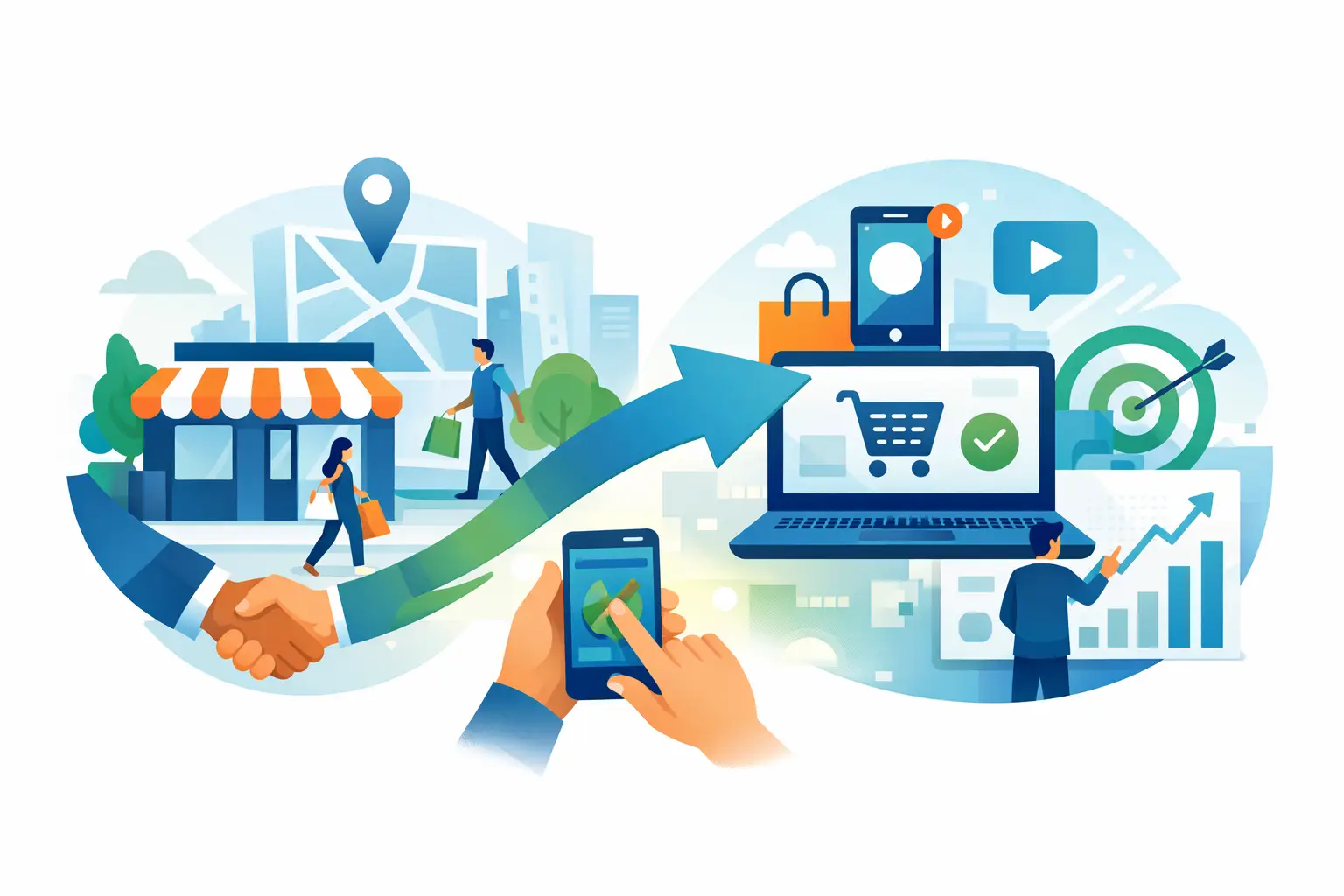
A customer sees your flyer, menu, product label, or window sign for only a few seconds. Offline to online trends are changing what happens next. Instead of asking people to remember a web address or search for a business later, smart brands give them a direct path they can scan on the spot.

For small businesses and creators, this shift is less about adding new technology and more about removing a simple obstacle: typing. A QR code turns a physical moment of interest into a visit, follow, booking, order, or message while that interest is still fresh.

Why Offline to Online Trends Matter

Why Offline to Online Trends Matter

Print has not disappeared. People still pick up business cards, read packaging, browse menus, walk past signs, attend events, and receive direct mail. What has changed is the expectation that physical materials should lead somewhere useful.

A postcard that only includes a phone number asks customers to make the next move themselves. A postcard with a clear QR code can take them straight to a seasonal offer, appointment page, or product collection. The difference is small for the business and meaningful for the customer.

The strongest offline-to-online connection is not a QR code placed everywhere without a purpose. It is one clear action matched to the setting. A code on a restaurant table may lead to the menu or loyalty signup. A code on event signage may lead to a schedule, speaker details, or registration page. A code on product packaging may answer a common question before a customer contacts support.

This approach works because mobile phones are already in customers' hands. The scan is fast, familiar, and requires less effort than searching. But convenience only helps when the destination is worth visiting.

The Trends Worth Using Now

The Trends Worth Using Now

Physical marketing is becoming interactive

Printed materials used to be mostly one-way communication. A brochure explained what a business offered. A poster announced an event. A package displayed product information. Now those same materials can start a digital interaction.

This gives smaller teams more flexibility. You can use a simple printed handout to send customers to a page that changes over time, such as an event update, new inventory, current hours, or a limited-time promotion. You do not need to fit every detail onto the page.

The trade-off is clarity. If the print piece already has too much text, adding a QR code will not fix it. Keep the message focused, then use the code for the detail that belongs online.

One scan, one next step

Generic QR codes that lead to a homepage can work, but they often waste a moment of customer intent. People scan because they expect something specific. Give them that specific thing.

A salon card can lead to online booking. A real estate yard sign can lead to property photos. A creator's event poster can lead to a social profile or ticket page. A contractor's vehicle decal can lead to a quote request form.

The call to action matters as much as the code itself. “Scan to book,” “Scan for the menu,” or “Scan for product details” tells people what they will get before they use their phone. That simple line reduces uncertainty and raises the chance of a scan.

Social profiles are moving into real-world spaces

For creators, local shops, service providers, and event hosts, social media is often where conversations continue after the first interaction. A customer may notice your work at a market, in a waiting room, or on a printed card, then want to see recent posts before deciding to buy or follow.

A QR code can take them directly to the right profile. This is more useful than asking them to search a handle they may misspell or forget. It also works well when a business uses different profiles for different audiences, as long as each printed item leads to the profile that fits its purpose.

Do not send every audience to every channel. If your customers are most active on one platform, make that the destination. More choices are not always more helpful.

Packaging is becoming a service tool

Product packaging has limited space, but customers often need more information than a label can hold. QR codes can connect packaging to setup instructions, care details, ingredient information, recipes, warranty registration, or reorder pages.

This can reduce friction after a sale. A customer who can quickly find instructions is less likely to abandon a product or contact support for a basic answer. For repeat-purchase products, a code that leads to a reorder page can also make returning easier.

The destination needs to work well on a phone. A long PDF designed for desktop is rarely the best result after a scan. Short pages, readable text, clear buttons, and quick-loading media make the experience more useful.

Local businesses are connecting walk-ins to follow-up

Not every visitor is ready to buy during their first visit. A QR code gives local businesses a practical way to continue the relationship after someone leaves.

A retail store can invite visitors to join a text or email list for new arrivals. A fitness studio can share class schedules. A café can offer a digital menu or rewards program. A service business can collect reviews after an appointment.

The best follow-up offer depends on the customer journey. Asking a first-time visitor for a detailed form may be too much. Offering a menu, price list, gallery, or simple offer is often a better first step.

How to Use QR Codes Without Creating Friction

How to Use QR Codes Without Creating Friction

A QR code is easy to generate, but its real value comes from how it is used. Before creating one, decide what a successful scan looks like. Is it a website visit, an appointment, a social follow, a download, a review, or a purchase?

Then match the destination to the physical item. A code on a business card should usually lead to a contact page, portfolio, or booking page. A code on a product display should lead to product information or an offer. A code on a receipt may be better suited for feedback or a future discount.

Keep the design scannable. Use enough contrast between the code and its background, avoid placing it over busy images, and leave clear space around it. Test the printed code with more than one phone before distributing materials. Screen size, lighting, print quality, and placement can affect whether people can scan it quickly.

It also helps to make the code large enough for the viewing distance. A code on a countertop card can be smaller than one on a window sign or poster. If people will scan from several feet away, give them a larger code and a clear reason to use it.

QRColor.com can help create a QR code for a website, social profile, or other digital destination without adding a complicated setup step. Once you have the code, the bigger decision is where it belongs and what you want the customer to do after scanning.

A Simple Checklist Before You Print

A Simple Checklist Before You Print

Before adding a QR code to a campaign, check four basics:

  • The destination is mobile-friendly and loads quickly.
  • The call to action explains exactly what the scan provides.
  • The code has been tested from the final printed version.
  • The destination matches the customer’s stage of interest.

These details prevent a common mistake: treating the QR code as decoration. A code without a useful destination creates an extra step. A code with a relevant destination can shorten the path from curiosity to action.

Measure What Happens After the Scan

Measure What Happens After the Scan

The number of scans can be useful, but it is not the only signal that matters. A campaign with fewer scans may still perform better if those visitors book appointments, submit inquiries, buy products, or return later.

Look at the purpose of each placement. For a menu code, success may be more digital orders or fewer requests for paper menus. For an event code, it may be registrations. For packaging, it may be fewer support questions or more repeat orders. For a creator, it may be profile visits and follows.

It depends on the destination and the audience. A QR code at a busy event may get plenty of scans but little immediate conversion because people are distracted. A code on a product insert may get fewer scans, yet attract customers with a stronger reason to act. Use the context to judge performance, not a single number alone.

Physical materials still create attention. The opportunity is to make that attention easy to continue on a phone. Start with one high-intent item, give people one clear reason to scan, and make the next step worth their time.

Offline to Online Trends That Drive Real Action

Eureka Seven

A customer sees your flyer, menu, product label, or window sign for only a few seconds. Offline to online trends are changing what happens next. Instead of asking people to remember a web address or search for a business later, smart brands give them a direct path they can scan on the spot.

For small businesses and creators, this shift is less about adding new technology and more about removing a simple obstacle: typing. A QR code turns a physical moment of interest into a visit, follow, booking, order, or message while that interest is still fresh.

Why Offline to Online Trends Matter

Why Offline to Online Trends Matter

Print has not disappeared. People still pick up business cards, read packaging, browse menus, walk past signs, attend events, and receive direct mail. What has changed is the expectation that physical materials should lead somewhere useful.

A postcard that only includes a phone number asks customers to make the next move themselves. A postcard with a clear QR code can take them straight to a seasonal offer, appointment page, or product collection. The difference is small for the business and meaningful for the customer.

The strongest offline-to-online connection is not a QR code placed everywhere without a purpose. It is one clear action matched to the setting. A code on a restaurant table may lead to the menu or loyalty signup. A code on event signage may lead to a schedule, speaker details, or registration page. A code on product packaging may answer a common question before a customer contacts support.

This approach works because mobile phones are already in customers' hands. The scan is fast, familiar, and requires less effort than searching. But convenience only helps when the destination is worth visiting.

The Trends Worth Using Now

The Trends Worth Using Now

Physical marketing is becoming interactive

Printed materials used to be mostly one-way communication. A brochure explained what a business offered. A poster announced an event. A package displayed product information. Now those same materials can start a digital interaction.

This gives smaller teams more flexibility. You can use a simple printed handout to send customers to a page that changes over time, such as an event update, new inventory, current hours, or a limited-time promotion. You do not need to fit every detail onto the page.

The trade-off is clarity. If the print piece already has too much text, adding a QR code will not fix it. Keep the message focused, then use the code for the detail that belongs online.

One scan, one next step

Generic QR codes that lead to a homepage can work, but they often waste a moment of customer intent. People scan because they expect something specific. Give them that specific thing.

A salon card can lead to online booking. A real estate yard sign can lead to property photos. A creator's event poster can lead to a social profile or ticket page. A contractor's vehicle decal can lead to a quote request form.

The call to action matters as much as the code itself. “Scan to book,” “Scan for the menu,” or “Scan for product details” tells people what they will get before they use their phone. That simple line reduces uncertainty and raises the chance of a scan.

Social profiles are moving into real-world spaces

For creators, local shops, service providers, and event hosts, social media is often where conversations continue after the first interaction. A customer may notice your work at a market, in a waiting room, or on a printed card, then want to see recent posts before deciding to buy or follow.

A QR code can take them directly to the right profile. This is more useful than asking them to search a handle they may misspell or forget. It also works well when a business uses different profiles for different audiences, as long as each printed item leads to the profile that fits its purpose.

Do not send every audience to every channel. If your customers are most active on one platform, make that the destination. More choices are not always more helpful.

Packaging is becoming a service tool

Product packaging has limited space, but customers often need more information than a label can hold. QR codes can connect packaging to setup instructions, care details, ingredient information, recipes, warranty registration, or reorder pages.

This can reduce friction after a sale. A customer who can quickly find instructions is less likely to abandon a product or contact support for a basic answer. For repeat-purchase products, a code that leads to a reorder page can also make returning easier.

The destination needs to work well on a phone. A long PDF designed for desktop is rarely the best result after a scan. Short pages, readable text, clear buttons, and quick-loading media make the experience more useful.

Local businesses are connecting walk-ins to follow-up

Not every visitor is ready to buy during their first visit. A QR code gives local businesses a practical way to continue the relationship after someone leaves.

A retail store can invite visitors to join a text or email list for new arrivals. A fitness studio can share class schedules. A café can offer a digital menu or rewards program. A service business can collect reviews after an appointment.

The best follow-up offer depends on the customer journey. Asking a first-time visitor for a detailed form may be too much. Offering a menu, price list, gallery, or simple offer is often a better first step.

How to Use QR Codes Without Creating Friction

How to Use QR Codes Without Creating Friction

A QR code is easy to generate, but its real value comes from how it is used. Before creating one, decide what a successful scan looks like. Is it a website visit, an appointment, a social follow, a download, a review, or a purchase?

Then match the destination to the physical item. A code on a business card should usually lead to a contact page, portfolio, or booking page. A code on a product display should lead to product information or an offer. A code on a receipt may be better suited for feedback or a future discount.

Keep the design scannable. Use enough contrast between the code and its background, avoid placing it over busy images, and leave clear space around it. Test the printed code with more than one phone before distributing materials. Screen size, lighting, print quality, and placement can affect whether people can scan it quickly.

It also helps to make the code large enough for the viewing distance. A code on a countertop card can be smaller than one on a window sign or poster. If people will scan from several feet away, give them a larger code and a clear reason to use it.

QRColor.com can help create a QR code for a website, social profile, or other digital destination without adding a complicated setup step. Once you have the code, the bigger decision is where it belongs and what you want the customer to do after scanning.

A Simple Checklist Before You Print

A Simple Checklist Before You Print

Before adding a QR code to a campaign, check four basics:

  • The destination is mobile-friendly and loads quickly.
  • The call to action explains exactly what the scan provides.
  • The code has been tested from the final printed version.
  • The destination matches the customer’s stage of interest.

These details prevent a common mistake: treating the QR code as decoration. A code without a useful destination creates an extra step. A code with a relevant destination can shorten the path from curiosity to action.

Measure What Happens After the Scan

Measure What Happens After the Scan

The number of scans can be useful, but it is not the only signal that matters. A campaign with fewer scans may still perform better if those visitors book appointments, submit inquiries, buy products, or return later.

Look at the purpose of each placement. For a menu code, success may be more digital orders or fewer requests for paper menus. For an event code, it may be registrations. For packaging, it may be fewer support questions or more repeat orders. For a creator, it may be profile visits and follows.

It depends on the destination and the audience. A QR code at a busy event may get plenty of scans but little immediate conversion because people are distracted. A code on a product insert may get fewer scans, yet attract customers with a stronger reason to act. Use the context to judge performance, not a single number alone.

Physical materials still create attention. The opportunity is to make that attention easy to continue on a phone. Start with one high-intent item, give people one clear reason to scan, and make the next step worth their time.