Link in Bio vs QR: Which Works Best?
Eureka Seven
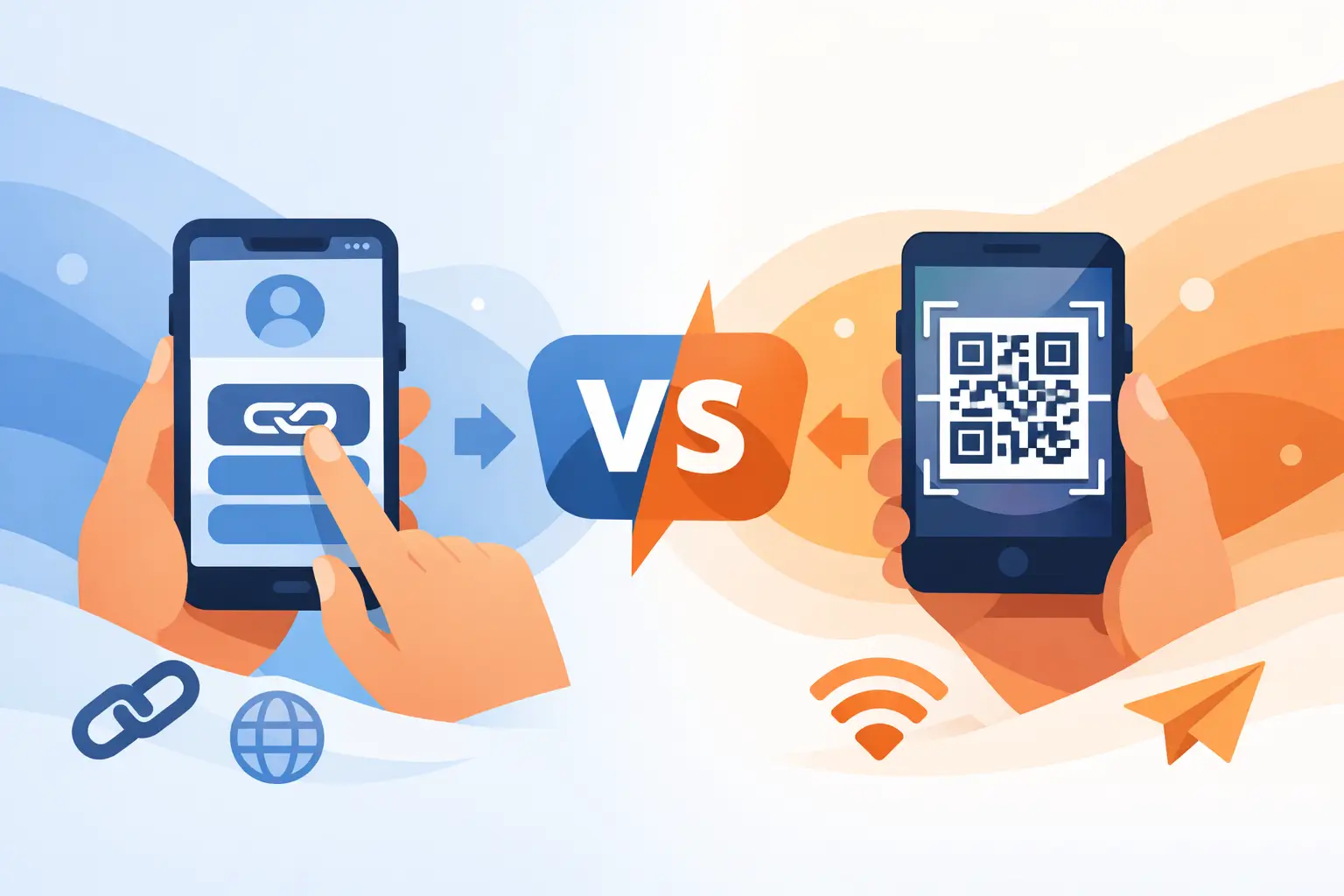
Link in Bio vs QR: Which Works Best?
A customer sees your product on a shelf, your menu on a table, or your sign at an event. They cannot tap an Instagram bio from there. A QR code gives them a direct path to your website, offer, menu, or social profile in seconds.
That is the practical difference in the link in bio vs QR decision. Both help people reach more than one destination from a single starting point, but they work in different places and ask people to take different actions. Choosing the right one comes down to where your audience finds you, what they are using at that moment, and how quickly they need access.
Link in Bio vs QR: The Core Difference
Link in Bio vs QR: The Core Difference
A link in bio is a clickable URL placed in a social media profile. It is most commonly used on platforms where individual post captions do not support clickable links or where a business wants one central place for several important destinations. A customer visits your profile, taps the bio link, and chooses where to go next.
A QR code is a scannable image that opens a digital destination through a phone camera. It is built for the moments when someone is looking at something physical or cannot easily type a web address. They scan the code and land directly on the page you choose.
The difference is simple: a link in bio starts inside a social platform. A QR code starts almost anywhere else, including print, packaging, signs, receipts, presentations, business cards, and digital displays.
Neither option replaces the other. A link in bio is useful for social followers already browsing your profile. QR codes are useful for turning real-world attention into online action.
When a Link in Bio Is the Better Choice
When a Link in Bio Is the Better Choice
Use a link in bio when the customer journey begins on social media. If someone finds your business through a Reel, TikTok, Story, or profile search, they already have their phone in hand and are one tap away from your bio.
It works especially well when you need to organize several destinations. A creator may want to send followers to a new video, newsletter signup, shop, event ticket page, and media kit. A local business might use it for online ordering, appointment booking, directions, and current promotions.
The main strength is flexibility. You can update the destination page as your priorities change without editing older social posts. That makes a link in bio a good home for time-sensitive campaigns, rotating products, or a short list of your most useful links.
There is a trade-off, though. The person must take several steps: see the content, visit your profile, tap the link, and choose an option. Some followers will do that. Others will not, especially if the post does not clearly tell them what they will get after tapping.
A link in bio also depends on the platform. If your account is hard to find, your username is unclear, or the customer sees your promotion away from social media, the path becomes less convenient.
When a QR Code Is the Better Choice
When a QR Code Is the Better Choice
A QR code is the better tool when the customer is standing in front of a physical item, display, or printed message. It removes the need to search for your account, type a URL, or remember an offer later.
For small businesses, that can mean placing a code on a storefront window that leads to store hours or directions. A restaurant can add one to a table tent for the menu or ordering page. A service provider can put one on a flyer that opens a booking form. A product brand can add one to packaging for instructions, reviews, recipes, or a reorder page.
QR codes also work well at events. A speaker can show a code on the final slide for attendees who want the presentation, a contact form, or a special offer. A vendor can use one on a booth sign so people can join a mailing list without waiting in line.
The strength of a QR code is immediate access. The user sees a clear call to action, scans, and reaches the destination. There is no need to go through a social profile first.
The trade-off is visibility and destination quality. A QR code needs enough contrast, a usable size, and room around it so phone cameras can scan it easily. It also needs a clear reason to scan. A code with no label can look like a mystery. A short instruction such as “Scan for the menu,” “Scan to book,” or “Scan for 15% off” sets the expectation.
Choose Based on Where the Customer Is
Choose Based on Where the Customer Is
The easiest way to decide is to start with the customer’s location, not the tool.
If they are scrolling social media, use a link in bio. If they are holding a postcard, reading a sign, opening a package, or attending an event, use a QR code. If they may encounter your business in both places, use both and send them to the same focused destination.
For example, a fitness coach can mention a free trial in an Instagram post and direct followers to the link in bio. The same coach can place a QR code on posters at a local gym, leading to that same trial page. The message stays consistent, while the access method matches the setting.
This is why QR codes are not just a print feature. They are a bridge between offline interest and online action. Link-in-bio pages organize choices for social audiences. QR codes make a specific action easy when a person is not already inside a social platform.
Avoid Sending Everyone to a Crowded Page
Avoid Sending Everyone to a Crowded Page
Whether you use a QR code or a link in bio, the destination matters more than the format. Sending people to a homepage with too many options can create hesitation. If your goal is bookings, take them to bookings. If your goal is reviews, take them directly to the review page. If your goal is a menu, do not make them search your website for it.
A focused destination is especially important for QR codes because the scan is usually tied to one immediate need. Someone scanning a code on a menu holder wants the menu. Someone scanning product packaging may want setup instructions or product details. Give them the page that answers that need first.
For a link in bio, a page with multiple choices can make sense because profile visitors may arrive with different goals. Keep the choices short and clearly labeled. Put the most important action at the top, and remove outdated campaign links.
How to Make a QR Code More Effective
How to Make a QR Code More Effective
A QR code should be functional before it is decorative. Generate it from the final URL, test it with more than one phone, and make sure the destination loads well on mobile. A slow or hard-to-read landing page can waste the attention you worked to earn.
Keep the code large enough for its placement. A small code may work on a business card when viewed up close, but a window sign or event banner needs a larger code for people standing farther away. Avoid placing it over a busy image or using colors with weak contrast.
Add a simple call to action near the code. People are more likely to scan when they know what they will receive. “Scan to view services” is clearer than displaying a code by itself. “Scan for event details” is better than asking people to guess.
For quick, practical use, QRColor can turn a website or social destination into a scannable code that is ready for print or digital materials. The key is to create the code after you have chosen a destination that matches the customer’s next step.
Use Both Without Duplicating Effort
Use Both Without Duplicating Effort
Using both tools does not mean creating two separate marketing strategies. It means giving people the easiest path based on how they find you.
A retail shop can promote a seasonal collection on social media through its link in bio, then use a QR code on in-store signage to send shoppers to the same collection. A real estate agent can keep listing and contact options in a bio link while adding a QR code to property flyers for that specific listing. A musician can use a bio link for all platforms and a QR code on merchandise for one new release.
The destination can be shared. The entry point changes.
The Best Choice Is Usually Context
The Best Choice Is Usually Context
Link in bio is best for guiding people who are already engaged with your social profile. QR codes are best for making a digital destination accessible from the physical world. If your promotion appears in both spaces, there is no reason to force one method to do every job.
Put the next action where people can use it with the least effort. A clear QR code on the right printed item can turn a passing glance into a visit, signup, order, or booking.