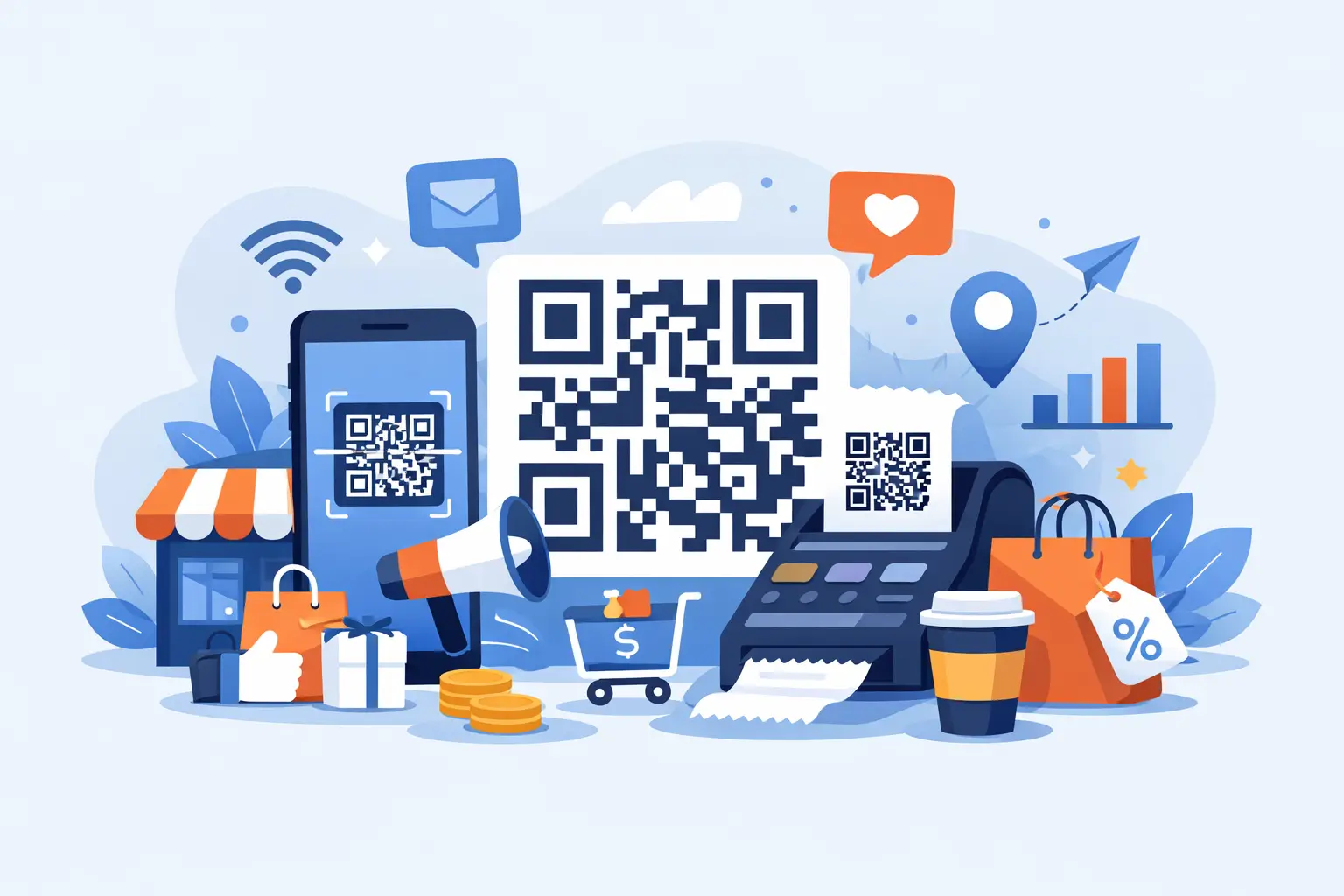
12 Best QR Code Uses for Small Business Marketing

Eureka Seven

12 Best QR Code Uses for Small Business Marketing

A QR code earns its space only when it makes the next step easier. A customer sees a flyer, package, counter sign, or business card and can reach the right page in seconds instead of typing a long web address. That is the common thread behind the best QR code uses: they remove friction between a real-world moment and useful online information.

For a small business, creator, or local service provider, the most effective QR code is not necessarily the most decorative one. It sends people to one clear destination that fits where they found it. A code on a coffee cup should do a different job than one on an event banner. Start with the customer action you want, then create the code around it.

Best QR Code Uses for Customer Actions

Best QR Code Uses for Customer Actions

1. Send people to your website

A website QR code is the simplest and most flexible option. Put it on business cards, postcards, window signs, brochures, and printed ads to give people a fast path to your services, hours, contact details, or current offer.

This works especially well when your website is mobile-friendly and the page answers the question a customer has at that moment. A restaurant sign might lead to the menu, while a home contractor's door hanger might lead to a page with service areas and a quote request form. Sending every scan to a generic homepage can work, but a specific landing page usually gives visitors less work to do.

2. Collect customer reviews

A review QR code can make a big difference after a positive interaction. Place one on a receipt, invoice, thank-you card, countertop display, or follow-up handout. The ideal time to ask is when the experience is still fresh.

Keep the request simple. A short message such as "Enjoyed your visit? Share your feedback" is enough. Do not make customers scan a code, search for your business, and then hunt for the review button. The code should take them as close to the review step as possible.

3. Make booking and appointment requests easier

Service businesses often lose leads when a customer plans to book later and forgets. Add a QR code to a vehicle decal, service estimate, yard sign, or printed leave-behind that opens your appointment page or contact form.

This is useful for salons, fitness instructors, photographers, cleaners, repair businesses, and consultants. If your booking page has too many fields or is difficult to use on a phone, fix that first. The QR code can get people there quickly, but it cannot rescue a frustrating booking process.

Use QR Codes Where Products Are Seen

Use QR Codes Where Products Are Seen

4. Add useful details to product packaging

Packaging has limited room, especially for small products. A QR code can direct buyers to setup instructions, care guides, ingredients, size details, product videos, warranty information, or refill ordering.

The code should add value after the sale, not create a task that should have been handled on the label. Include essential safety information and core product facts in print when needed. Use the QR code for the extra details that benefit from more space, images, or video.

5. Connect printed menus to current menus

Restaurants, food trucks, breweries, and cafes can use QR codes to point customers to a current menu. This is helpful when prices, specials, ingredients, or availability change often.

A menu QR code also works on table tents, takeout bags, catering cards, and storefront windows. For the best experience, the destination should open directly to the menu without requiring visitors to download an app or create an account. Keep a printed option available when practical, since not every guest wants to scan.

6. Support retail displays and in-store signs

A shelf tag can only say so much. Use a QR code beside a product display to show color options, how-to videos, customer photos, product comparisons, or related items. This gives shoppers more confidence without asking staff to repeat the same details all day.

Retail QR codes are most useful when the product needs explanation. A simple item with an obvious purpose may not need one. Save the space for products where a little extra context can help someone decide.

Build Your Audience Beyond the Sale

Build Your Audience Beyond the Sale

7. Grow social media followings

Social profile QR codes make sense at places where people have time to browse: event booths, checkout counters, product inserts, studio walls, and printed promotional materials. A creator can place a code on a portfolio card that opens an Instagram, TikTok, or YouTube profile.

Choose one primary profile rather than sending people through a confusing list of options. If you use several platforms, direct the QR code to a simple page that clearly lets visitors choose. The goal is a useful connection, not one more decision.

8. Share event details and registrations

Event posters have a short window to capture attention. A QR code can open a registration page, schedule, ticket page, speaker list, venue map, or calendar event. It is particularly effective for workshops, open houses, pop-ups, fundraisers, classes, and local promotions.

Make the call to action specific. "Scan to reserve your seat" gives people a reason to act. "Scan here" does not explain what they will get. If registration is already full, update the page or remove the code from future materials so people do not hit a dead end.

9. Offer a giveaway or limited promotion

QR codes can move an offline audience toward a short-term offer. Put one on a postcard, event sign, package insert, or display with a clear benefit such as a first-order discount, free sample signup, or contest entry.

There is a trade-off: a promotion may generate more scans, but it can also attract people interested only in the discount. Make sure the offer supports a business goal, such as building an email list, introducing a new service, or bringing local customers back for another visit.

Improve Everyday Communication

Improve Everyday Communication

10. Put contact information on business cards

Business cards still work because they are easy to hand over. A QR code gives them a digital next step. It can lead to a contact page, service list, portfolio, scheduling page, or social profile.

This is often better than filling a card with tiny text. Still, print your business name, phone number, and email clearly. A QR code is an added convenience, not a replacement for the basic information people may need right away.

11. Share forms, documents, and instructions

QR codes are useful for documents people need on location. A property manager can share maintenance instructions. A school group can share permission forms. A wedding planner can point guests to schedule details. A tradesperson can provide equipment manuals or maintenance guidance.

Before printing, open the destination on a phone and check it as a customer would. Documents with tiny text, required logins, or slow downloads can turn a helpful code into an annoyance. A mobile-friendly page is usually easier than a large file.

12. Turn signage into a useful starting point

Window signs, vehicle graphics, posters, and trade show banners can do more than display a logo. A QR code can direct people to a quote form, service menu, location details, newsletter signup, or portfolio.

Distance matters here. A code on a banner needs to be large enough to scan from where people will stand. A code on a moving vehicle should not be your only call to action, since no one should try to scan it while driving. Include a short, readable web address or business name as a backup.

Make Every QR Code Easy to Scan

Make Every QR Code Easy to Scan

The best QR code uses depend as much on execution as the destination. Use strong contrast, leave clear space around the code, and avoid shrinking it until phone cameras struggle to read it. Dark code on a light background remains the safest choice, even when you add brand color.

Test every code before printing a stack of cards or sending a design to production. Scan it with more than one phone, in normal indoor light and the conditions where it will appear. Check that the page loads quickly, that the text is readable, and that the promised action is obvious.

It also helps to tell people what happens after they scan. A brief label such as "View services," "Book online," or "See the menu" creates more confidence than a code sitting alone on the page. QRColor can help turn the right URL into a scannable asset quickly, but the destination and message are what make it useful.

Pick one printed item your customers already see, match it with one clear online action, and test the code before it goes live. That small change can make a website, form, menu, or social profile much easier to reach when interest is highest.

12 Best QR Code Uses for Small Business Marketing

Eureka Seven

A QR code earns its space only when it makes the next step easier. A customer sees a flyer, package, counter sign, or business card and can reach the right page in seconds instead of typing a long web address. That is the common thread behind the best QR code uses: they remove friction between a real-world moment and useful online information.

For a small business, creator, or local service provider, the most effective QR code is not necessarily the most decorative one. It sends people to one clear destination that fits where they found it. A code on a coffee cup should do a different job than one on an event banner. Start with the customer action you want, then create the code around it.

Best QR Code Uses for Customer Actions

Best QR Code Uses for Customer Actions

1. Send people to your website

A website QR code is the simplest and most flexible option. Put it on business cards, postcards, window signs, brochures, and printed ads to give people a fast path to your services, hours, contact details, or current offer.

This works especially well when your website is mobile-friendly and the page answers the question a customer has at that moment. A restaurant sign might lead to the menu, while a home contractor's door hanger might lead to a page with service areas and a quote request form. Sending every scan to a generic homepage can work, but a specific landing page usually gives visitors less work to do.

2. Collect customer reviews

A review QR code can make a big difference after a positive interaction. Place one on a receipt, invoice, thank-you card, countertop display, or follow-up handout. The ideal time to ask is when the experience is still fresh.

Keep the request simple. A short message such as "Enjoyed your visit? Share your feedback" is enough. Do not make customers scan a code, search for your business, and then hunt for the review button. The code should take them as close to the review step as possible.

3. Make booking and appointment requests easier

Service businesses often lose leads when a customer plans to book later and forgets. Add a QR code to a vehicle decal, service estimate, yard sign, or printed leave-behind that opens your appointment page or contact form.

This is useful for salons, fitness instructors, photographers, cleaners, repair businesses, and consultants. If your booking page has too many fields or is difficult to use on a phone, fix that first. The QR code can get people there quickly, but it cannot rescue a frustrating booking process.

Use QR Codes Where Products Are Seen

Use QR Codes Where Products Are Seen

4. Add useful details to product packaging

Packaging has limited room, especially for small products. A QR code can direct buyers to setup instructions, care guides, ingredients, size details, product videos, warranty information, or refill ordering.

The code should add value after the sale, not create a task that should have been handled on the label. Include essential safety information and core product facts in print when needed. Use the QR code for the extra details that benefit from more space, images, or video.

5. Connect printed menus to current menus

Restaurants, food trucks, breweries, and cafes can use QR codes to point customers to a current menu. This is helpful when prices, specials, ingredients, or availability change often.

A menu QR code also works on table tents, takeout bags, catering cards, and storefront windows. For the best experience, the destination should open directly to the menu without requiring visitors to download an app or create an account. Keep a printed option available when practical, since not every guest wants to scan.

6. Support retail displays and in-store signs

A shelf tag can only say so much. Use a QR code beside a product display to show color options, how-to videos, customer photos, product comparisons, or related items. This gives shoppers more confidence without asking staff to repeat the same details all day.

Retail QR codes are most useful when the product needs explanation. A simple item with an obvious purpose may not need one. Save the space for products where a little extra context can help someone decide.

Build Your Audience Beyond the Sale

Build Your Audience Beyond the Sale

7. Grow social media followings

Social profile QR codes make sense at places where people have time to browse: event booths, checkout counters, product inserts, studio walls, and printed promotional materials. A creator can place a code on a portfolio card that opens an Instagram, TikTok, or YouTube profile.

Choose one primary profile rather than sending people through a confusing list of options. If you use several platforms, direct the QR code to a simple page that clearly lets visitors choose. The goal is a useful connection, not one more decision.

8. Share event details and registrations

Event posters have a short window to capture attention. A QR code can open a registration page, schedule, ticket page, speaker list, venue map, or calendar event. It is particularly effective for workshops, open houses, pop-ups, fundraisers, classes, and local promotions.

Make the call to action specific. "Scan to reserve your seat" gives people a reason to act. "Scan here" does not explain what they will get. If registration is already full, update the page or remove the code from future materials so people do not hit a dead end.

9. Offer a giveaway or limited promotion

QR codes can move an offline audience toward a short-term offer. Put one on a postcard, event sign, package insert, or display with a clear benefit such as a first-order discount, free sample signup, or contest entry.

There is a trade-off: a promotion may generate more scans, but it can also attract people interested only in the discount. Make sure the offer supports a business goal, such as building an email list, introducing a new service, or bringing local customers back for another visit.

Improve Everyday Communication

Improve Everyday Communication

10. Put contact information on business cards

Business cards still work because they are easy to hand over. A QR code gives them a digital next step. It can lead to a contact page, service list, portfolio, scheduling page, or social profile.

This is often better than filling a card with tiny text. Still, print your business name, phone number, and email clearly. A QR code is an added convenience, not a replacement for the basic information people may need right away.

11. Share forms, documents, and instructions

QR codes are useful for documents people need on location. A property manager can share maintenance instructions. A school group can share permission forms. A wedding planner can point guests to schedule details. A tradesperson can provide equipment manuals or maintenance guidance.

Before printing, open the destination on a phone and check it as a customer would. Documents with tiny text, required logins, or slow downloads can turn a helpful code into an annoyance. A mobile-friendly page is usually easier than a large file.

12. Turn signage into a useful starting point

Window signs, vehicle graphics, posters, and trade show banners can do more than display a logo. A QR code can direct people to a quote form, service menu, location details, newsletter signup, or portfolio.

Distance matters here. A code on a banner needs to be large enough to scan from where people will stand. A code on a moving vehicle should not be your only call to action, since no one should try to scan it while driving. Include a short, readable web address or business name as a backup.

Make Every QR Code Easy to Scan

Make Every QR Code Easy to Scan

The best QR code uses depend as much on execution as the destination. Use strong contrast, leave clear space around the code, and avoid shrinking it until phone cameras struggle to read it. Dark code on a light background remains the safest choice, even when you add brand color.

Test every code before printing a stack of cards or sending a design to production. Scan it with more than one phone, in normal indoor light and the conditions where it will appear. Check that the page loads quickly, that the text is readable, and that the promised action is obvious.

It also helps to tell people what happens after they scan. A brief label such as "View services," "Book online," or "See the menu" creates more confidence than a code sitting alone on the page. QRColor can help turn the right URL into a scannable asset quickly, but the destination and message are what make it useful.

Pick one printed item your customers already see, match it with one clear online action, and test the code before it goes live. That small change can make a website, form, menu, or social profile much easier to reach when interest is highest.